
SFF for the living room
Let’s indulge in small form factor computer cases, shall we? These tiny, tight, delicate hardware enclosures that we try to squeeze as much power as possible into, all the while trying to keep ‘em as silent as possible.
I’ve said before step 2 was to decide on a case for your build, but you need to think of more.
When building an ITX machine you carefully have to decide what components physically fit and work well in a tiny enclosure.
So, we also need to consider the components that go into the case.
Why the GPU decide the case
GPUs the last few generations have grown in both power usage and sheer girth.
I knew I wanted an AMD GPU, since I’ve read and heard they simply work better on Linux. Since their drivers are open source. But since I had not decided on what GPU yet, I needed a case that could incorporate several sizes of GPU.
I knew I was on a budget, meaning considering used or 2nd hand for all components was an option. Looking at the used GPU market here in Norway, there are several good options from last gen’s AMDs. Like the 7800 XT or the older 6800 XT. Both available with 16 GB of VRAM.
I also knew I wanted a machine that could be as quiet as possible. This means looking for GPUs that require little power draw (sub 200w) and ideally undervolts or works well when power constrained. With as little impact to performance as possible.
The reason I mention a GPU at this point is that it’s essential the GPU fits in the case.
From the onset, there was a huge number of possible ITX cases that I considered for this build, but two with Scandinavian minimalistic design early stuck their sleek necks out. Both options from Fractal Design, the Ridge and the Terra.
Fractal Design Terra
The Terra has been out for some years at this point, and I remember the first time I saw the press release video, Fractal nails that sleek aesthetic that is totally a dream scenario. No one’s room is this tidy?
I simply LOVE Fractal’s implementation of wood accents on the Terra.
Fractal’s press material represents the unobtainable dream for my office and gaming space. In reality it’s cables, dust, empty beer cans and mess all over the place.
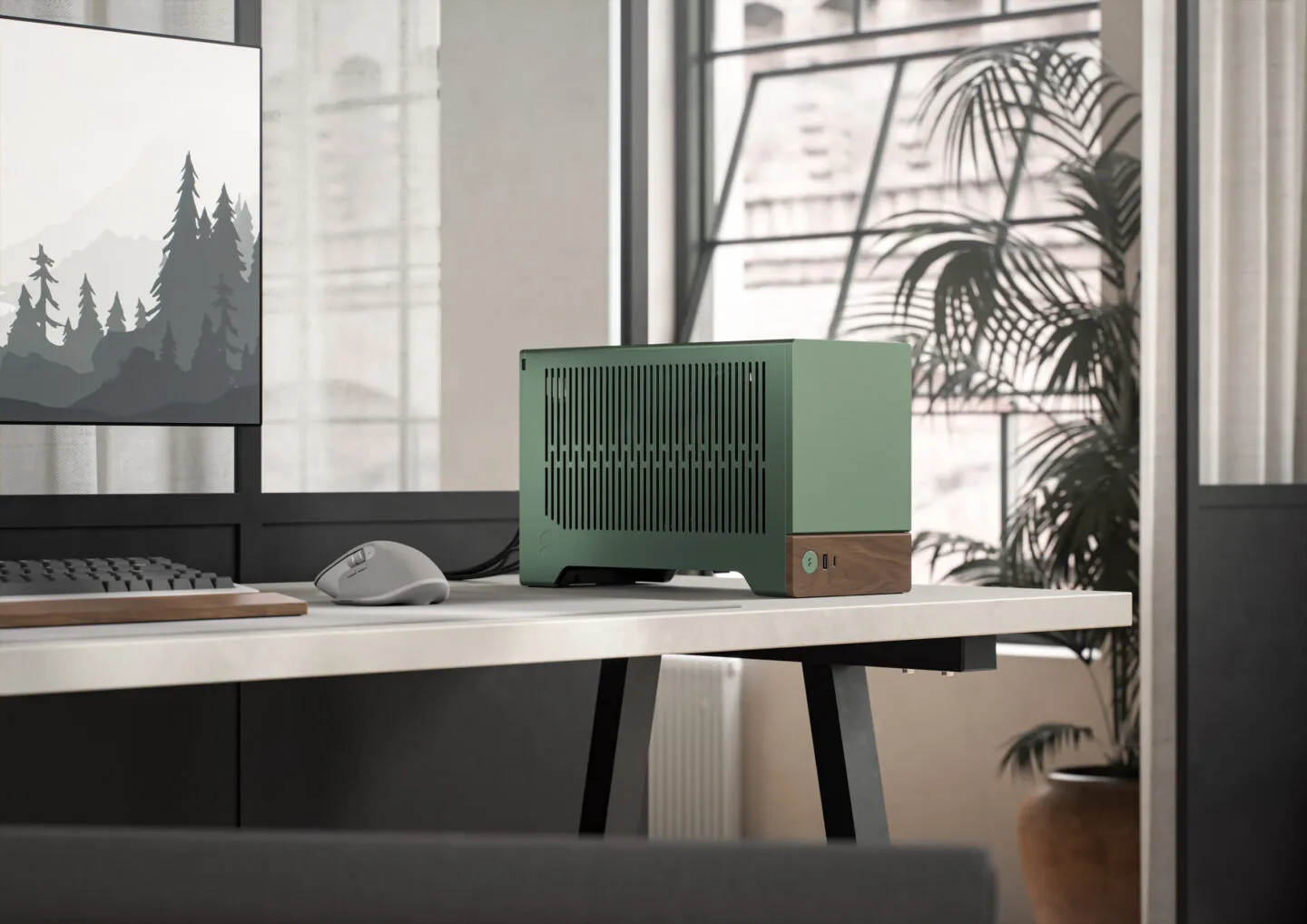 This is sooo beauifull - no wonder it is popular! | credit Fractal Design
I digress. The Terra was one case I considered for my build. The green CNC’d alu with the wood accents just looks damn cool, and it is definitely something I would love for my living room PC.
The Terra is available here in Norway for around 2200 NOK, internationally it sells for around $200 and around €170.
And I did see some pop up used here in Norway for around half that price. A very nice option. This used listing however, was sold before I was able to make a decision.
NCASE, DanCase, FormD and other high end alternatives
We also have several good options from Ncase, Dancase, FormD and these high end, low volume suppliers of ITX cases. (Shout out to Optimum on YouTube for his excellent coverage of hardware and ITX cases.)
While I would love to have any of these cases on display in the living room as a DIY Steam Machine, their limited availability and high price are my main limiting factors.
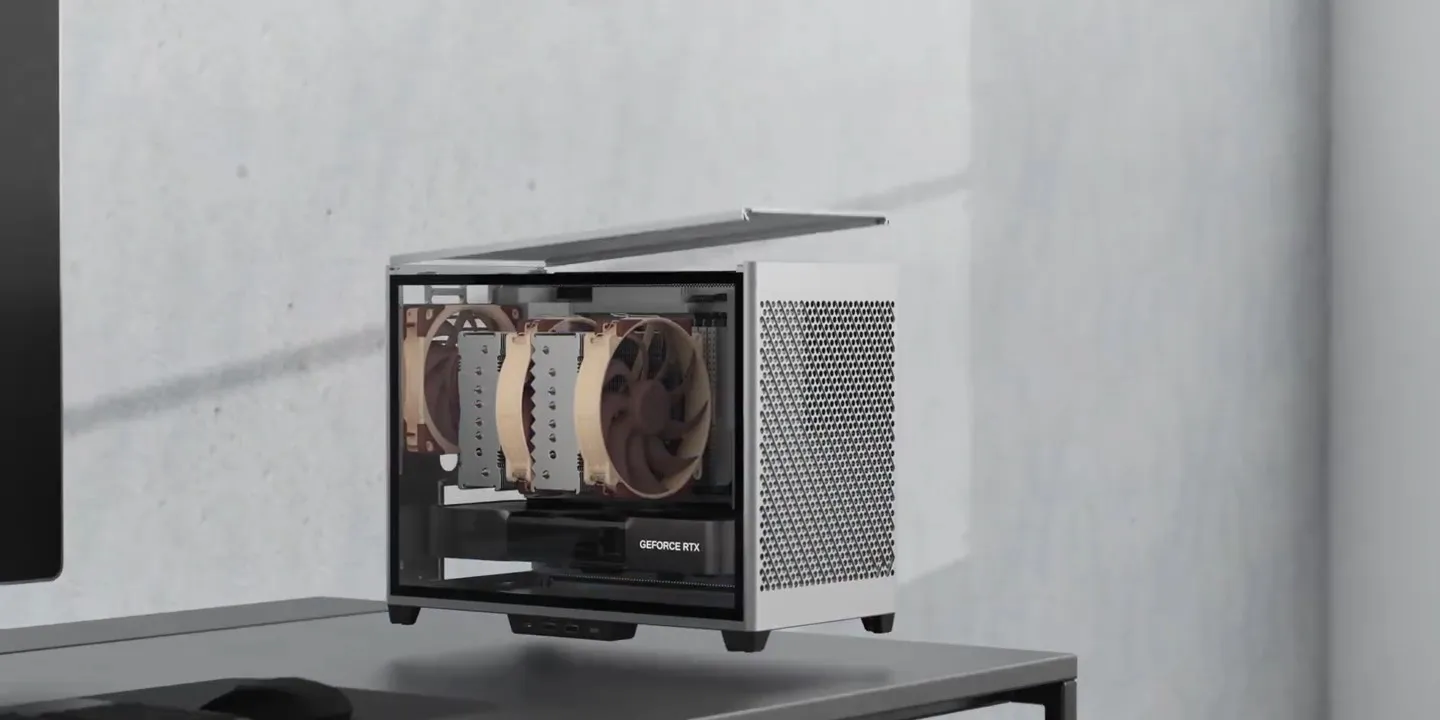 Ncase M series, hovering above the desk | credit Ncase
Price-wise they would end up a step above the Ridge, in some cases at what I estimate to be around 20-30% higher.
Another case that popped into my mind was the Loque Ghost, but they went out of production or business a while back and these cases are not available new any more.
Fractal Ridge
Another banger from the Swedes over at Fractal Design: the Ridge.
This very sleek ITX case is genius in the way it is set up, having several compartments inside it. It’s laid out in a different way, meaning it gets a lot thinner than the desk cases like DAN Case, FormD, Terra etc.
The Ridge is designed to be like a media unit. Remember when we used to have receivers and CD players placed in our living rooms? But actually it is hiding a seriously powerful PC.
This is not only more classy than both an Xbox Series X and S and a PS5. I really like the looks of it, it is sleek and nice. On paper, if I were buying new, the obvious choice for my specific build, since it can be mounted horizontally as well as vertically.
I know my wife would prefer the Ridge, luckily she is not involved in the decision-making this time.
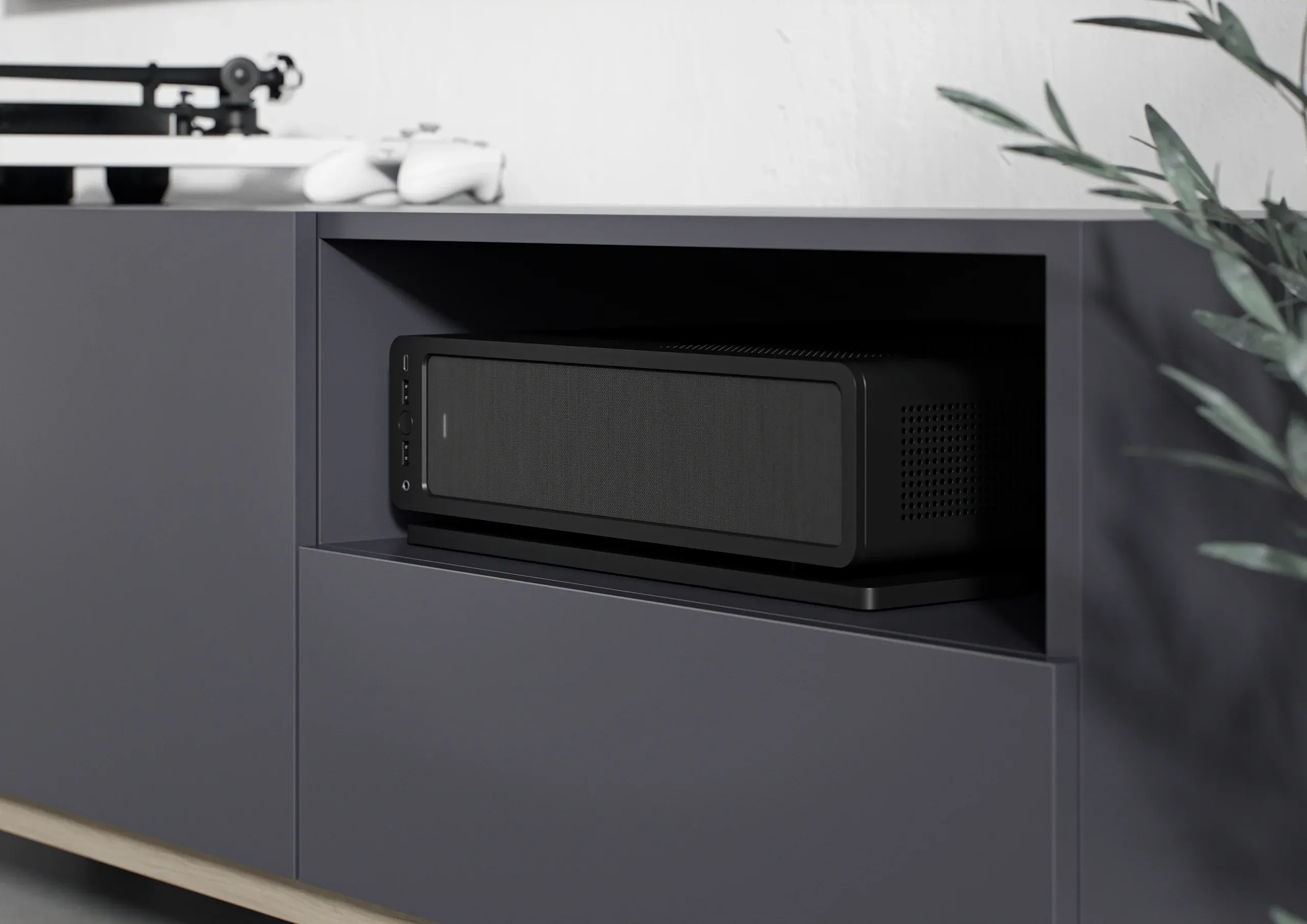 The Fractal Ridge in black. I think setup would get hot | credit Fractal Design
A very nice option as well, and it retails for about 1700 NOK here in Norway. A decent amount less than the other options in this article.
A wild FormD T1 appears!
While I was deciding whether what case to go for, I kept watching the secondhand market.
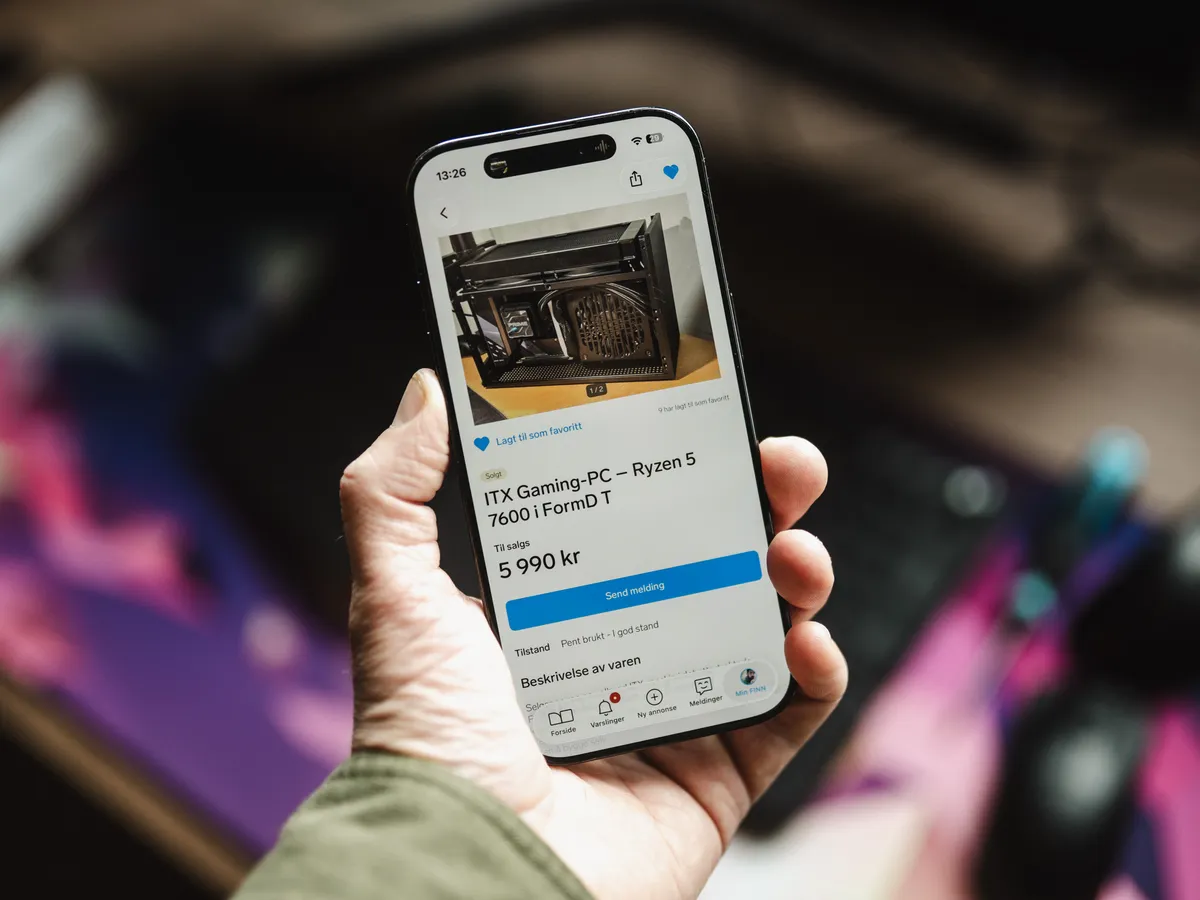
Then, I saw this listing.
An AM5 Ryzen 7600 CPU, watercooled, 16 GB of DDR5, a FormD T1 ITX case in black, and no GPU. All this for around 6000 NOK.
The FormD T1 is a very highly regarded ITX case, with its 9.5 litres, fully modular, and very accommodating when it comes to GPUs. The layout handles long, thick cards that simply won’t fit in a Terra.
A machine without a GPU was also ideal for me, since this gives me the possibility to get the exact GPU that suits my needs in both size, performance and power usage.
The 7600, with its 6 cores and 65 watt TDP, is also ideal for this particular use case. I want a machine as silent as possible, but is decently powerful. In my main gaming rig I run the X version of this very CPU, and by my findings it works very well when power constrained.
The 16 GB of RAM is a little on the low side, but acceptable for a DIY Steam Machine. Another AM5 system in the house is also ideal, meaning I can mix and match RAM sticks between my systems. I already have RAM that I know works well on EXPO settings.
Another bonus point goes to having two AM5 systems in my house, meaning I can mix and match components like RAM and CPU down the line. It’s also a good idea to have two systems on AM5, since AM5 will continue to support it to 2029.

This used listing was very close to my ideal, and it leaves room in my budget for a GPU for around 4000 NOK.
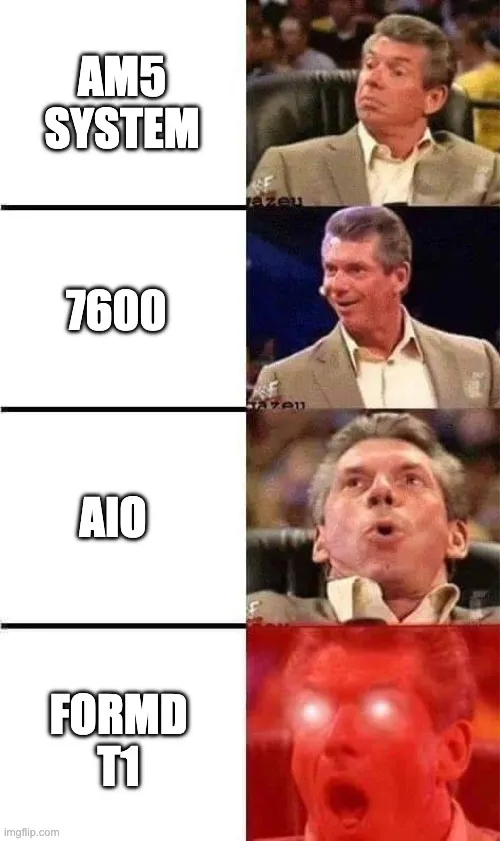 This pretty much sums up my feelings when finding this listing | credit kaytomas.com
What to check when buying used PC parts
Buying components used can be a hit or miss situation, even though you take all considerations into account. There is a risk, and you are buying without or with limited warranty. Having said that, I know that many components have long lifespans, and used components are cheaper than new. Another reason we are building computers in the first place, is the advantage that we can fix something if it breaks.
There are a number of considerations you have to make when buying used.
First is the seller and their communication with you. I always message them and try to get an idea of who they are and how they’ve used the gear. Why are they selling? Did they build the system themselves? How has it been used?
In this finn listing I knew the AIO would be sketchy to ship while attached, and I know pumps can start breaking down when they are old. I asked about this, and no unusual sound was heard according to him.
GPUs are another thing, if you are buying a GPU used, it’s always smart to at least ask about coil whine and try to understand how it’s been used. Has it been under- or overclocked? What about mining or compute pools? What kinds of games has it been running? And most importantly, why is the seller selling it?
In my case I messaged the seller and asked about a bunch of other things too: whether he’d built the system himself, whether he’d undervolted the CPU, what the noise levels on the AIO were like in use, and how he’d pack and prepare it for shipping, among other things.
He answered and seemed honest enough, so I took the plunge and ordered the FormD T1.
What I ended up with
So the FormD T1 it was! Used, under budget, and with the GPU slot left open for me to decide later. On paper the Ridge was the smarter buy if I’d gone new, but this listing hit almost every note I was after for less.
Even though I did everything in my power to make sure this was a good buy, I did get a few surprises when I received it. I’ll cover those surprises later, next up is the GPU!
I will cover the pain points later, ‘cause next up is GPU!
