
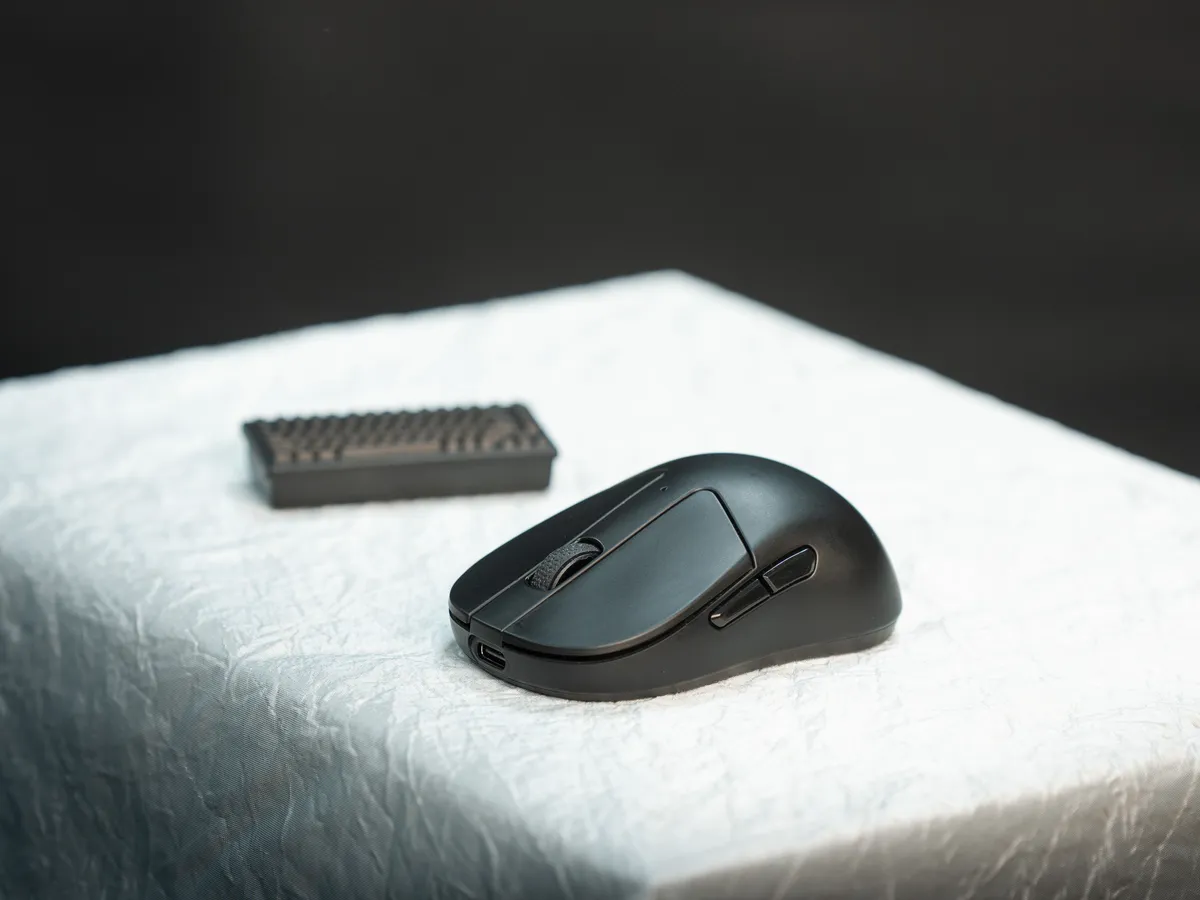
Keychron M4 review
In gaming, small mice are big news. Ultra light, ultra fast, and designed for fingertip grip, a grip where you barely touch the mouse. No claw, no palm, just the tips. A style I personally had never knowingly used before.
Keychron is a brand known for mechanical keyboards (and they are good at them), but the M4 is their attempt at joining the fingertip-mouse crowd. Tiny size, decent price, and surprisingly serious performance.
Small mouse, big performance.
And, as always, my curiosity got the better of me. I had to try it.
Disclaimer
Mouse bought with my own money. No involvement from Keychron in any way.
Why I wanted to try a fingertip mouse
When I really looked at my grip, it seemed to sit somewhere between fingertip and claw. At least, that’s how I interpret it. Bigger mice will hit my palms as well. And that made me wonder if the M4 might actually fit me better than I expected.
That, combined with the relatively low price, was enough for me to take the plunge.
I was curious.
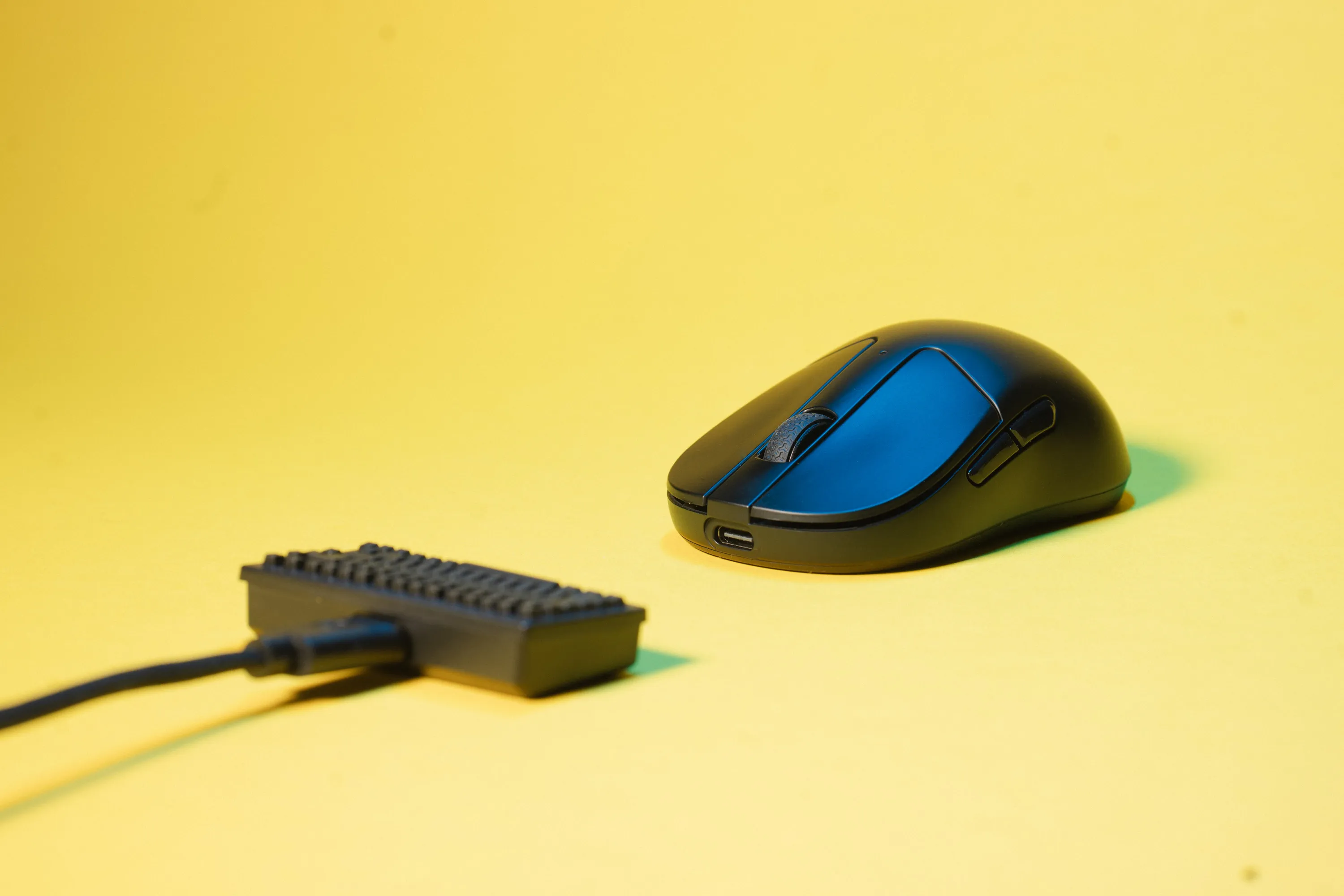 Keychron M4 with mini keyboard receiver / credit kaytomas.com
How would it feel?
Would my grip adapt?
Would my aim improve?
Or would I just end up with frustrated fingers and a sore forearm?
Keychron, the brand
Keychron is well known for their mechanical keyboards, both under the Keychron name and their more gamer focused Lemonkey brand. And they’ve built a reputation for solid quality at fair prices. Great bang for your buck value.
The M4 is the first Keychron mouse I’ve ever tried. My only previous hands-on experience with the brand Keychron was with their K3 Max keyboard, read my review here.
Which version should you choose?
I do feel Keychron have done themselves a disservice with the naming of the different SKUs in the M4 line. The mouse comes with 3 different polling rates. 1000, 4000 and 8000. Henceforth, these shall be named 1K, 4K and 8K.
The Keychron M4 comes in 3 different polling rate SKUs, and two colors (black and white):
- M4-1K, an office version, with 1000 Hz polling rate
- M4-4K, a gamer focused version, with 4000 Hz polling rate
- M4-8K, a polling rate madman focused version, with 8000 Hz polling rate.
On the 4K, the 4000 Hz version, the 2.4 GHz receiver is a tiny keyboard. This is SO CUTE. This feature was however skipped on the super fast 8000 Hz polling rate version for reasons unknown.
Both the 1K and 4K (1000 Hz and 4000 Hz polling version) are using the PixArt 3395 sensor.
The recenetly released 8K version, comes with an upgraded sensor, the PixArt 3950.
| SKU | Polling Rate | Sensor | Price | Mini keyboard receiver? |
|---|---|---|---|---|
| 1K | 1000 Hz | PixArt 3395 | 63.99 € / 49.99 $ | |
| 4K | 4000 Hz | PixArt 3395 | 85.99 € / 59.99 $ | X |
| 8K | 8000 Hz | PixArt 3950 | 85.99 € / 69.99 $ |
If you are planning to use this mouse wired, note that only the 8K version supports the full speed polling rate (8000 Hz) while using a wired connection.
The 4K (the one with the tiny keyboard receiver) only supports 2000 and 4000 Hz while using the receiver.
Using Bluetooth, you only get a polling rate of 125 Hz on all versions of the M4.
People differ, some are snappy, some are more … let’s say sluggish. I’m probably somewhere in the latter category. But honestly, I’d argue there’s a point where mouse performance becomes negligible, and we’re definitely brushing up against that threshold with 4000 or 8000 Hz polling rates on mice.
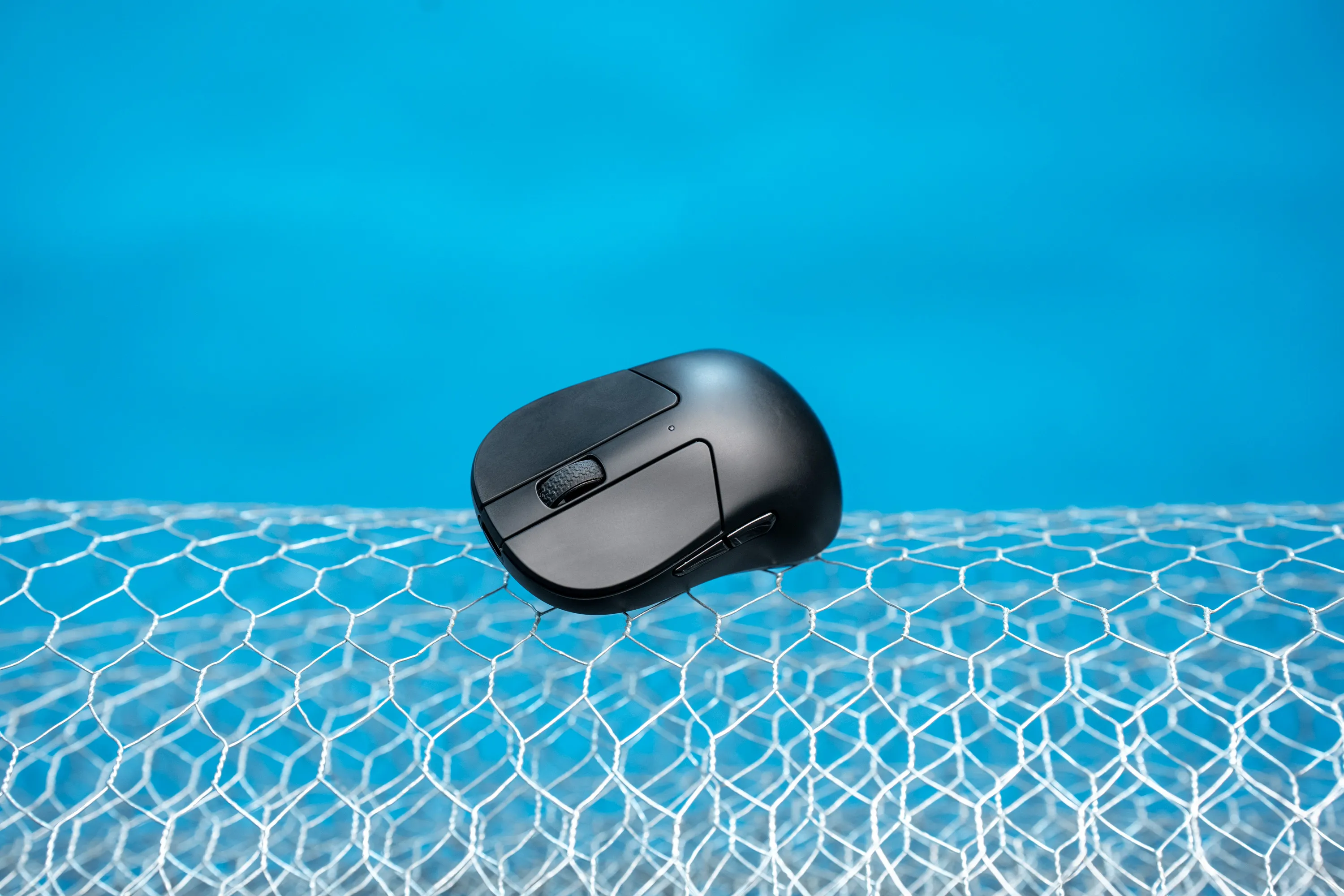 The Keychron M4 with a sassy blue background / credit kaytomas.com
The 8K version is the only one using the upgraded PixArt 3950 sensor, while the 1K and 4K versions use the PixArt 3395.
The 4K is sadly the only version with Keychron’s awesome homage, the mini keyboard receiver.
At the time of writing, we can only speculate if Keychron are phasing out the 4K version.
First impressions
This thing is tiny! I knew it was small, but I was still surprised when I lifted it out of the box.
At a glance, it almost looks like a mouse for kids. What’s this, a mouse for ants?
The first few minutes using it, it felt way too small. Noticeably smaller than what I was used to. Which makes perfect sense, given its size and weight.
I swapped it straight into my gaming setup, and before long I was running around lootin’, shootin’ and shouting “Don’t shoot!” in Arc Raiders without any issues.
It actually felt comfortable for me, way faster than what I was expecting. After a few hours of evening use (and that’s with a different mouse at work), I felt right at home with this tiny thing.
In regards to direct aim, I cannot say that I am in the habit of actually measuring data. I have not gathered enough data on my old mouse nor this, but I can say that it felt at home right away, even in games that I’ve played a lot like Overwatch and Arc Raiders.
The sensor placement is directly beneath the mouse in center, making side to side shifts natural and easy to do.
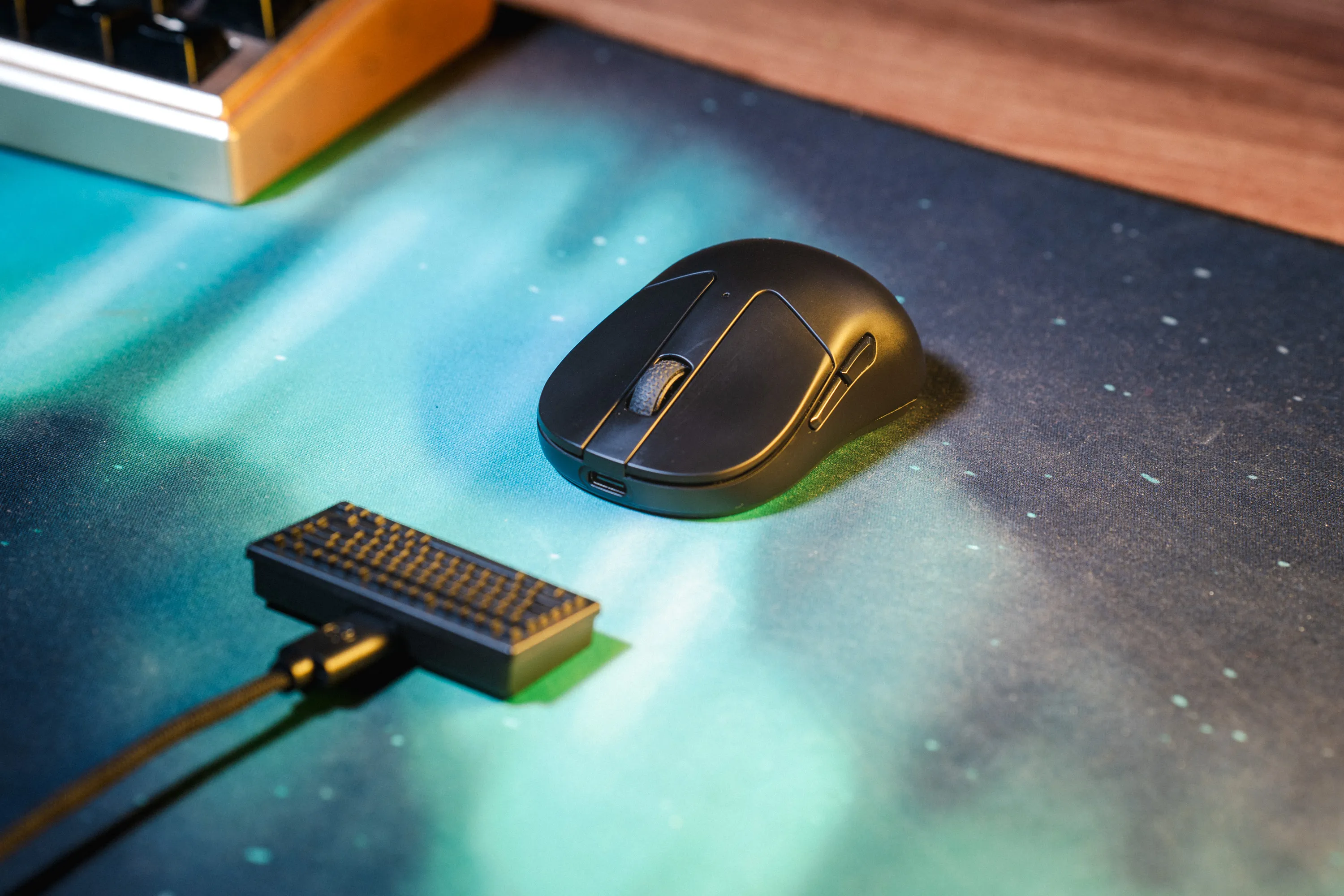 Keychron M4 in black on my desk / credit kaytomas.com
The scroll wheel is also much smaller than on my daily driver, the Zowie EC2-CW. I expected it to be awkward, but after a few days it felt completely natural. I tend to bind reload and weapon change to the scroll wheel, and even in stressful situations my mis-scrolls have not increased with this tiny mouse wheel.
Mouse clicks feel good and snappy. The switches are the Huano 80M Micro Switch, it has a supposed mechanical life span of 80M cycles and an operating force of 70g.
Some people remove the two side buttons, to decrease its weight even further. That’s not for me. These buttons are valuable for me as a person with little finger agility. So even when using side buttons for crouch and push to talk I’ve not experienced mis clicks or erratic behavior.
Maybe I’ve been using fingertip grip all along?
Keychron launcher - no installs needed!
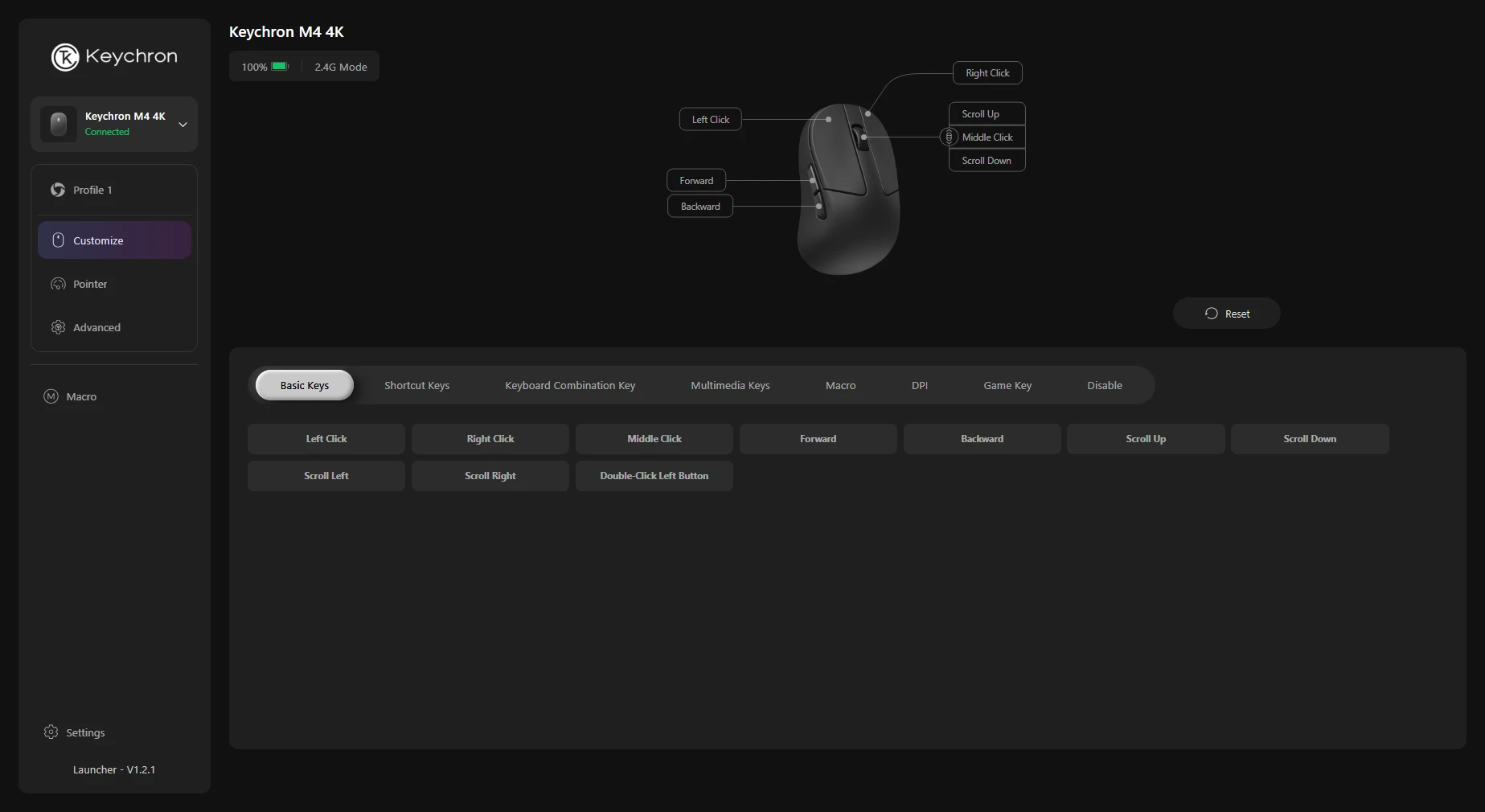
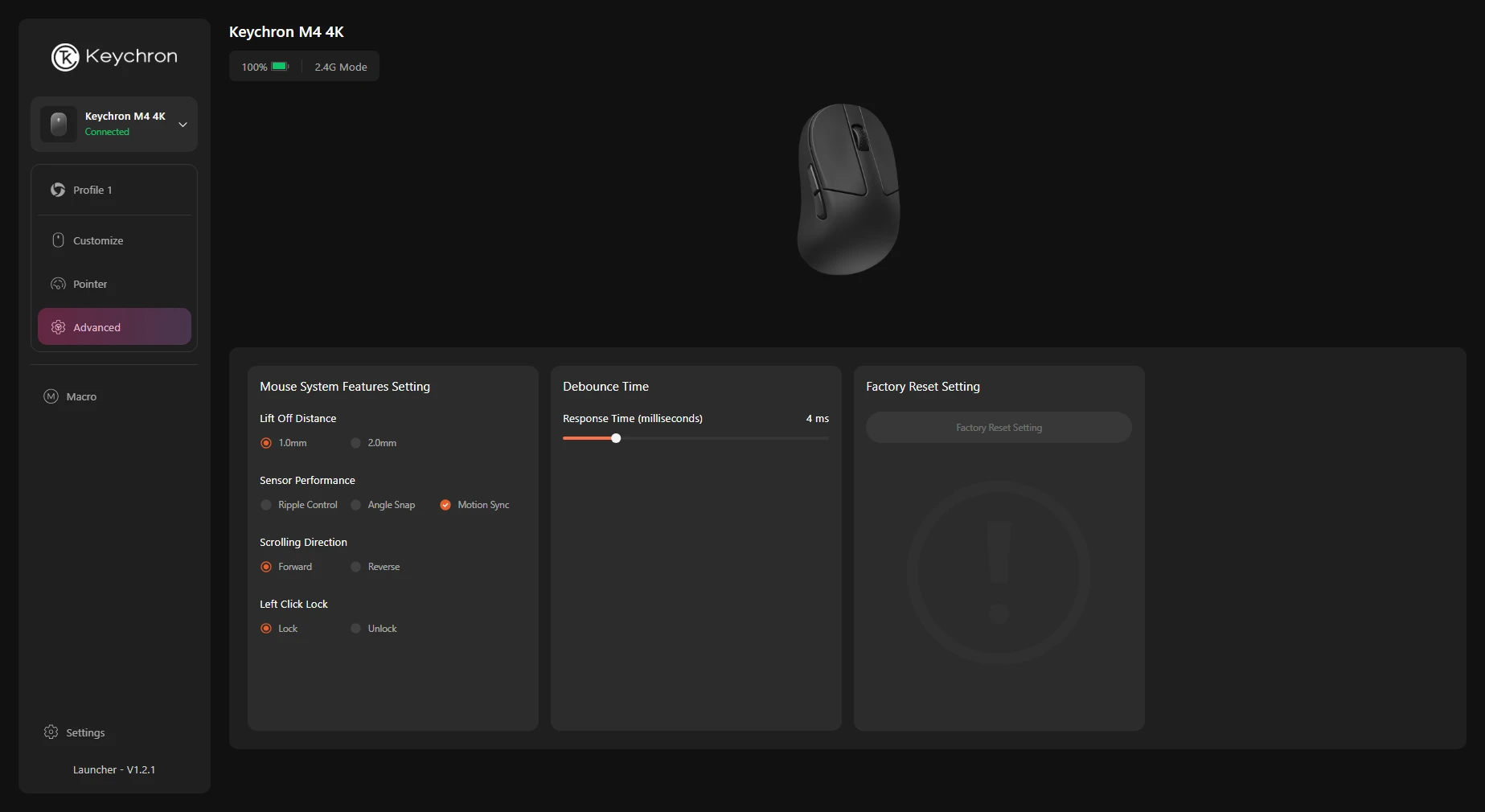
One feature I really like is the keychron launcher located over launcher.keychron.com.
In the software you can actually tweak the DPI intervals of the buttons on the mouse. Let’s say you would like 800, 1000 and 1200 instead of 800 and 1600— you can do that in the software. Nice!
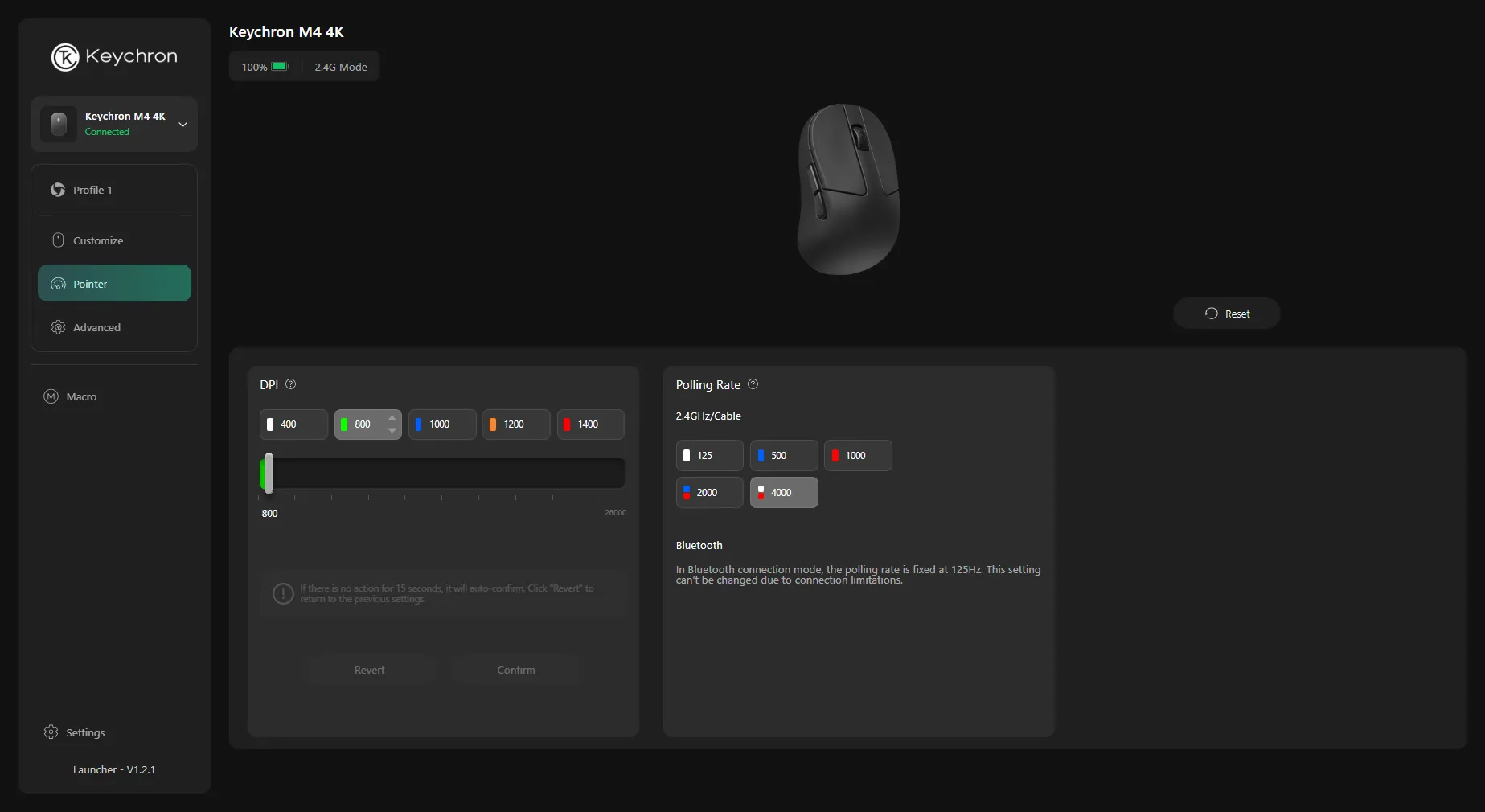 You can configure the DPI cycling / credit kaytomas.com
You dont have to install anything, you simply flash the settings from your browser to the mouse. This way of config, that we also have seen from companies like Fractal Design and Wooting as well. Personally I really like this approach, and would love to see it from other vendors as well going forward.
Battery life
All versions of the mouse come with a 300 mAh battery and your polling rate is what defines how long your mouse lasts on a charge.
Personally I find the battery life on my M4-4K very good, and plenty in my day to day gaming and work sessions. I have noticed that I’ve forgot to turn it off several times but that has never been an issue. Its auto sleep function is also working sufficiently. Note that my sessions are 4 hours at the most.
Keychron lists up to 60 hours in Bluetooth mode (that is Bluetooth mode (125 Hz) and on the 8K).
And up to 67 hours on the 1K and 4K, with 1000 Hz polling rate.
I reckon a polling rate of 4000 Hz would reduce those 67 hours to about a fourth (around 16-17 hours). This is not tested, just my assumption.
If you are just reading specs this might sound meager, but to me it is plenty.
Weight and size
Its weight (35 g) is, to me, extremely light. However, in the fingertip mouse market this is still heavier than the lightest on the market.
The size is another place where it is basically half a mouse.
The Keychron M4 is measuring:
- 86 mm length,
- 32 mm height,
- 54 mm width.
The M4 weighs about half of my Zowie EC2-CW. Half! And that’s something I feel immediately when using it.
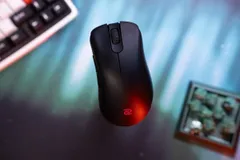
The shorter body reduces drag and micro-adjustments, and the low height keeps your palm completely off the shell. Exactly what a fingertip mouse should do.
What’s in the box
The box contains:
- Good quality braided USB-C to USB-C cable for the receiver,
- The receiver,
- A Type-A to Type-C adapter
- The mouse
No skates or extra accessories. However, this is exactly what keeps the price down.
Should you buy it?
Fingertip mice tend to be a rabbit hole, and the Keychron M4 is a perfect gateway into that world.
It’s reasonably priced, and during my research it was one of the cheapest option from a brand I trusted.
So if you’re curious about fingertip grip, whether it fits your hand, your style, or your aim — the M4 is a safe and low-risk place to start.
Alternatives to the M4
There are some good alternatives to the M4.
One popular alternative is the Darmoshark M5, where the M4 has an hourglass shape, the Darmoshark has flat edges. The Darmoshark is sold on Amazon, and has been available at Maxgaming, but it is currently not available.
G-Wolves, a supplier that has several options in the fingertip segment. One of them is the HSK Pro 4K. A strong contender, with a flatter shape that might fit more people. The HSK Pro 4K also comes in many different color options if that is what you need. However, the G-Wolves also comes in way more expensive at around 140$. Luckily some availability in Scandinavia from Maxgaming.
Another example is the Optimum zerømouse Blade, with its innovative no-compromise design and tedious iterative design by Ali, known from Optimum. It comes in at only 22 grams. I am amazed by Optimum for undertaking that insane design process and time investment in creating this mouse, and I did consider it as my first foray into fingertip mice however it clocks in at 180$ and is not available at the time of writing.
Customization options
If you consider 35 g to be heavy, you can tweak that by replacing the battery and removing the side buttons.
I will not be doing this; I use the side buttons when I play, but it is an option for those people who consider 35g heavy. The battery is replaceable and a 150 mAh can be bought from China.
See Bearded Man’s excellent YouTube video for more customization options
Key Specs
Most important specs:
- 5 buttons
- 35 grams
- decent scroll wheel
- 300 mAh battery with different battery length based on polling rate
Settings buttons beneath the mouse with optional web-software (great!) Top coating of plastic.
Conclusion
Fingertip mice tend to be a rabbit hole, and the Keychron M4 is a perfect gateway into that world.
I really enjoyed my time with the M4. I am surprised that it took me no time getting used to the grip. I am surprised that I didn’t feel any discomfort as well.
When it comes to performance, I feel my aim is the same. I cannot say whether it has improved or decreased, but either way it is negligible.
I really like the M4’s battery life, performance and hand feel. And the fact that it has physical buttons on the backside is always an added bonus.
It’s reasonably priced, and during my research it was one of the cheapest options from a brand I trusted.
So if you’re curious about fingertip grip, whether it fits your hand, your style, or your aim — the M4 is a safe and low-risk place to start.
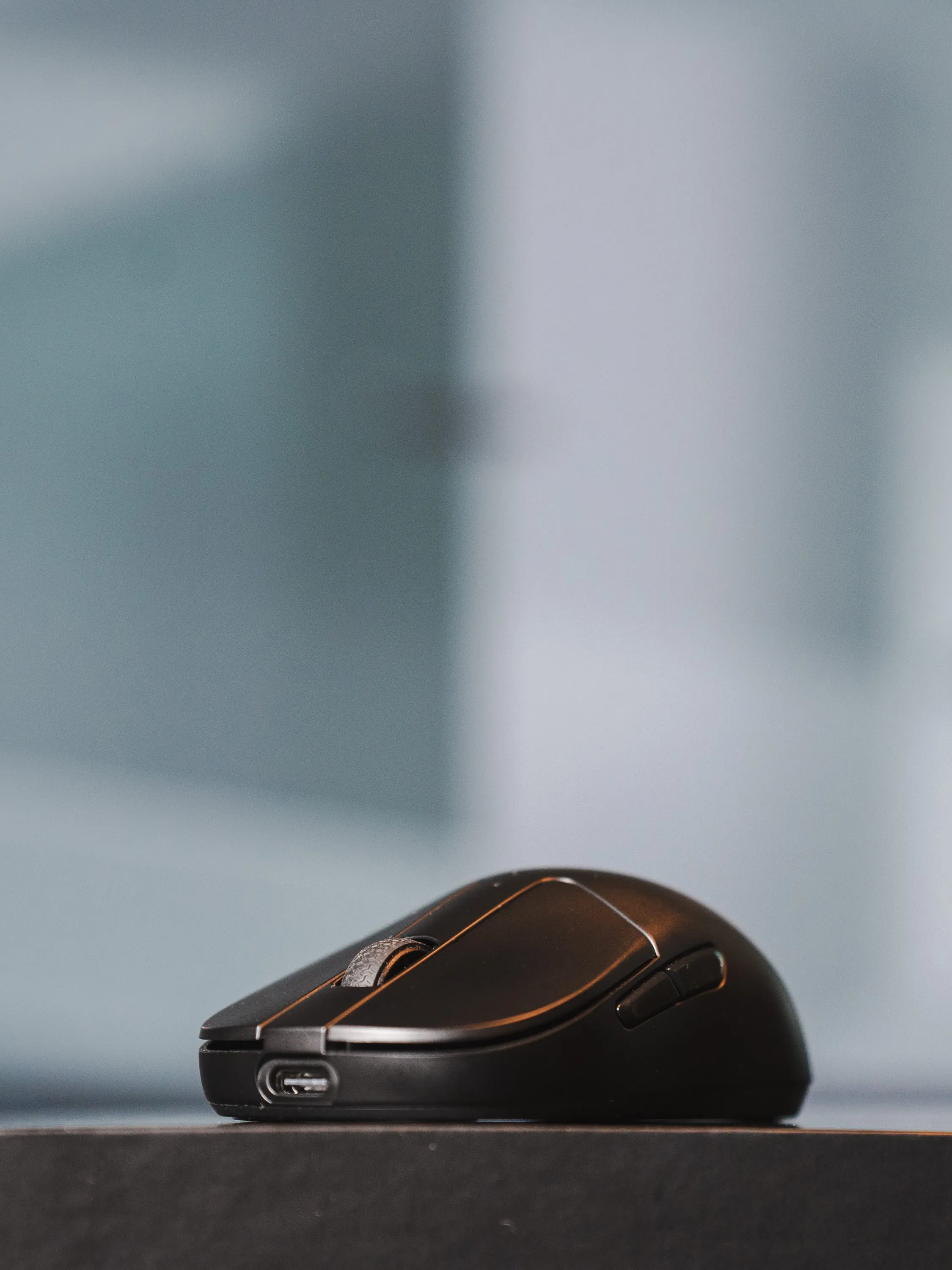 Keychron M4 with it’s big looks and small impact / credit kaytomas.com
