
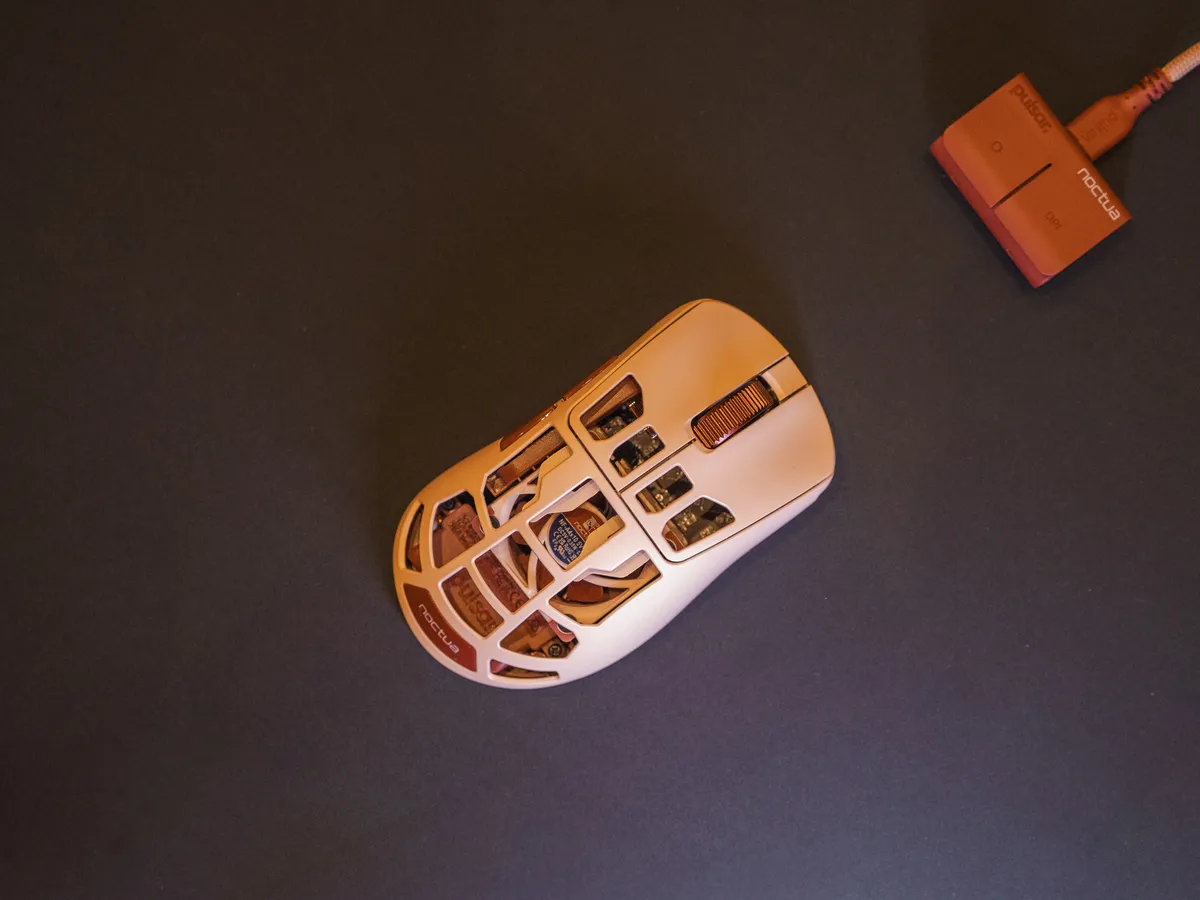
Pulsar and Noctua actually installed a fan!?
I love it. It’s a completely insane idea. A physical fan, inside a gaming mouse, meant to cool your hand during the sweatiest gaming sessions.
I do not know if I can put into words my fascination with the fact that someone installed a Noctua fan in a mouse!? Where do I even start with this thing? There is so much here I just find really funny.
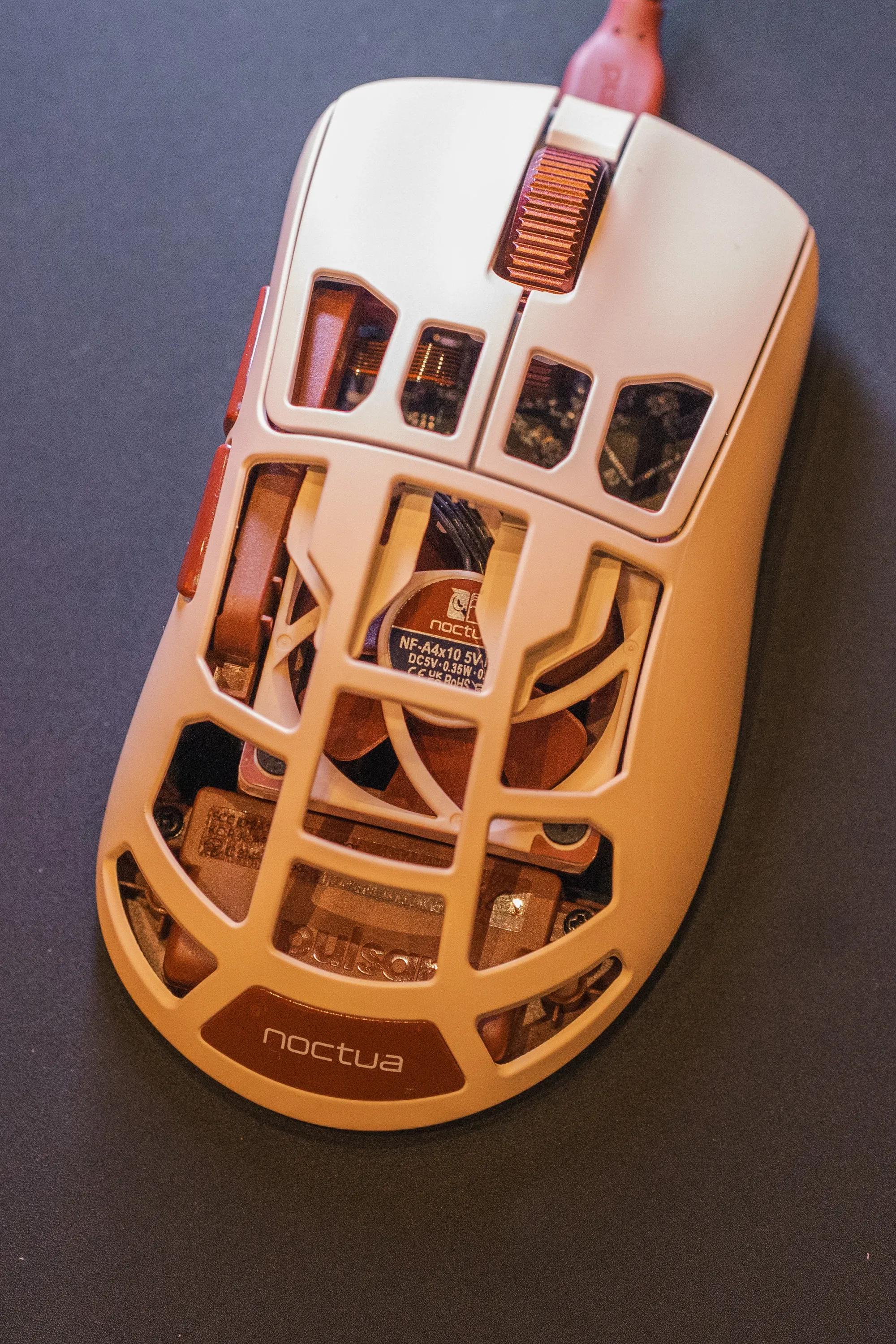 A Noctua NF-A4x10, right under the shell. / Credit: kaytomas.com
First of all, Pulsar has clearly seen that they have physical room for one of the smallest Noctua fans, that they can place it inside one of their mice. Then they got Noctua on board with this insane afterparty idea and actually turned it into a product you can buy.
At the same time, Pulsar removes functionality that the base model of the Feinmann has. The Noctua version of the Feinmann F01 is heavier, and it is missing the oh-so-important charging dock. And a charging dock becomes even more relevant when you have a fan continuously draining power while you game.
I am incredibly excited that this is an actual product, and not just an idea from an afterparty at TwitchCon.
How much have I tested it?
I attended Moderskeppet, an event by Geeks AB and SweClockers with 1500 geeks on a booze cruise from Stockholm to Finland and back. You cross international waters, talk to geeks and overall have a good time. This is where I got to test the mouse at the booth. It did not come home with me for a deep dive, but it still gave me enough time to take photos and gather some experiences and thoughts for this quick one.
The fan actually works
The first thing I wanted to know was whether I could feel the fan.
And yes! The fan can be felt on all settings.
I didn’t get to test it through a long, sweaty session in Overwatch, Apex or Arc Raiders, but I could feel the airflow immediately. Whether it makes a real difference over several hours, or how noticeable the fan noise would be in a quiet room, is something I’d need to test at home.
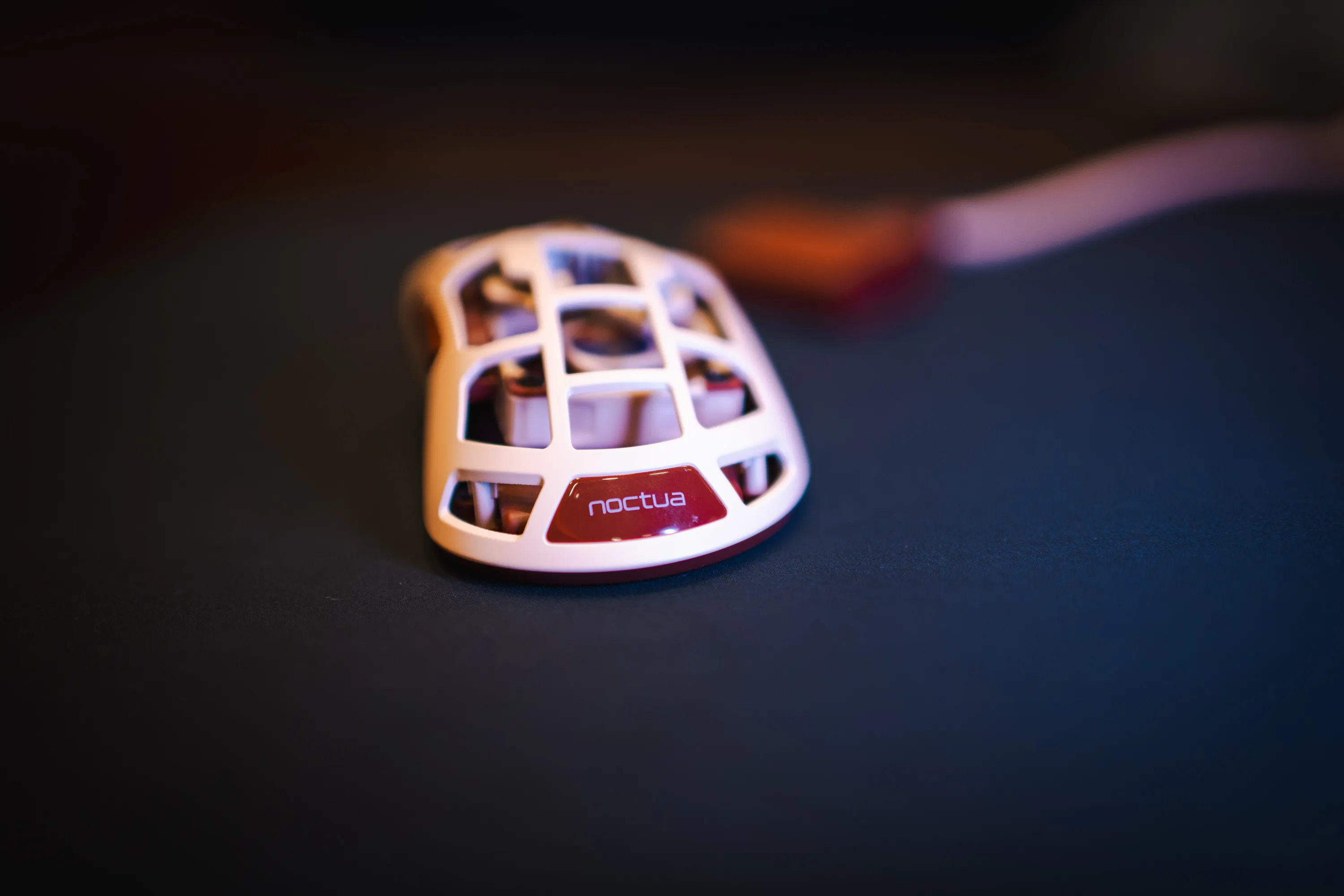 Seen from behind. The air from the fan goes straight up through the open shell and into your palm. / Credit: kaytomas.com
No dock, and the buttons sit on the receiver
Here’s what bothers me. The regular Feinmann F01 comes with a charging dock, but the Noctua Edition doesn’t. With a fan constantly drawing extra power, I’d argue this is the version that needs a dock the most. Just drop it onto the charger between gaming sessions. Simple.
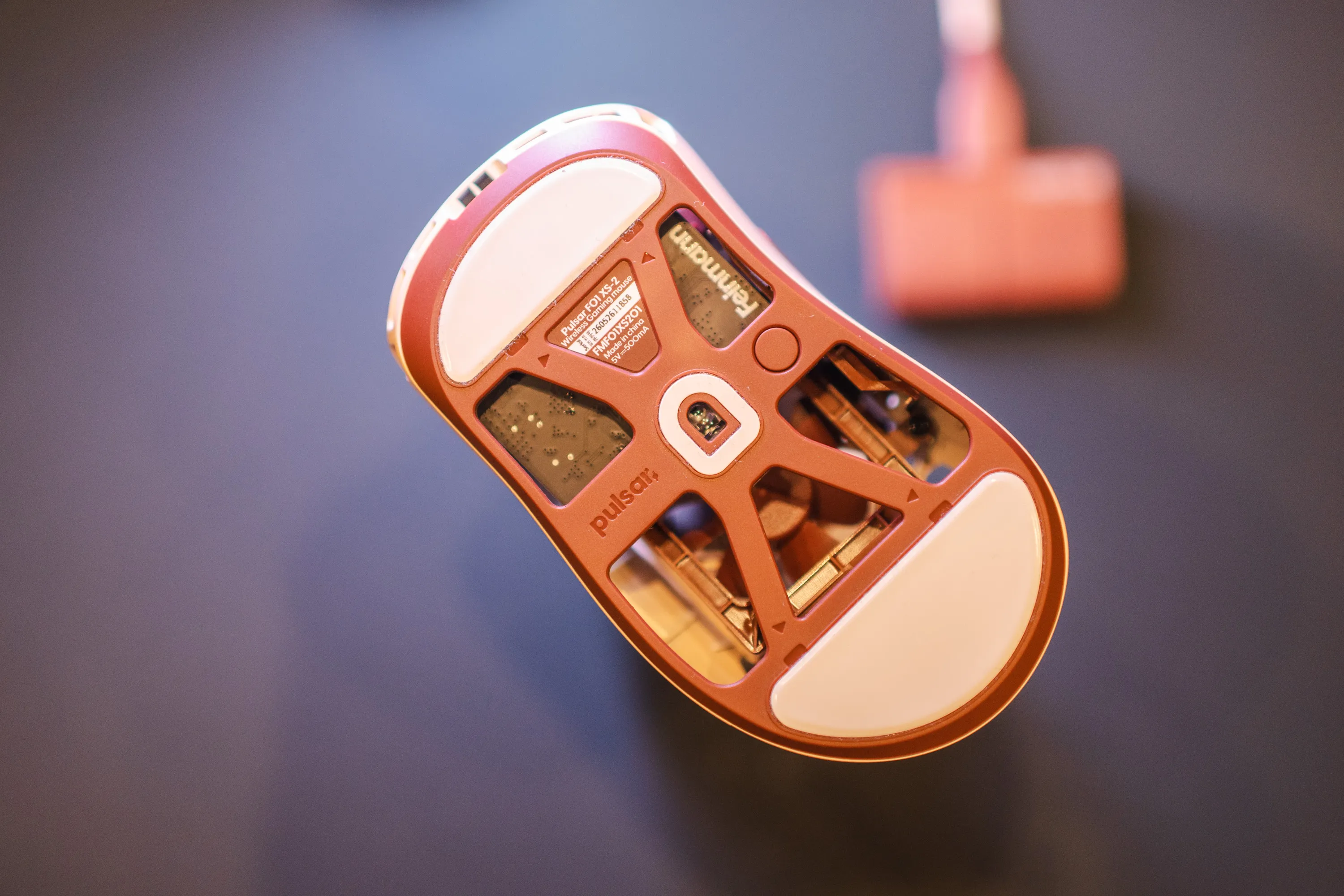 The underside: sensor, skates and label, but no charging contacts for a dock. / Credit: kaytomas.com
In true Noctua fashion you get a matching cable in the Noctua colours, brown and cream. Stylish.
Fan speed and DPI are adjusted on the receiver itself, the Pulsar Receiver 2.0, the same one as on the X2F CrazyLight. You do not have those buttons on the mouse.
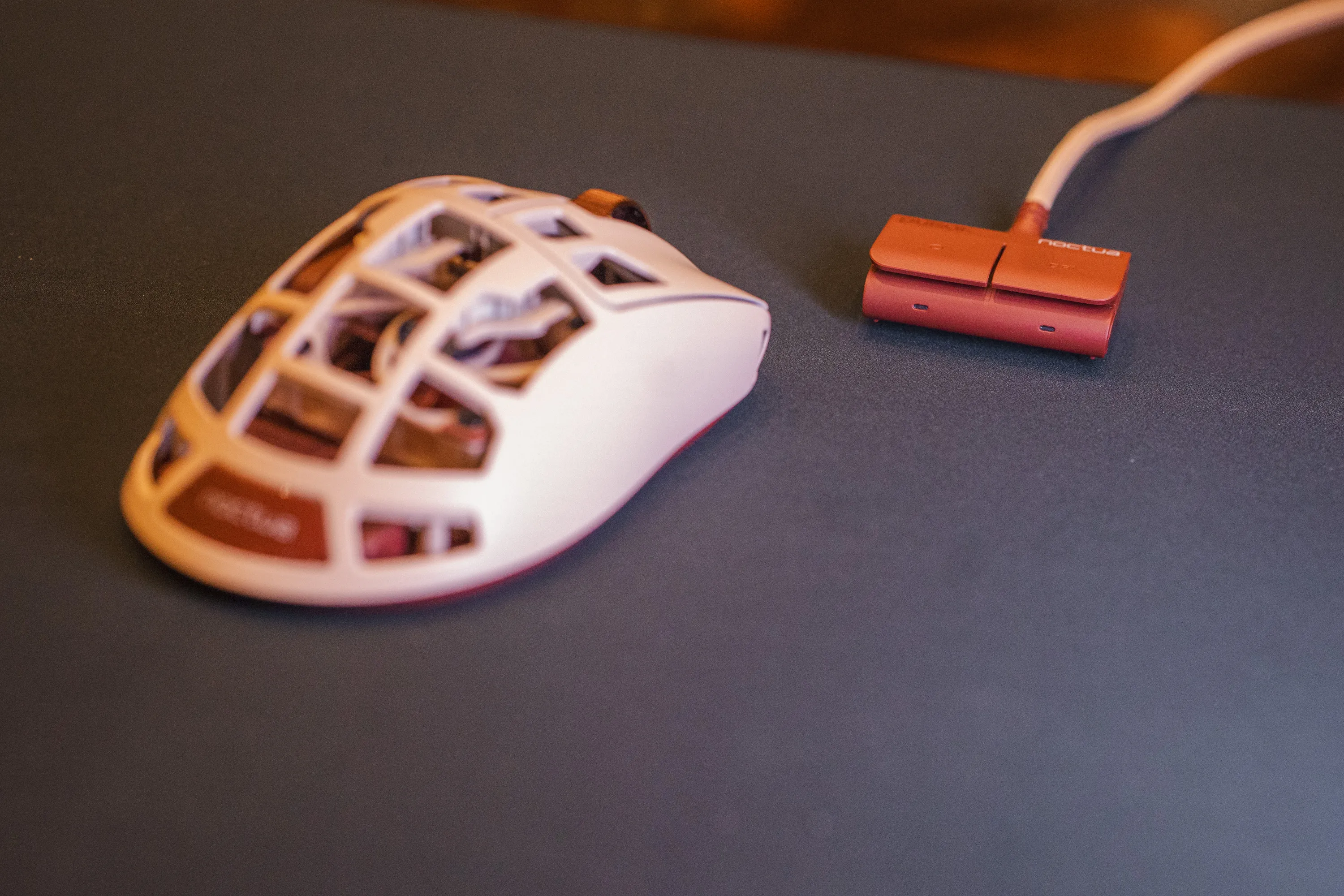 The mouse and the Pulsar Receiver 2.0, which controls both DPI and fan speed. / Credit: kaytomas.com
It works, but it is not the smoothest solution. I would have liked both a dock and DPI and fan speed buttons on the mouse.
Otherwise this is very thorough Noctua branding, right down to the colours of the cable. But, I am thinking Noctua also has its chromax.black, so what possibilities does that open up?
All in all I am left feeling this is a great start, but a first version of something I hope they continue with.
I went through all the specifications when the mouse launched in July.
The key takeaway here is that there is a fan inside a mouse, regardless. A completely insane product, despite its weaknesses. At the time of writing it sells for 1699 NOK at MaxGaming.
