
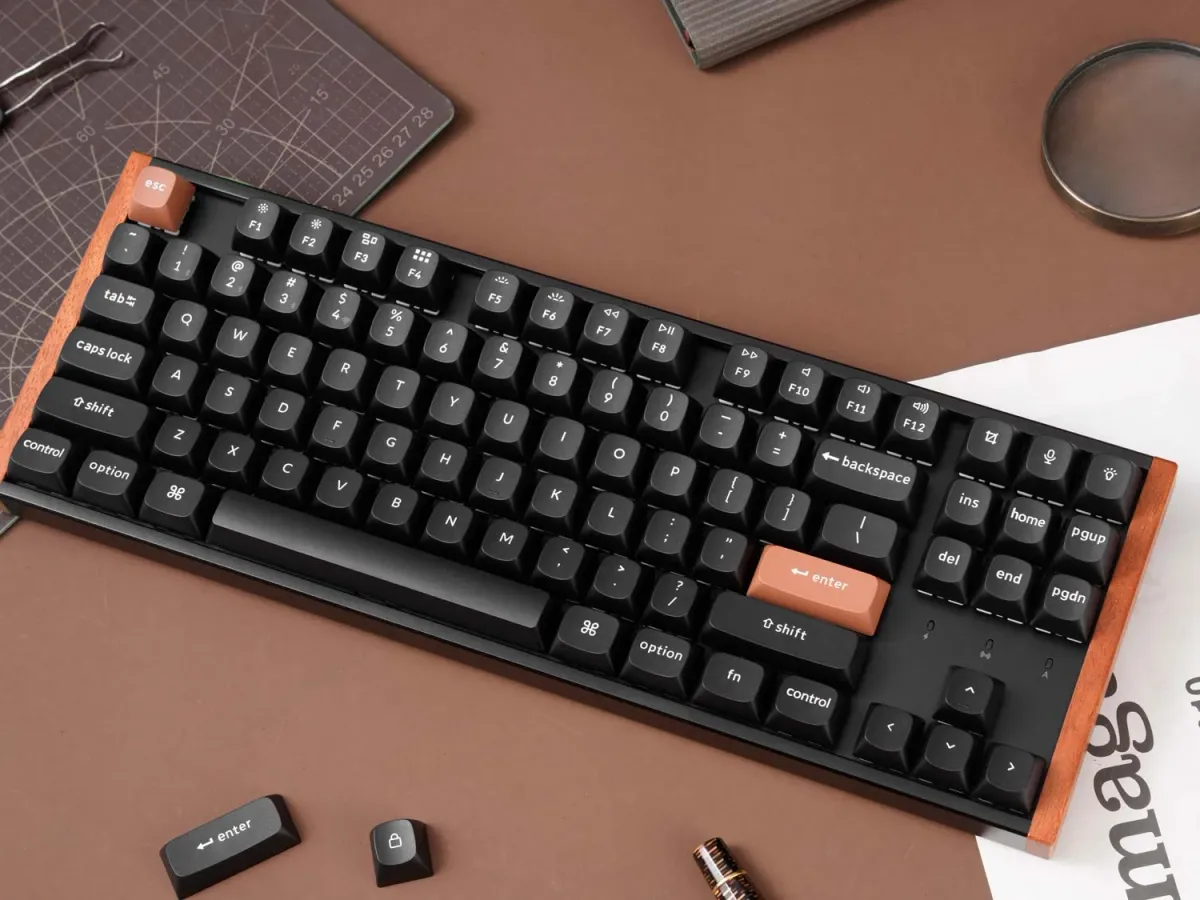
The K HE SE line is good — but Keychron’s naming is difficult to navigate
Let me be honest with you, my dear reader (if there are any). I am more than averagely into keyboards, and even I struggled to keep the K HE SE lineup straight. And that is even after I reviewed the K4 HE SE.
The names give you very little to work with.
Why does the smallest board not have the smallest number?
The K6 is smaller than the K2, but nothing about those numbers communicates that.
I had to map it all out myself, and that is exactly why this article exists.
Underneath the confusing naming, Keychron has built something worth your attention. The entire K HE SE line shares the same rosewood accents, aluminium frame, OSA profile double-shot PBT keycaps and hall effect switches.
Because they are hall effect, every board in the lineup supports Dynamic Rapid Trigger — meaning the actuation point resets the moment you release the key, not at a fixed position. In fast-paced games this can make a real difference, letting you re-press a key faster than any traditional mechanical switch can manage. They also support analog input mode, where the switch travel maps directly to an analog axis, useful for games that support it.
They all feel considered and premium, in a way that makes them feel at home on a proper desk setup. In home offices where good looks are important. These are keyboards for people who think about how their space looks, how it feels. And their performance is very much up to that standard too.
The only real decision you need to make is layout.
Do you like it tight, or wide?
| Model | Layout | Size | Arrow key spacing | Numpad |
|---|---|---|---|---|
| K6 HE SE | 65% | Most compact | Tight | No |
| K2 HE SE | 75% | Compact | Tight | No |
| K4 HE SE | 96% | Compact full-size | Tight | Yes |
| K8 HE SE | 80% | Spacious, no numpad | Comfortable | No |
| K10 HE SE | 100% | Full size | Comfortable | Yes |
K6 HE SE — 65%, the smallest and… cutest
The K6 HE SE is the most compact board in the line, and visually it might be the sharpest looking of the bunch!
It drops both the numpad and the function row, so the footprint is tiny. Add in the rosewood aesthetic on a board this small, and it looks almost sculptural on a desk.
With 65% you also get dedicated arrow keys and some nav keys. This is a very good layout, provided you like it tight.
If you live in a minimal setup and rarely reach for F-keys, this is the one that will turn the most heads.
I do wonder why the K6 exists at all when the K2 is right there, with the only meaningful difference being the function row. It is a very slim distinction to build an entire SKU around, and it speaks to just how many keyboards Keychron is pushing out of their facilities right now.
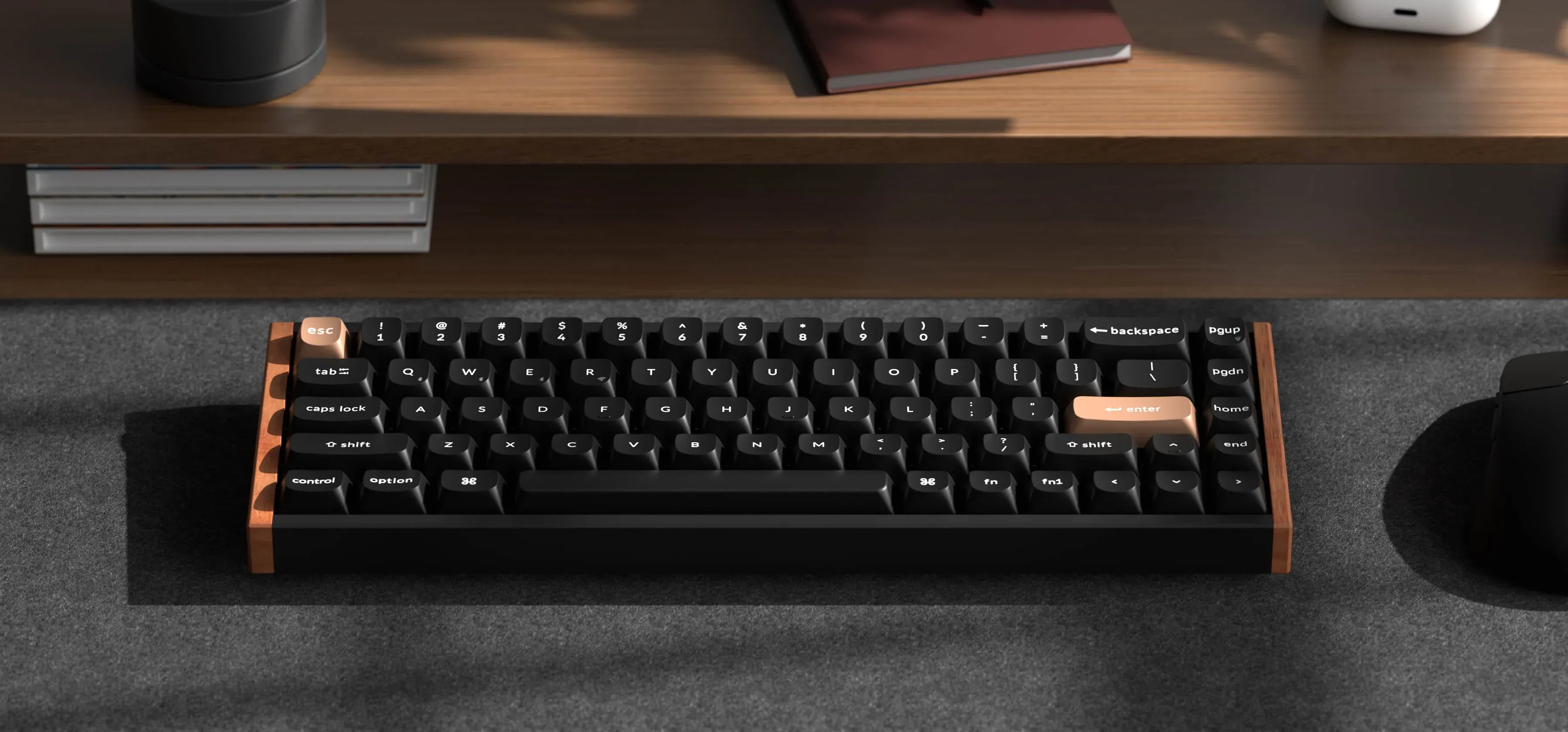 The small and cute K6 HE SE in black. / Credit Keychron
K2 HE SE — 75%, the one that started it all
The K2 HE SE is where the whole line began, and it won a CES Innovation Award in 2025. Keychron has taken note, and keeps releasing exotic versions of the K2 HE, there is even a concrete version.
Anyway, the 75% layout gives you the function row back while keeping a tight footprint. It comes in black or white, both with the matching rosewood tone.
Like the K6, the arrow keys and navigation cluster are cramped on the right side, which is worth keeping in mind if you spend a lot of time reaching for those keys. But if desk space matters and you want the full F-row, this is the compact option to consider.
Personally I think the K2 HE SE looks very good. But I expect it to behave exactly the same way as the K4 I have tested, and that felt too cramped around the arrow keys.
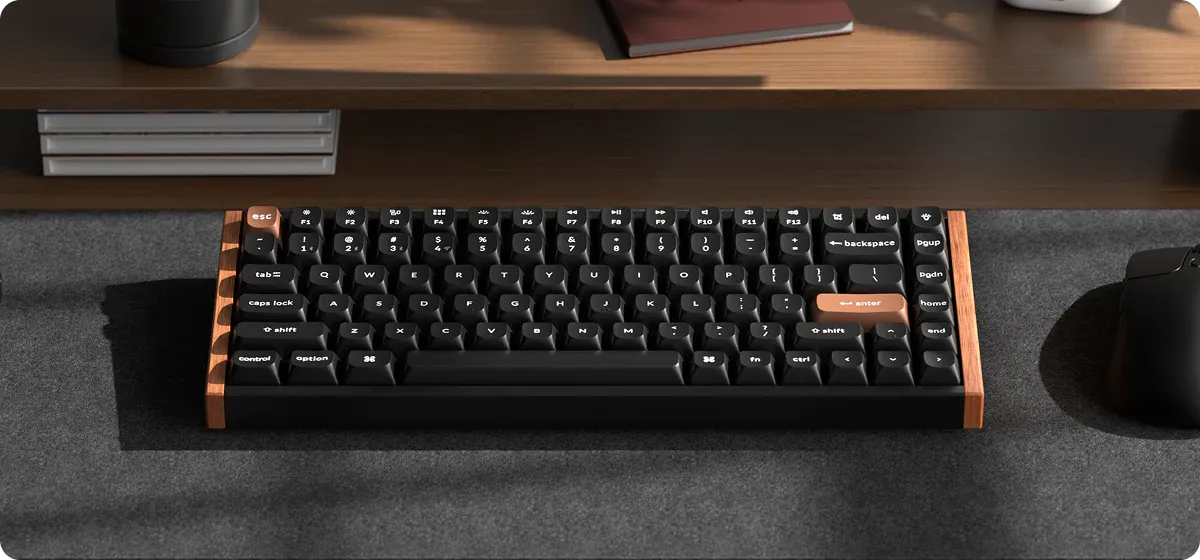 The K2 HE SE in black. / Credit Keychron
K4 HE SE — 96%, compact but full-size
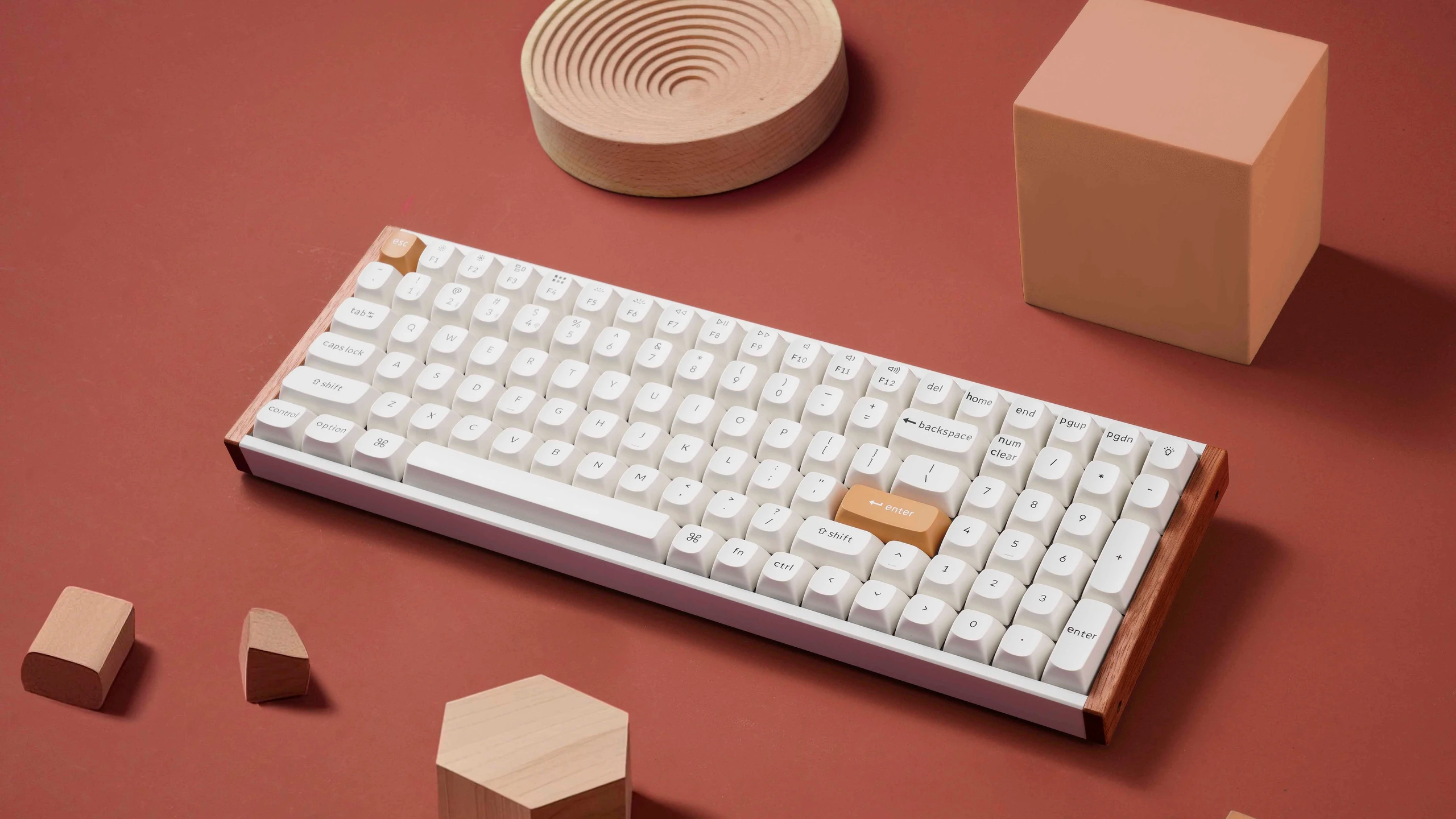
The K4 HE SE squeezes a numpad into a layout that is still noticeably smaller than a traditional full-size keyboard.
That sounds great on paper, and the keyboard itself is genuinely beautiful, with some of the best looking wood accents I have ever seen on a keyboard. But the 96% layout means everything is tighter than it looks.
The numpad is there, but the arrow keys and navigation cluster feel cramped. I tested this one, and while I loved the look and the hall effect switches, the layout was the part that consistently gave me pause.
K8 HE SE — 80%, the sweet spot
The K8 HE SE is probably where I would land if I were buying fresh today.
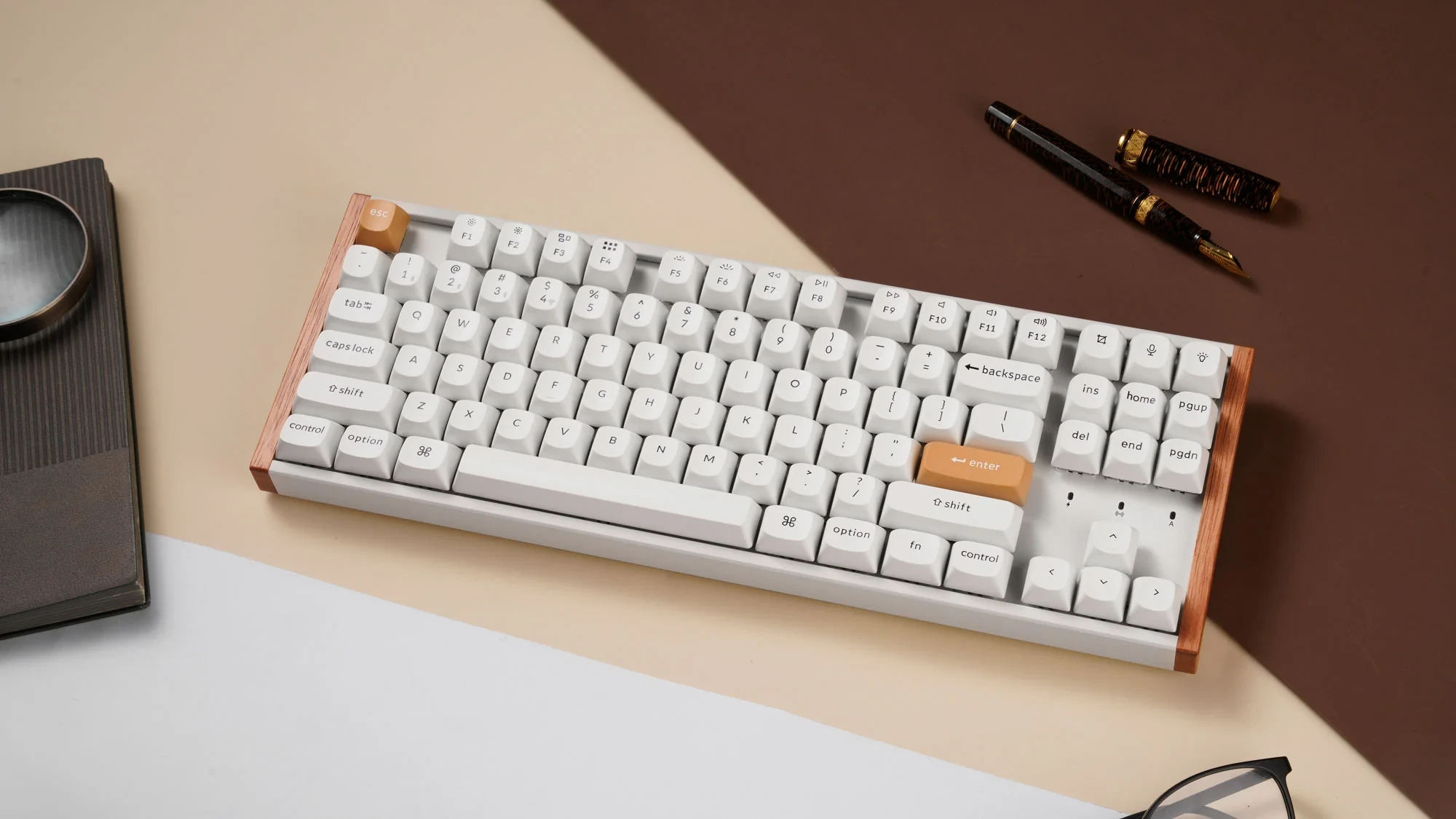
It is the one board in this lineup that gives the arrow keys and navigation cluster the space they actually deserve. No numpad, full function row, and proper breathing room on the right side.
For anyone doing a mix of writing, office work and gaming, this layout removes a lot of the small frustrations the compact boards introduce.
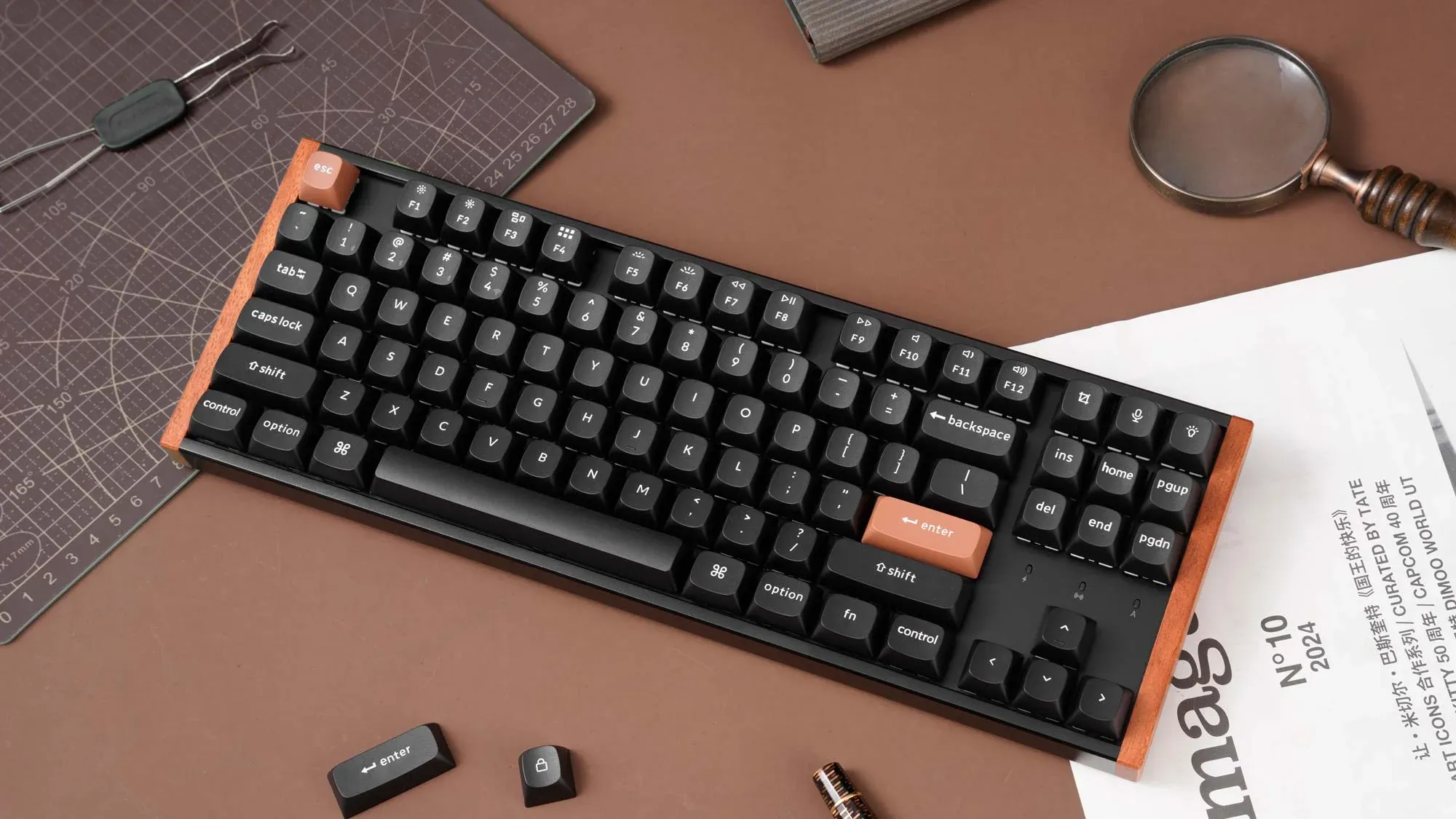 My personal ideal of the bunch, the K8 HE SE. / Credit Keychron
K10 HE SE — 100%, no compromises
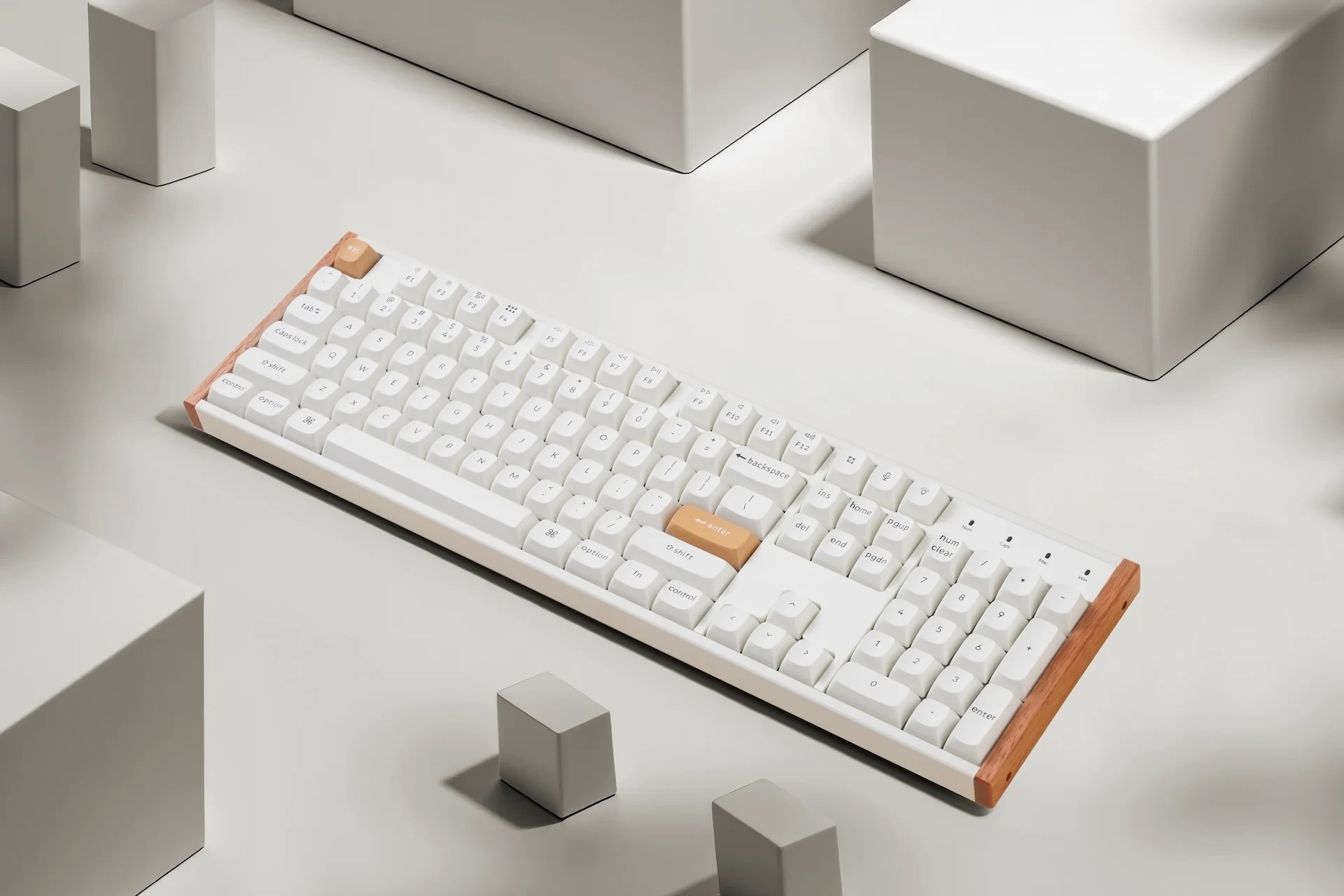
The K10 HE SE is the full-size version.
Every key, full numpad, maximum spacing. It takes up the most desk real estate, but if you do a lot of number entry or spend your days in spreadsheets, there is no reason to go smaller.
The rosewood aesthetic scales well to the larger form factor too.
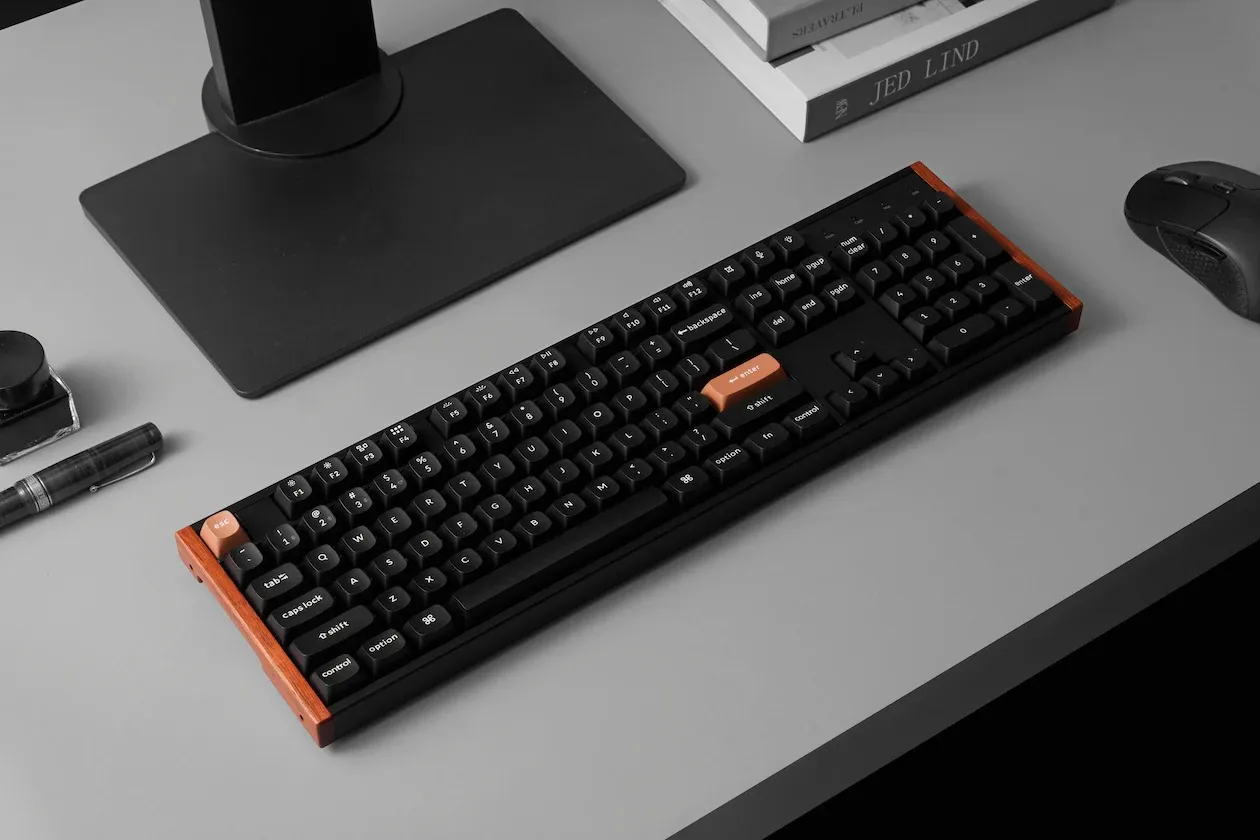 The full size and spacious K10 HE SE. / Credit Keychron
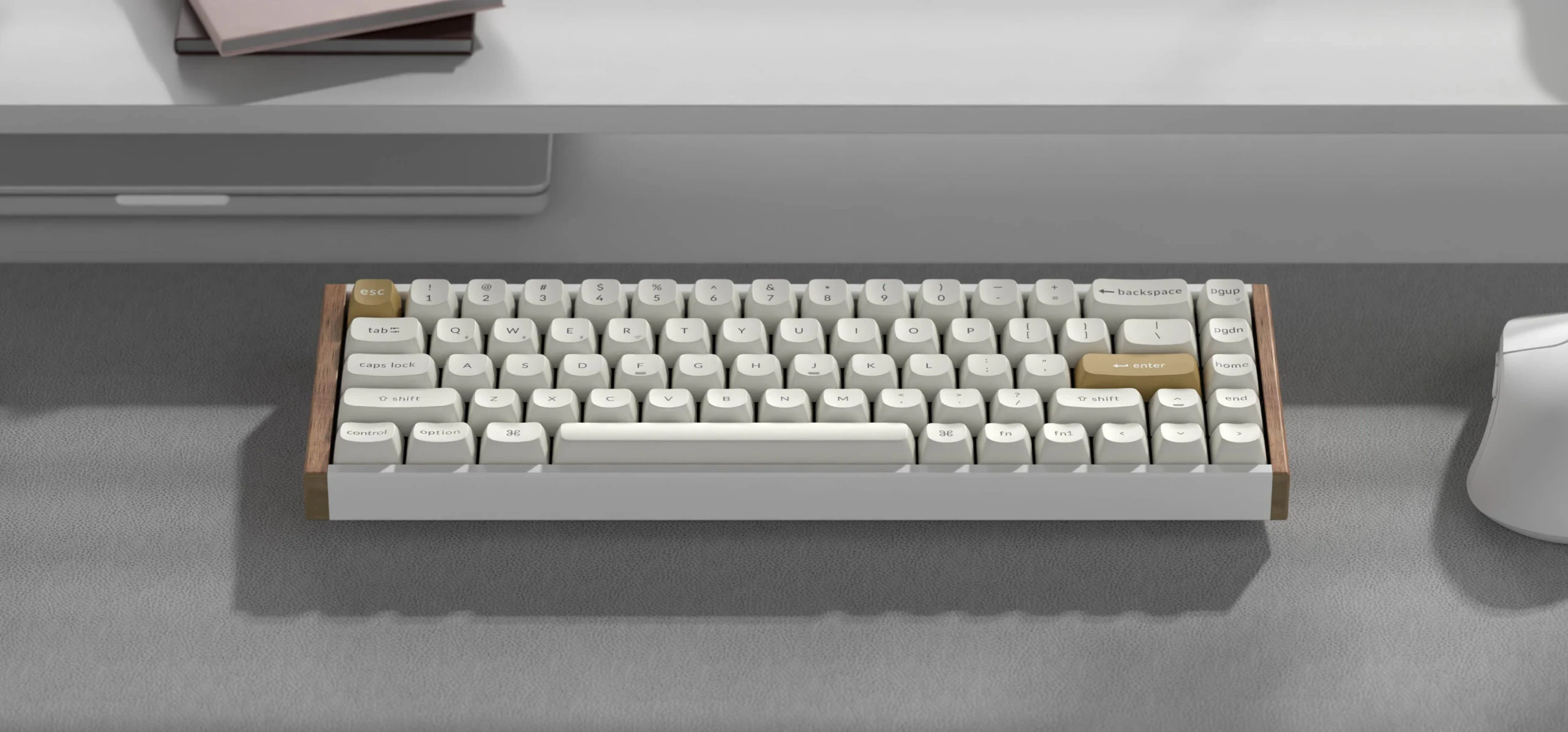
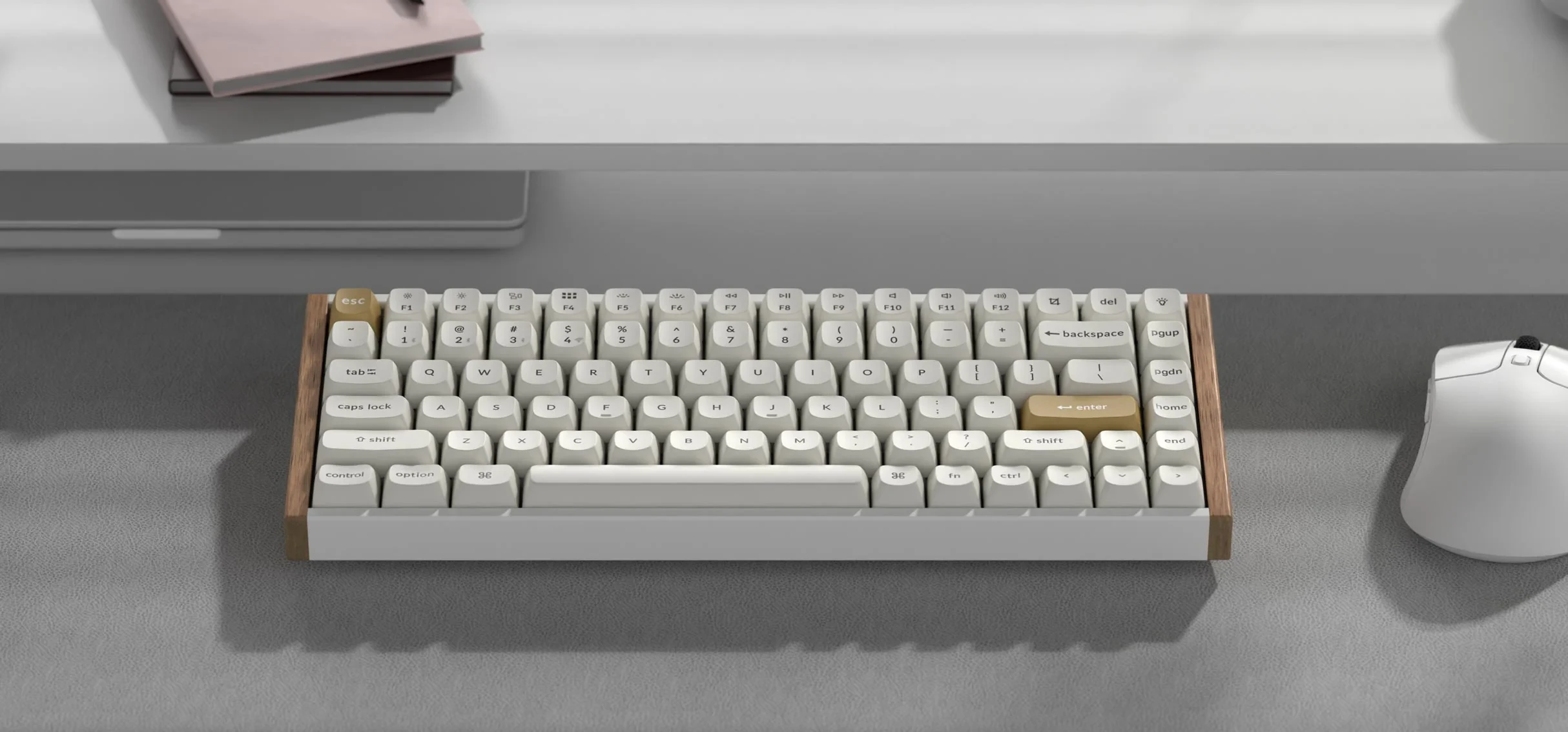
The white colourway
All boards come in white as well. Here is how the full lineup looks in white.
So which one should you get?
If you are drawn to this lineup, you are probably already someone who appreciates a considered setup. The rosewood look, the hall effect switches, the build quality — all of that is consistent across every board here. The layout is genuinely the only variable.
Cramped right side but smallest footprint? K6 or K2. Want the numpad in a compact package and can live with tighter spacing? K4. Want proper spacing without a numpad? K8. Want everything and have the desk space? K10.
