
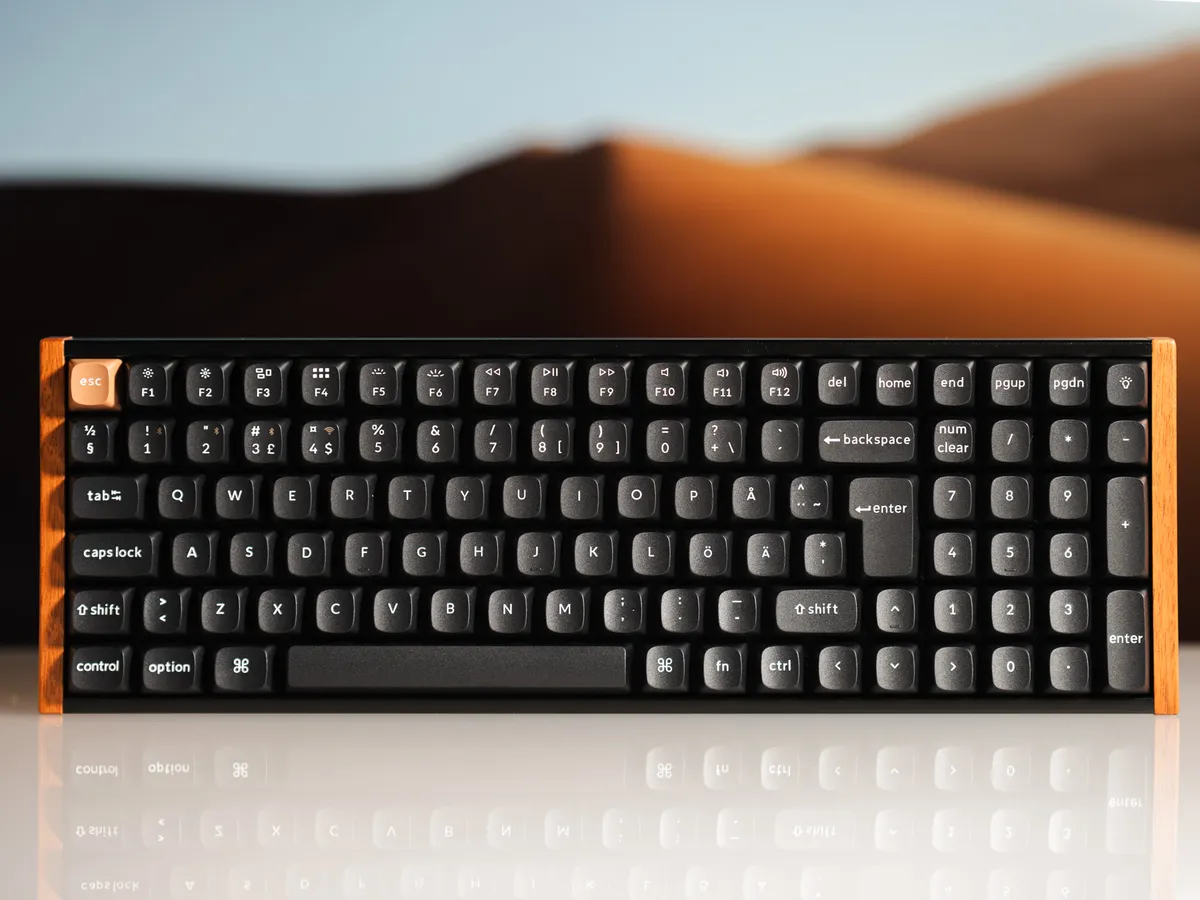
Positioning
The Keychron K4 HE SE is a premium Hall Effect keyboard that wins big on feel and aesthetics. More so than raw gamer specs. You get smooth typing, wireless 2.4 Ghz and bluetooth, and ease of condig through Keychron Launcher. With a design that looks very good.
The real tradeoff is the tight 96% layout, especially around high impact keys; arrows and nav keys.
First impressions
This keyboard comes in what you expect from Keychron (and what I have personally seen before on the K3 Max): a nice box with padding inside. This box even has holographic print! After taking all that apart, I am greeted by the very beautiful K4 HE SE.
As the calendar shows 2026, we are starting to see some commonalities with premium keyboards. Many have the same things: magnetic switches, RGB, hot-swap support, and a detachable USB-C. All are solid, high-quality devices meant for years of use. The real question is: what makes one worth choosing over the others?
The Keychron K4 HE SE’s answer is simple: pure aesthetics.
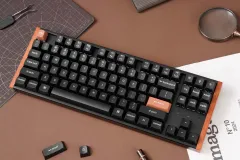
With its beautiful rosewood accents, warm tones, and clean Nordic ISO legends, it feels aimed at the person who cares about a clean desk setup. The work-from-home crowd. The no-cable crowd.
It’s a beautiful keyboard for the mature desk warrior who wants Hall Effect without the gamer-y aesthetics.
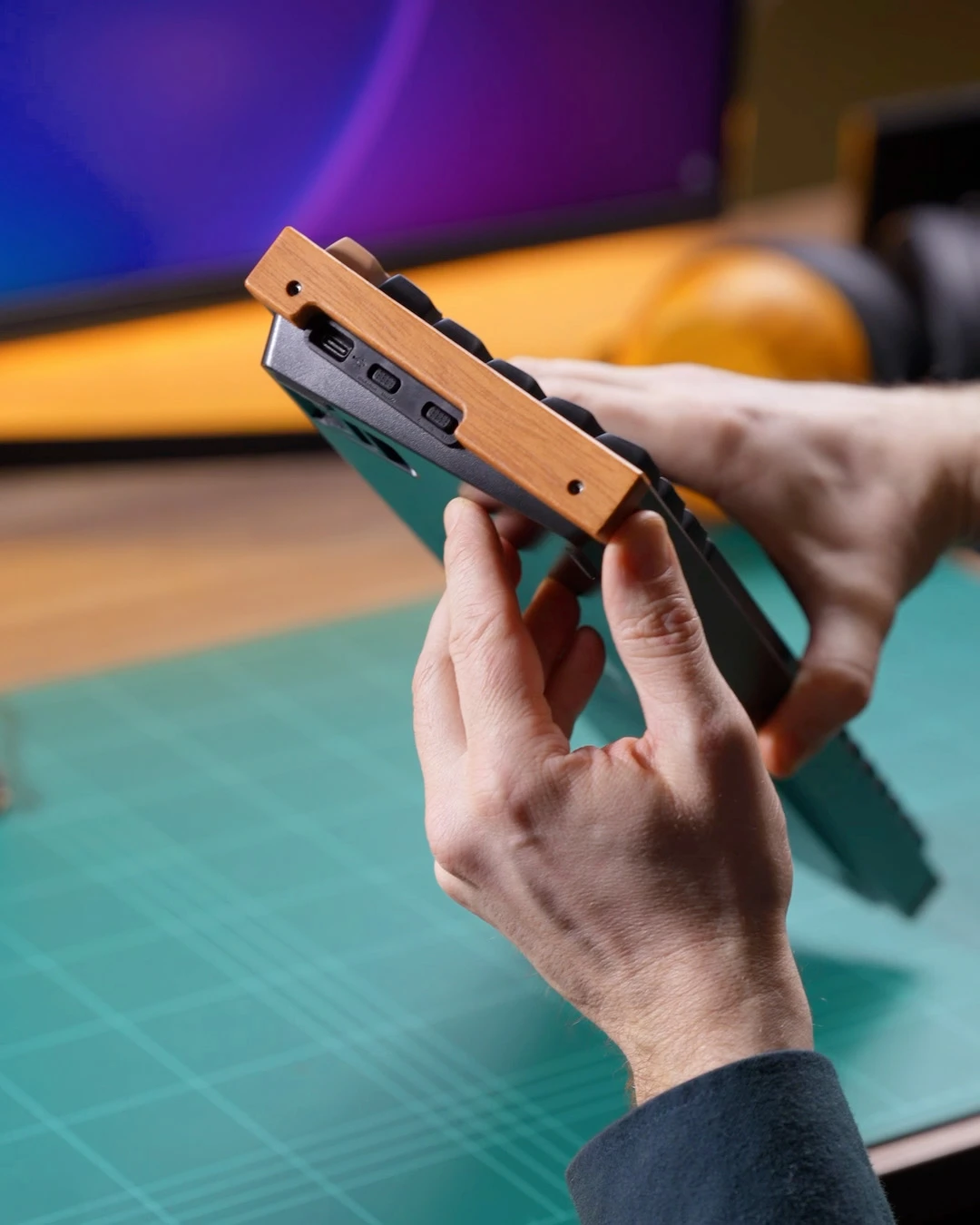
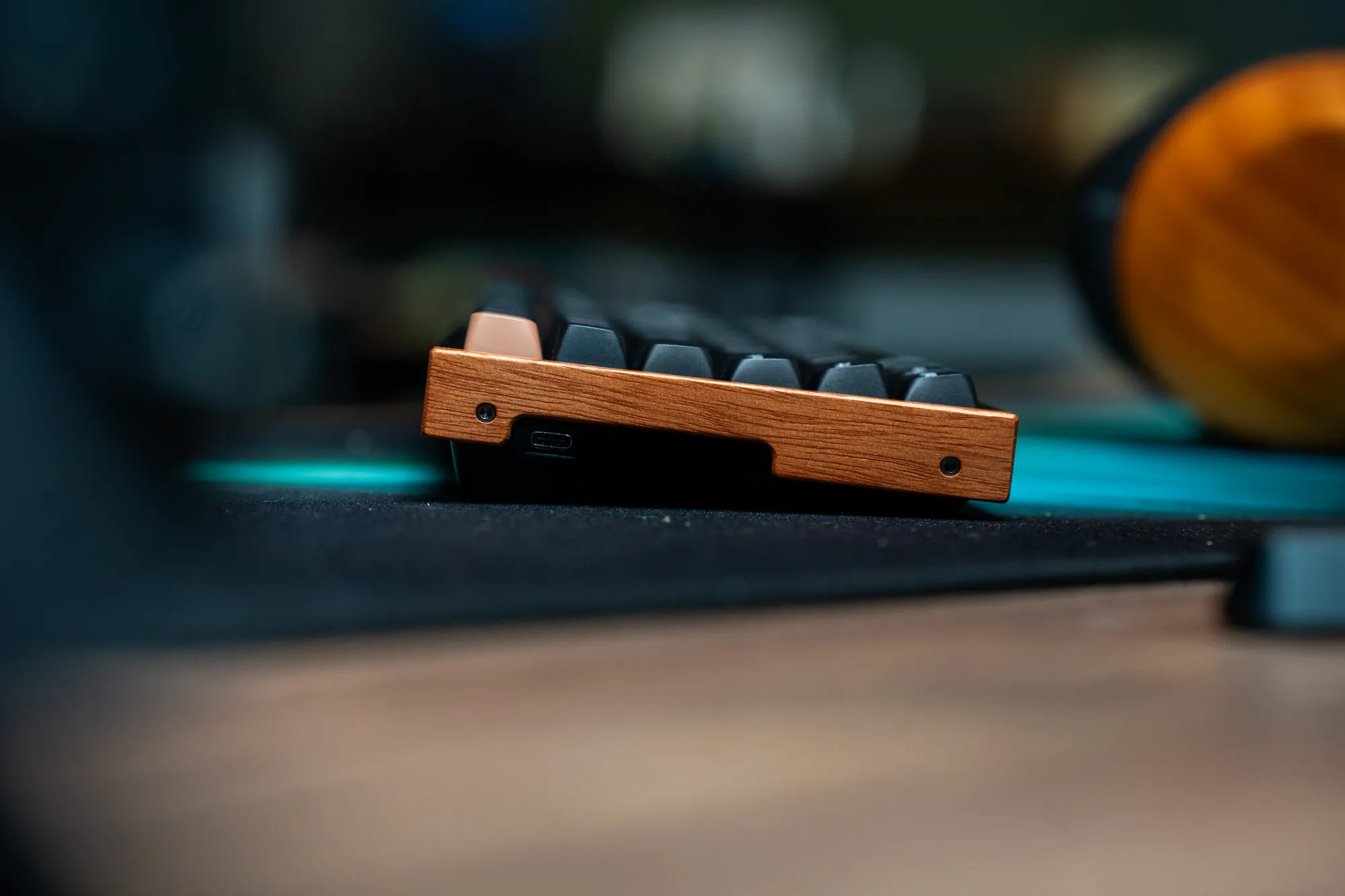 The left side is where the USB-C connection and switches are / Credit kaytomas.com
The downsides
The biggest compromise to me is the 96% layout. The tight spacing around the arrow and nav keys makes them harder to hit by muscle memory, and very often did I miss right arrow key and pressed 0 instead, even at the end of the 4 week review period.
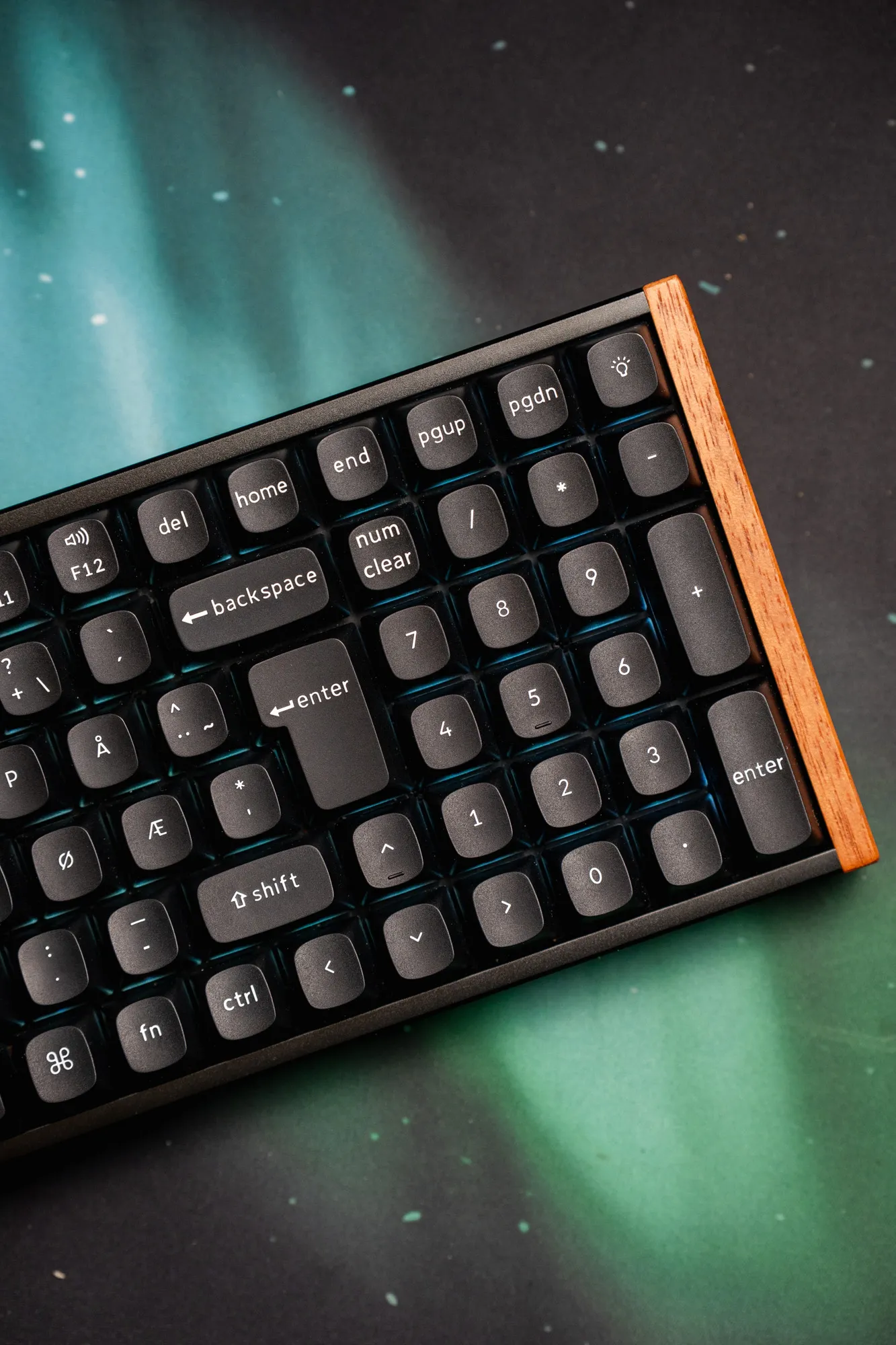 Very cramped on the right side and around the arrow keys! / Credit kaytomas.com
And while the the K4 HE SE does support hot-swap, it does NOT support any other switches than the Gateron Double Rail Magnetic switch. They are good, but you cannot test outo other ones, besides the other Gateron Double Rail Magnetic switches with different force.
A minor gripe is the placement of the angeled USB C cable. I really like this implementaiton, but I’d prefer it placed on the right side. Right side, or center placement, would make more sense to me. A very minor gripe.
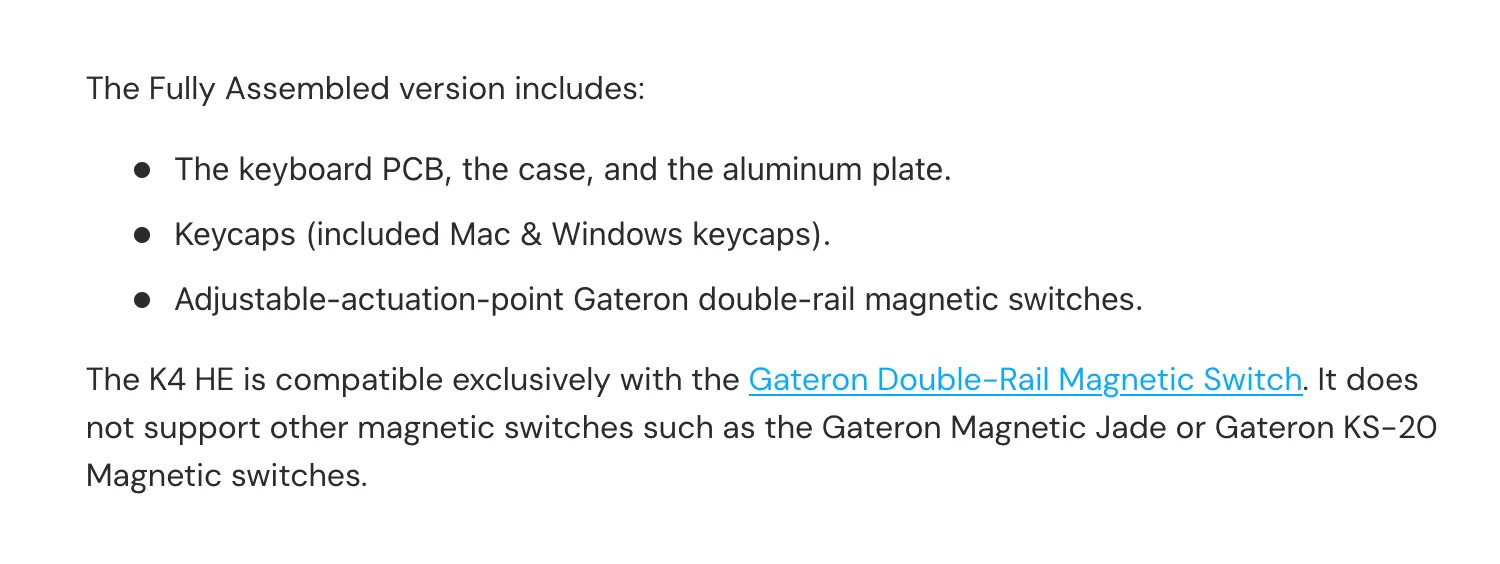 Only Gateron Double Rail Magnetic switch supported / Credit Keychron
And after only four weeks, I already noticed a slight shine on the spacebar. It’s not a dealbreaker, but it’s worth knowing at this price. I kinda like shine on keys. Shine shows that is a device being used, but I understand not everyone shares my opinion.
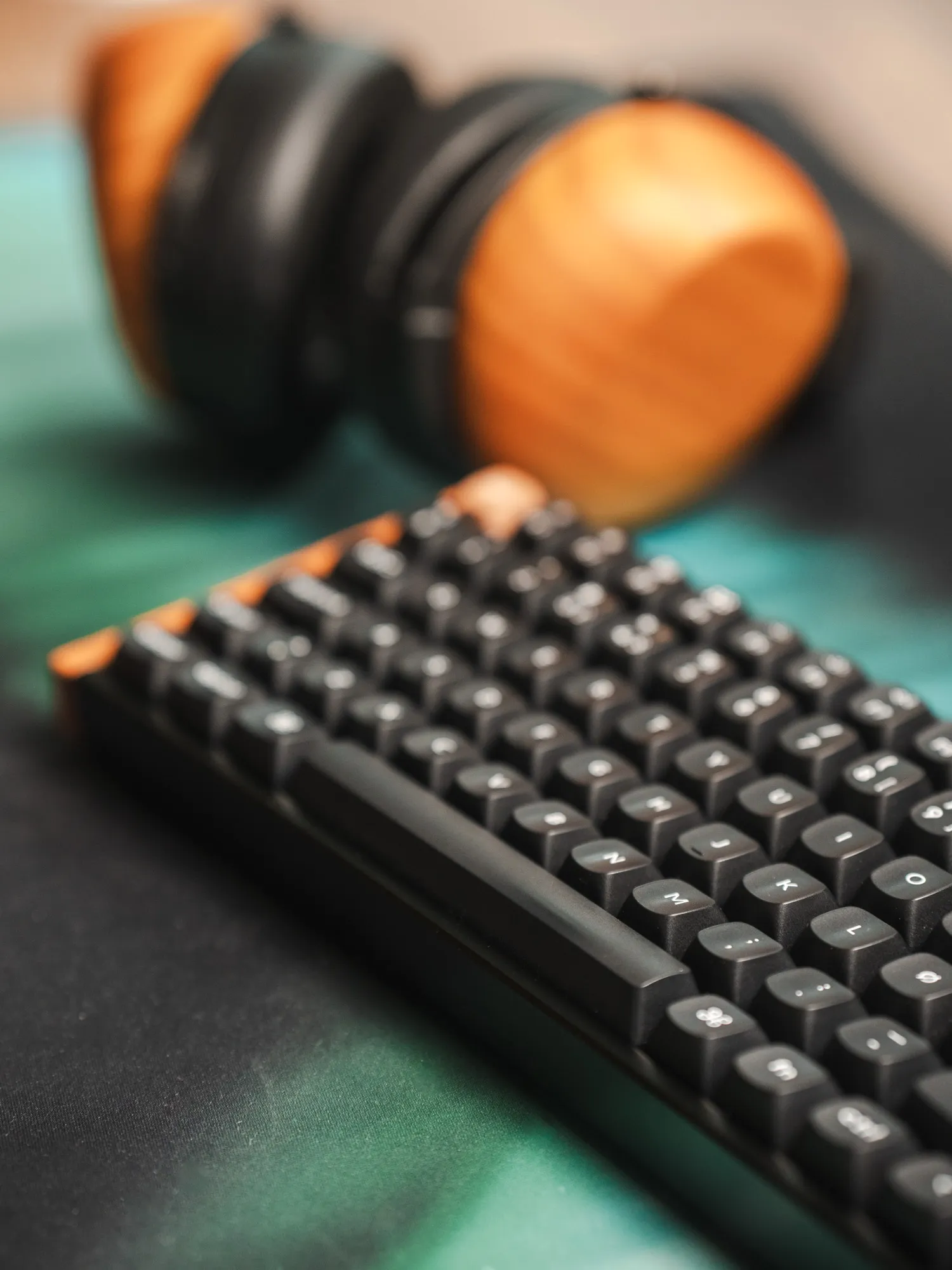 Its hard to photograph and see, but there are slight shine on Spacebar / Credit kaytomas.com
Build quality and weight
Out of the box, the K4 HE SE feels solid. It’s lighter than some premium tanks (like my Wooting 80HE), but there’s no flex or creaking. The aluminum frame keeps it very stiff, and nothing feels loosely assembled.
The K4 HE SE weighs 1066 grams. That’s perfectly fine, but it doesn’t have the solid CNC feel that some custom keyboards offer. Minor point, not a dealbreaker. But still worth knowing if you love super grounded desk accessories.
The real selling point is visual. The black finish, dark rosewood accents, and a brown Esc key create a warm, cozy look that most keyboards at this price simply don’t attempt. I want more wood in my life, and the K4 HE SE delivers excatly that.
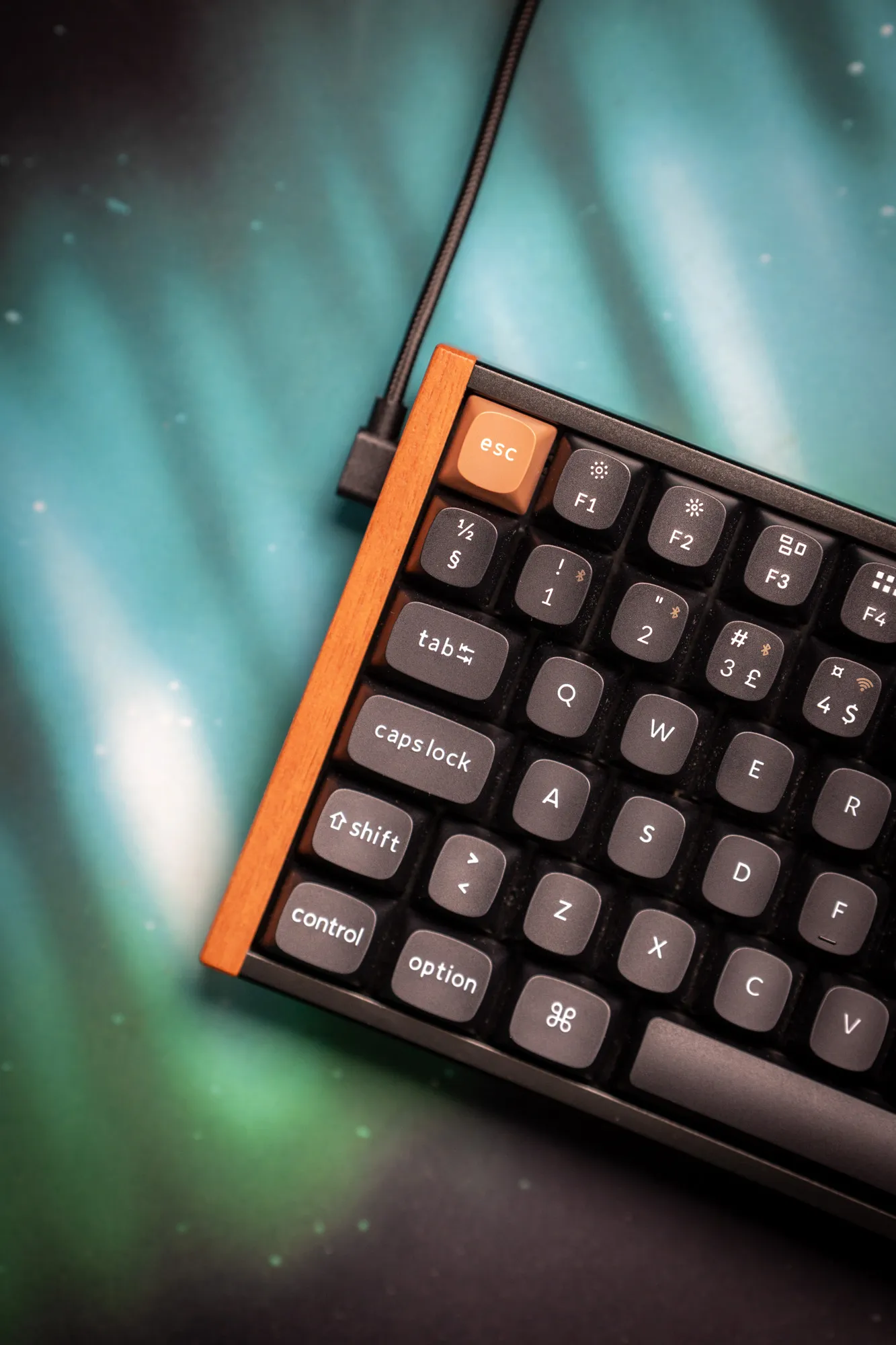 To me a better place would be on the right side / Credit kaytomas.com
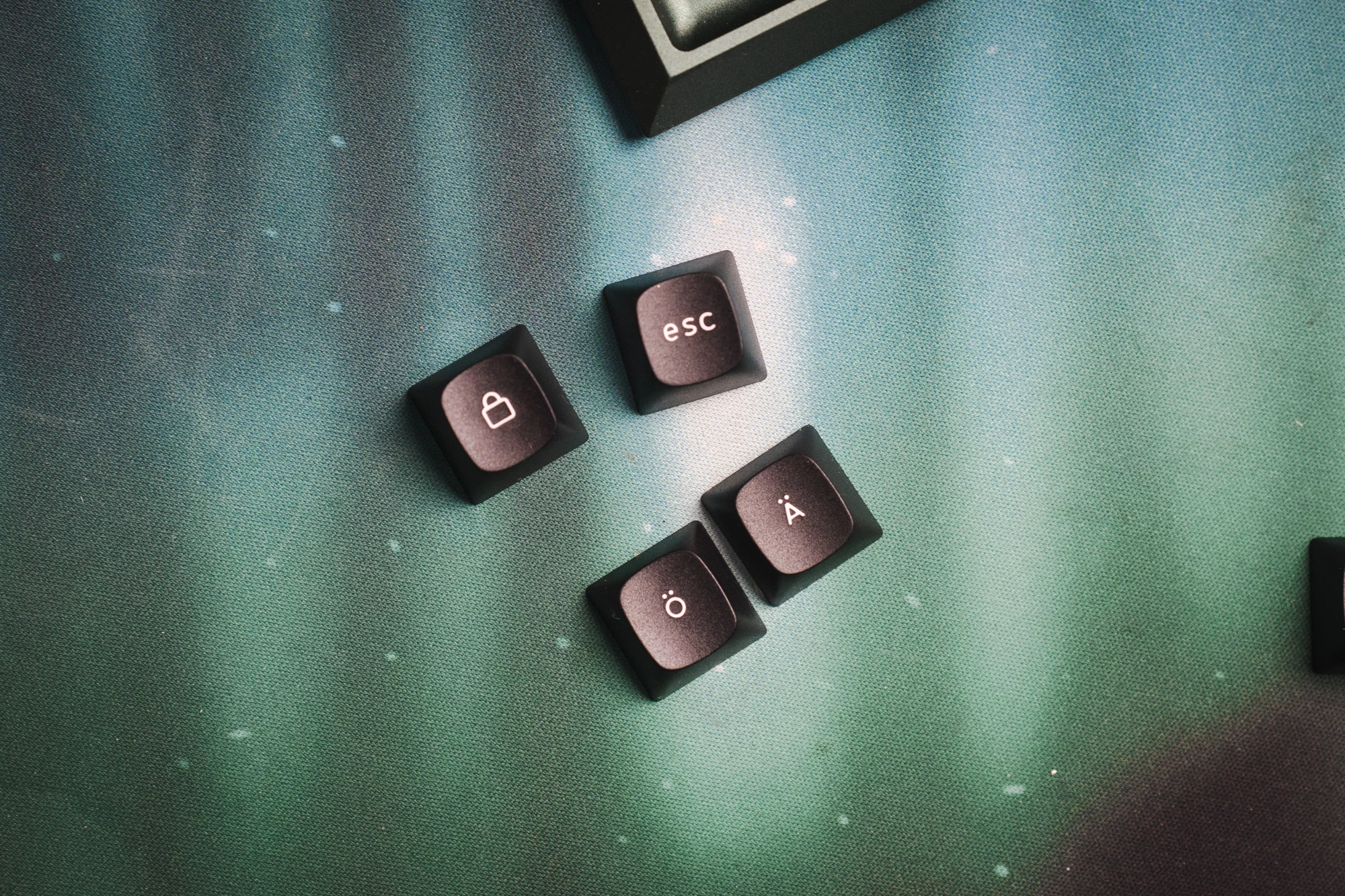
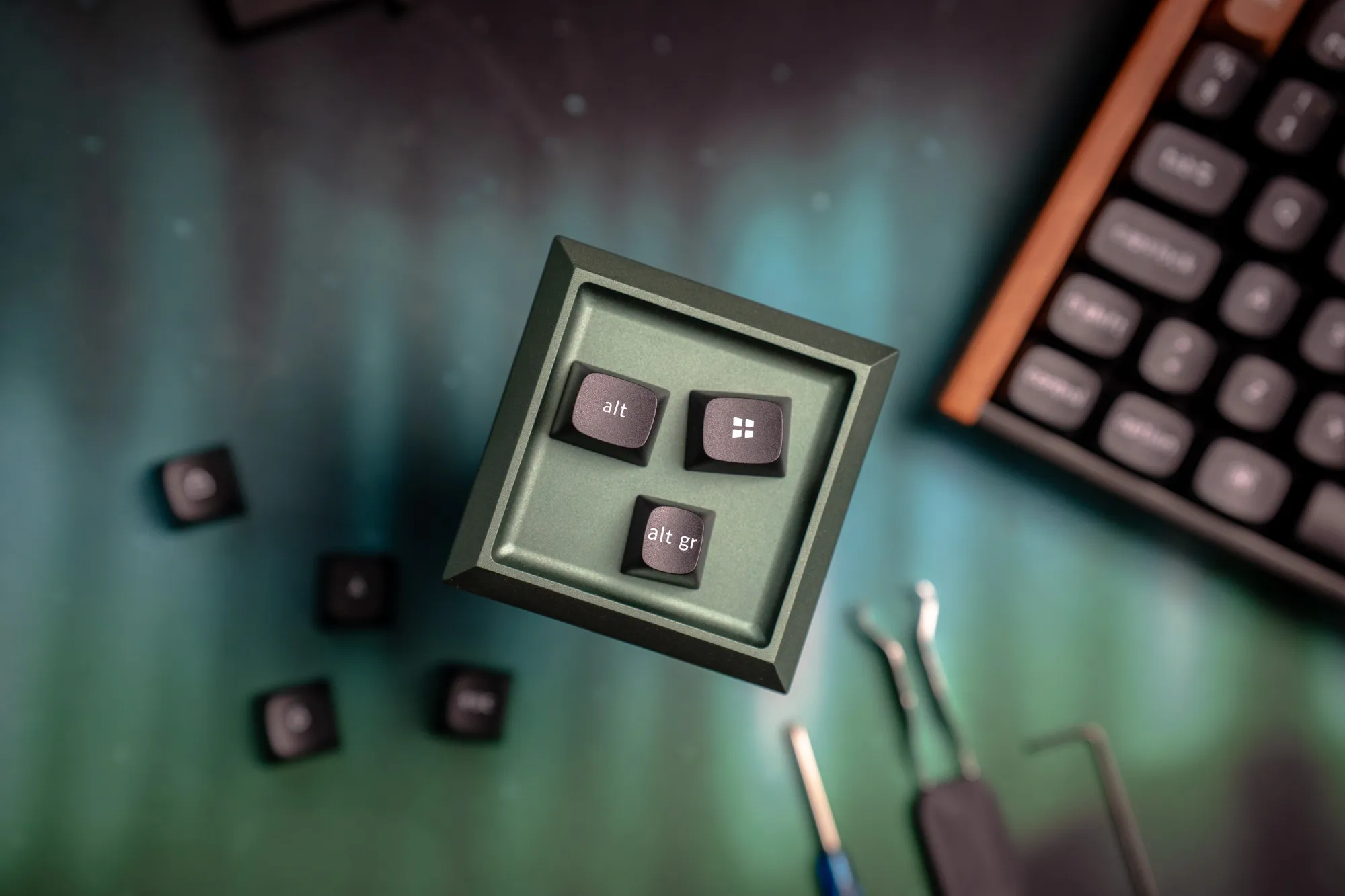 Dedicated Windows and MacOS keycaps in the box / Credit kaytomas.com
What’s in the box
Here comes the mandatory part of written online reviews, the always present and rather boring (but useful to some) part.
In the box you get:
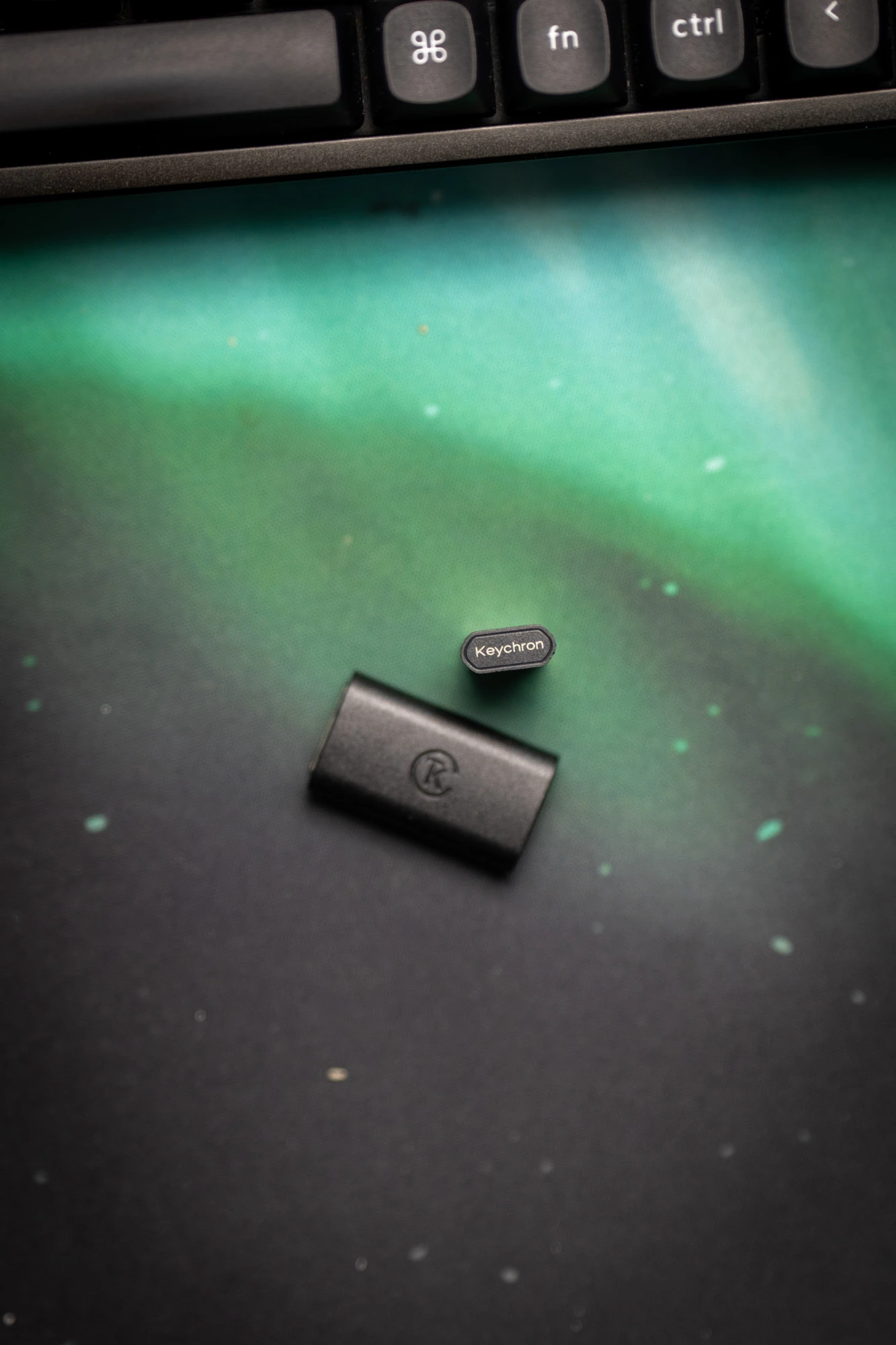
- A USB A 2.4 Ghz adapter
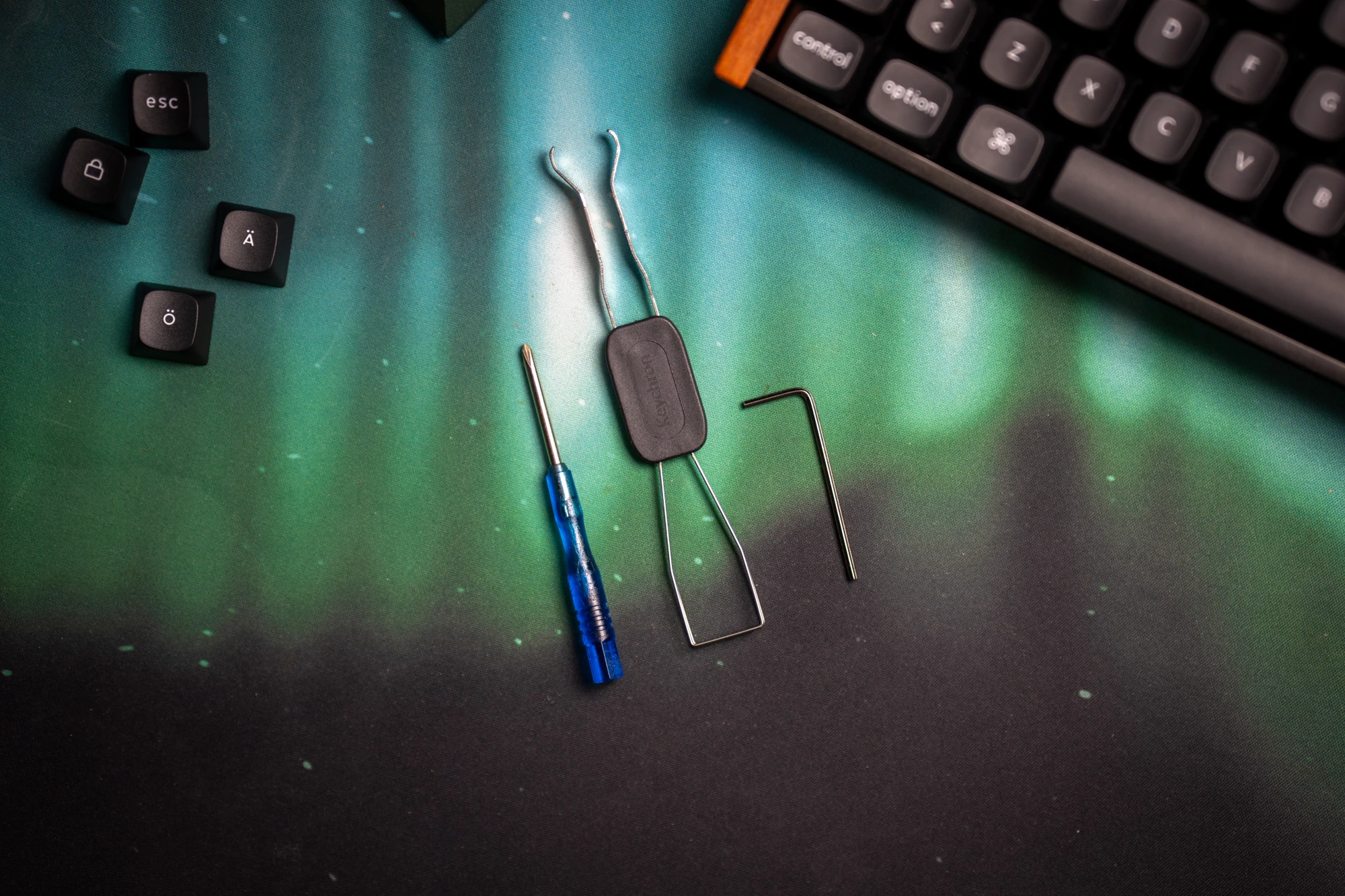
- A tiny screw driver
- A tiny hex key
- A keycap -and switch puller
- A black Esc key, so you can change the brown one
- Windows + Alt and AltGr keys
- Swedish keycaps
- Angled USB-C cable with USB-A in the other end
- A female USB C to female USB A adapter
Layout and Ergonomics
The K4 HE SE uses a 96% layout. 96% meaning 100% of the keys in 96% of the size. Hey, you need a minute to think about that?
Let me break it down. The K4 HE SE has all the keys of a traditional keyboard, full F-row, numpad and more. But Keychron has shrunk down the total size of the board by removing all “unnecessary” dead space between keys.
In real use, that dead space is neccesary for me.
Compared to keyboards that leave extra spacing around the arrows or navigation cluster, the K4 HE SE feels cramped.
The arrows are noticeably harder to find by touch and muscle memory, and the overall tight packing is something I found myself disliking after a few weeks of daily use.
For someone who uses a numpad daily, accountants or bankers, the layout is useful - but to me it’s a compromise.
If you don’t need the numpad, I’d recommend looking at the K4 HE version that comes with breathing room around the keys, the K8 HE SE. Same overall quality, wood, looks and features, but far less cramped on the right side.
On the upside, you do get a smaller footprint than a traditional full-size keyboard with the K4 HE SE.
Compact full-size can work, but accept that you might need to retrain your muscle memory around the arrow navigation.
The K4 HE SE also comes with two-stage adjustable feet on the underside, giving you a choice between a flat position and two elevated angles. Both have rubber tips, so the board stays planted regardless of which height you prefer.
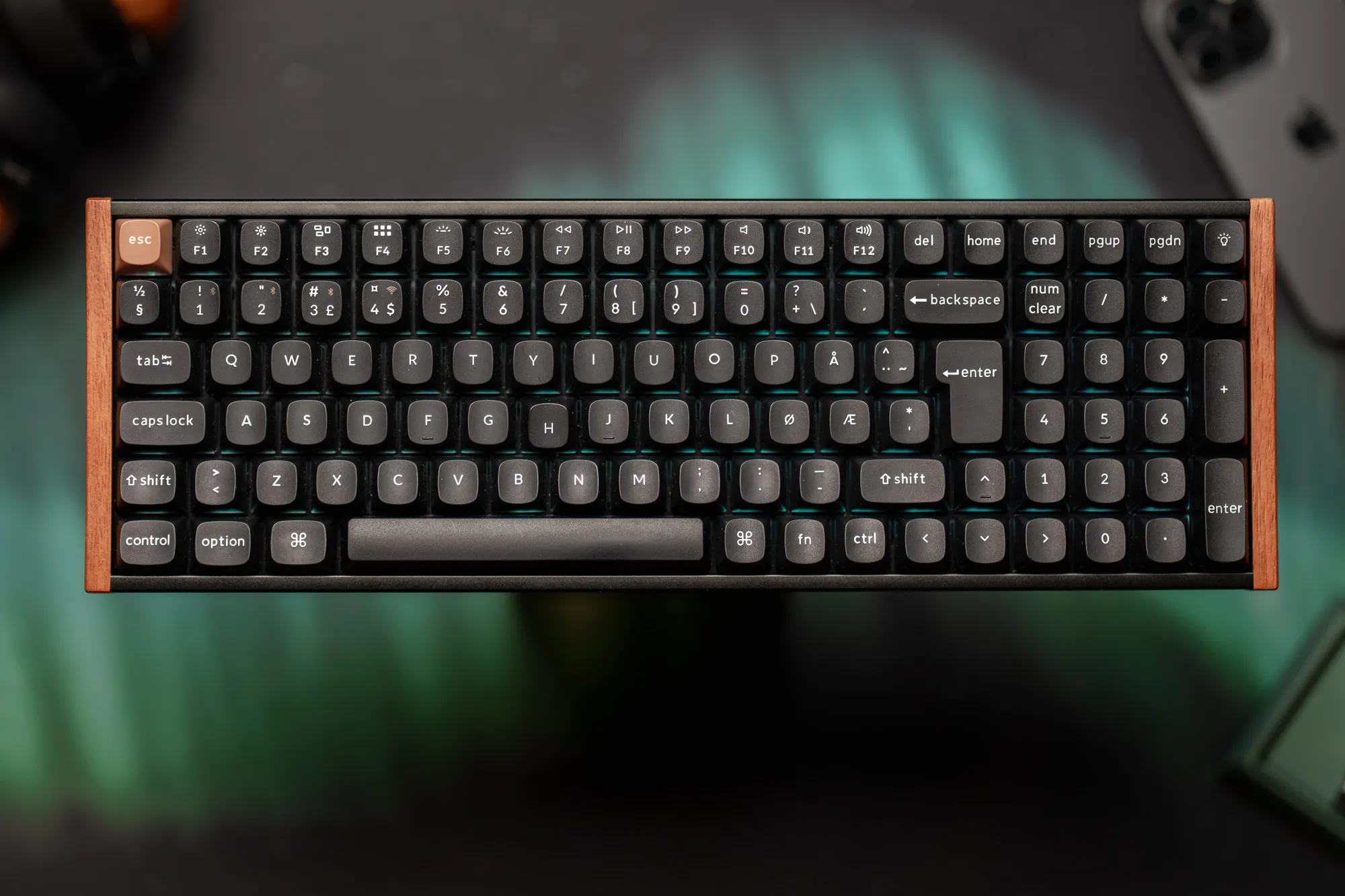 A full layout, without dead space. Will your muscle memory adapt? / Credit kaytomas.com
Sound test
The stock feel is very smooth, medium in weight, stable, and muted in sound. Pleasant rather than sharp or plasticky.
I find it hard to describe the sound of a keyboard using words, to have a listen instead.
See and hear the Keychorn K4 HE SE typing sound test on YouTube shorts / credit kaytomas.com
Typing feel adjusment tuning
After a few days of heavy typing, I was able to type accurately and pretty fast. It feels genuinely satisfying for me to type on, especially when I enter a flow state when writing for longer periodes. I love how the THIIIICK ISO Enter key gives a satisfying punctuation sound and feel when hammered down.
I was experiencing a lot of mis clicks and typos on the default actuation distance, and the switch actuation down to 0.5 mm after noticing too many misclicks at the default setting.
I didn’t run any calibration routine, I simply dialed down the actuation via the Keychron Launcher, based on previous experience with another HE board. That single change significantly improved my typing accuracy.
The K4 HE SE supports very fine actuation adjustment, from approximately 0.2 to 3.8 mm in 0.1 mm steps. I think this is trial and error, and you should just start somehwere and adjust accordingly.
1000 Hz vs 8000 Hz polling rate
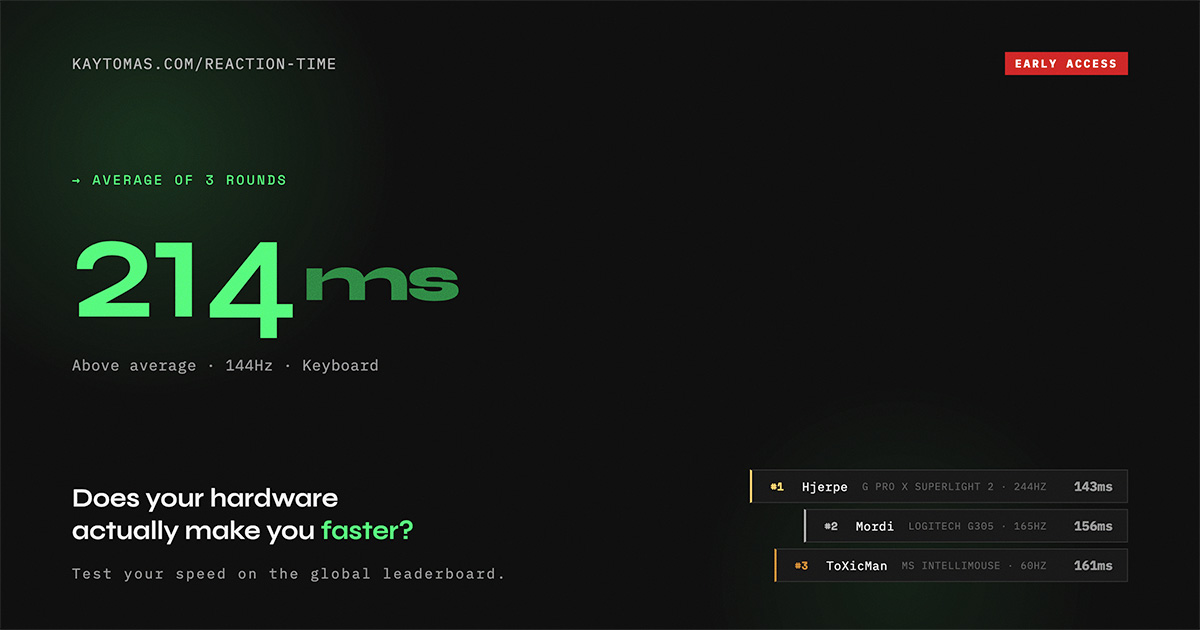
The K4 HE SE tops out at 1000 Hz, not the 8000 Hz you’ll see on esports boards.
In practice, that difference is not insignificant. It means less than one millisecond in real life. While a normal human reaction time are in the hundreds of milliseconds.
For me, anything at 1000 Hz is already fast enough, and I’d rather judge a keyboard by feel, looks, stability, and consistency.
Software and Setup
Using the web-based Keychron Launcher was aslo painless! Detection was immediate, no firmware update was required out of the box, and changes to lighting and actuation worked consistently. No annoyances or bugs to report.
The Keychron Launcher only works when the keyboard is connected via USB-C though, you cannot configure it wirelessly.
I had no issues configuring the keyboard to my liking, wi th correct actuation points and RGB profiles set on the first try.
Connectivity and battery
The K4 HE SE connects over USB-C wired, 2.4 GHz wireless via the included dongle, or Bluetooth (with up to three paired and remembered devices). Switching between connectivity options is handled by a physical toggle on the left side of the board alongside the Mac/Windows switch.
I tested them all, and it works exactly as you expect.
Bluetooth pairing is straightforward once you know the hotkey for pairing; hold FN and the 1 key for 4 seconds and the board enters pairing mode. There are small Bluetooth icons on the 1, 2, and 3 keys, meaning you can save and switch between three devices quickly.
For typing, there is no noticeable delay over Bluetooth. It just works. I also appreciate how clean the desk looks without a cable attached, which feels very much in the spirit of what this keyboard is about.
I have noticed no dropouts, no connection issues, and no problems with the keyboard waking from sleep. Keychron rates the battery at 4000mAh with up to 110 hours of use with the backlight off, and battery life has not been a concern.
I have not even charged it, but I been pugging it into different computers during my testing period, thus it has gotten it’s juice refilled during the testing phase.
Keycaps and RGB
The K Special Edition uses opaque OSA profile keycaps rather than shine-through ones, the north facing light doesn’t escape through the legends the way it does on other key-caps (including the Standard Eiditon of the K line).
The result is a subdued glow effect. More soe than than a full backlight.
I ended up setting mine to a static color and leaving it there. If you bought the SE for the looks, the subdued lighting suits it pretty well, especially with a varm color tone.
The OSA profile keys are nice, and I experience no issues with accuracy or discomfort vs my normal OEM or Cherry sets.
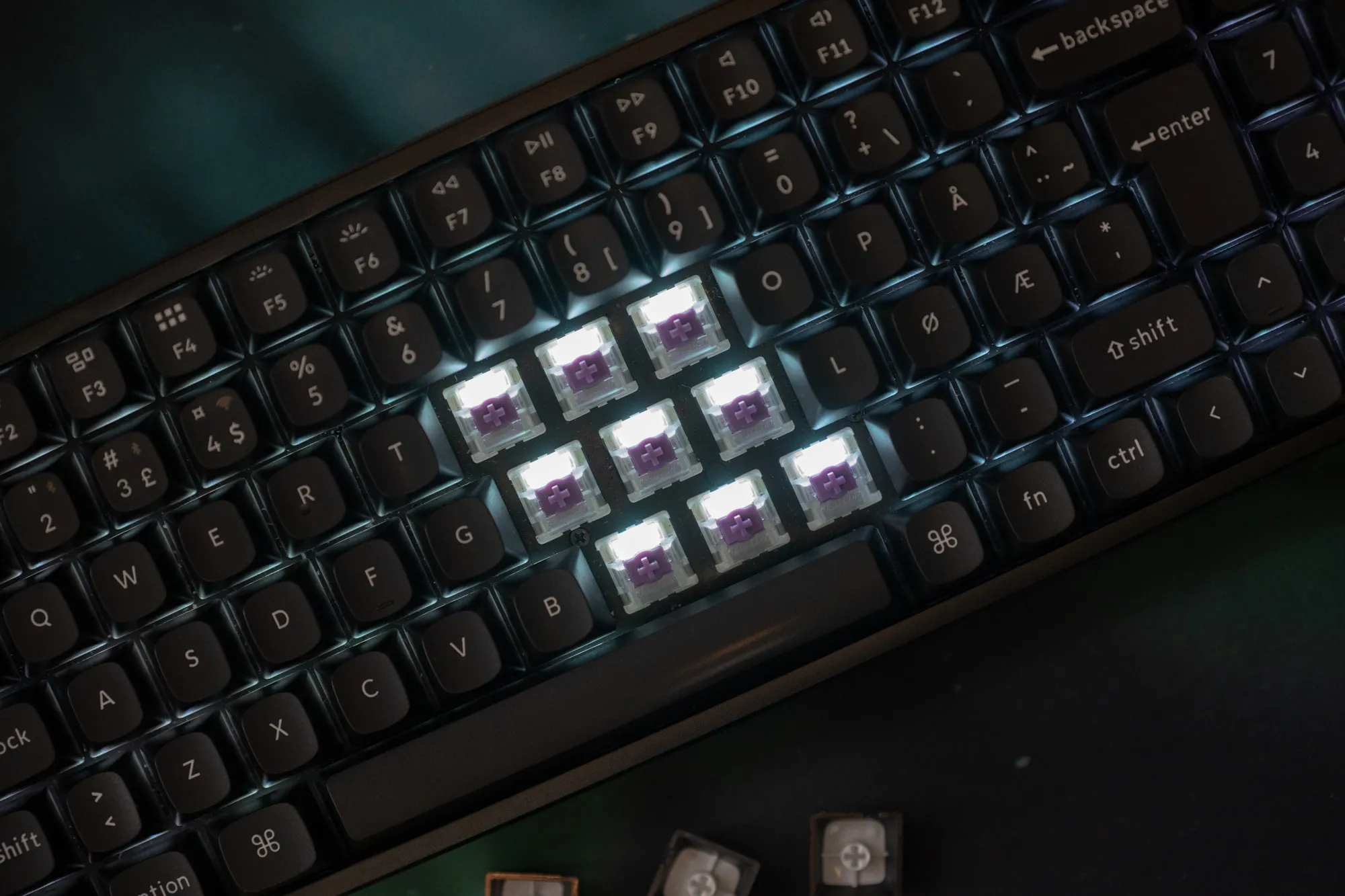 Here you can see the North Facing LEDs without key-caps / Credit kaytomas.com
Price and Value
The K4 HE SE is priced at $145 in the US, around £144 in the UK, and approximately €160 in Europe.
Here in Norway it comes in at around 2,290 NOK.
That puts it firmly in the mid-premium range, roughly in line with comparable HE boards at this level. The standard edition without the rosewood accents comes in $10 cheaper at $135, which is not worth it imo.
For what you get, hall effect switches, tri-mode connectivity, hot-swap support, Nordic ISO legends, and that rosewood build, the value propostion is pretty good.
You are not paying a premium for gimmicks, you are paying for a keyboard that is genuinely nice looking and nice to use.
Verdict
After about four weeks with the K4 HE SE I can say I really like this keyboard.
First and foremost, I like typing on it. The sound is good, the feel is satisfying, and once I dialed in the actuation and got into a writing flow, the misclicks dropped off significantly.
It also strikes me that Keychron has made a keyboar for the people who really about how good their desk look.
It works even better if you are running a Fractal North build with wood accents (like me), maybe they are into warm dark themes or deep greens (also like me). Maybe they just want their workspace to feel delibirate rather than tossed together.
I am one of those people, and the K4 HE SE fits that world very naturally.
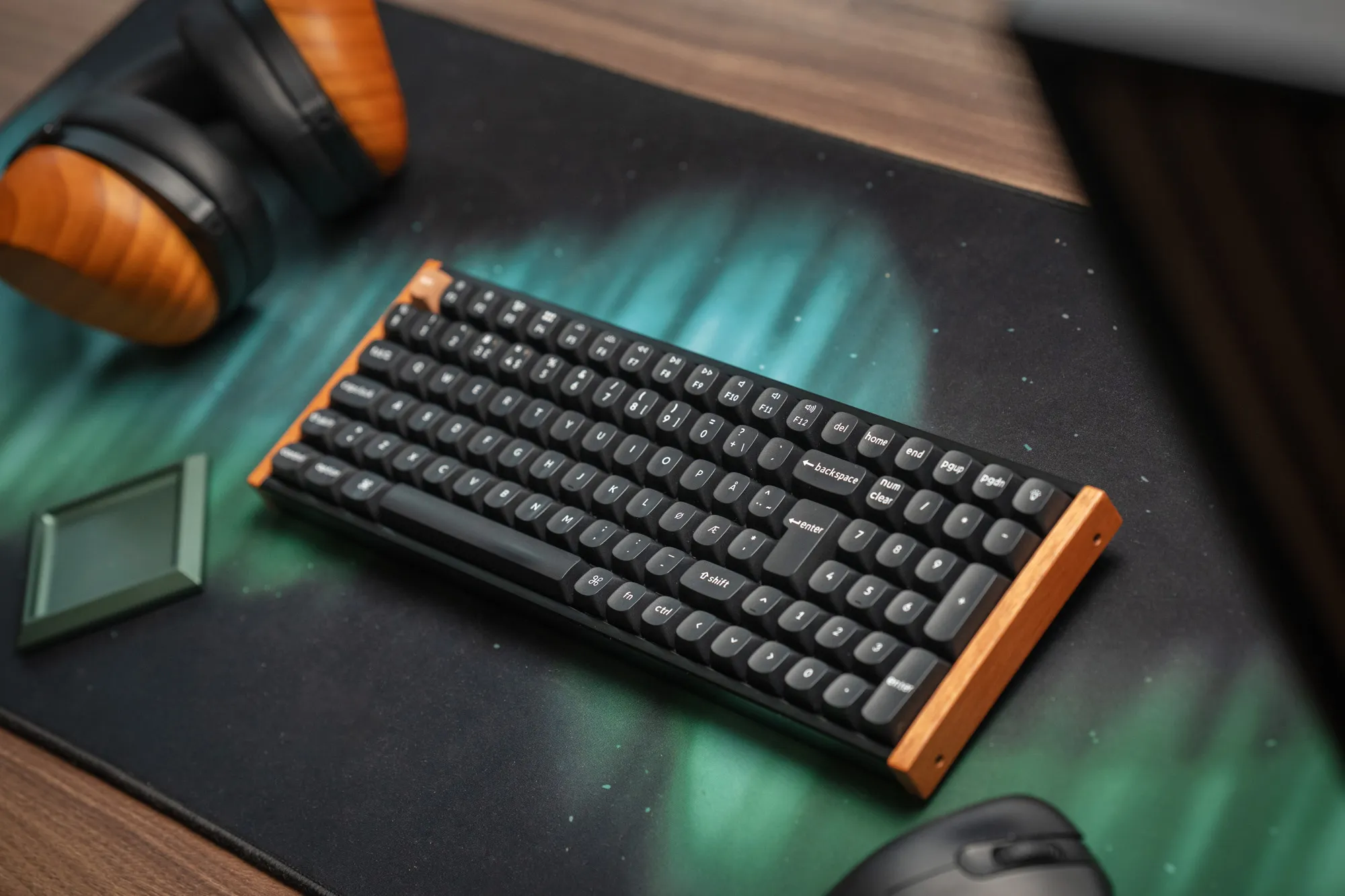 It really complements the Fractal North and Hifiman headphones / Credit kaytomas.com
The biggest caveat is the 96% layout. The cramped right side is a real compromise to me and not something I adapt to quickly. If travel and you genuinely need a numpad, the K4 HE SE makes sense, but only in that sense.
I’d rather get the K8 if I was buying myself. Same family, same look, more breathing room for your fingers.
