
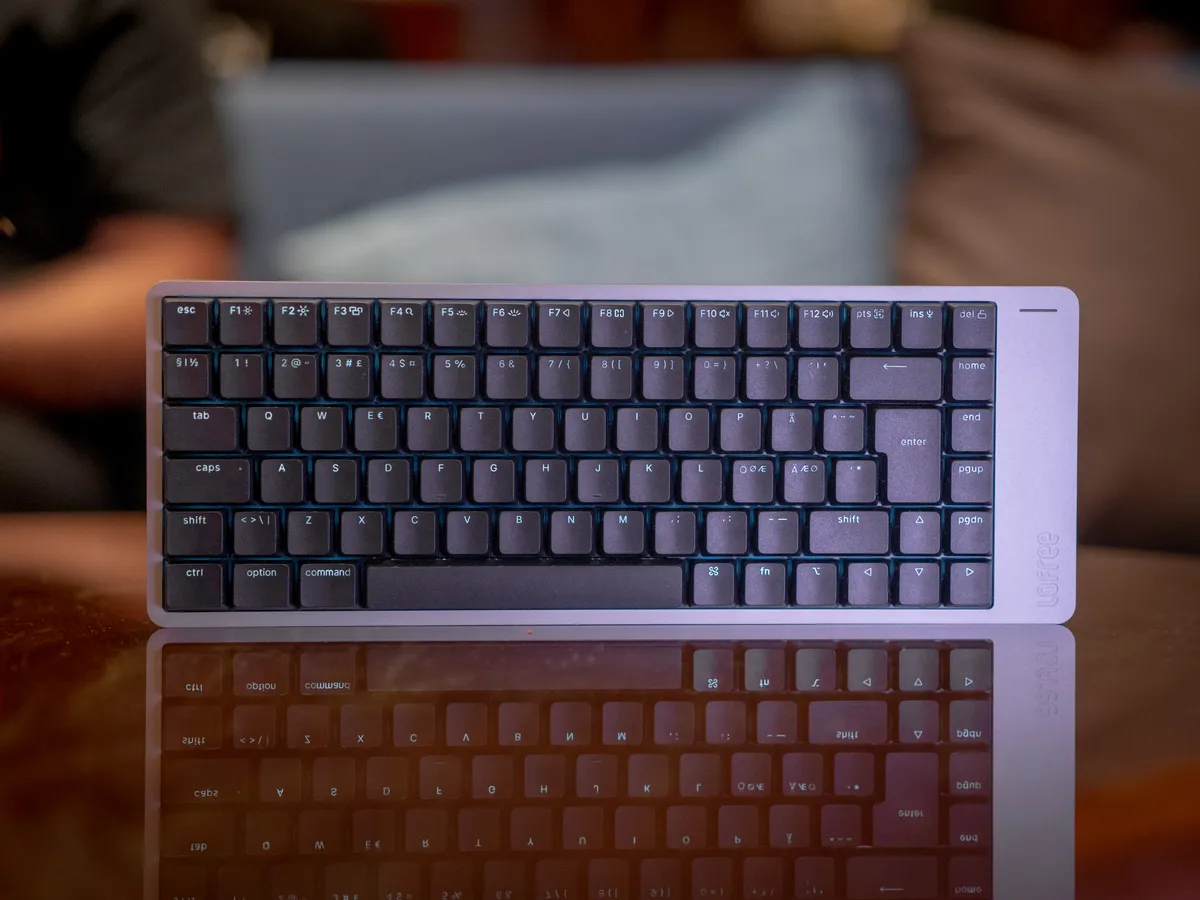
Low profile with a MacBook feeling
The Lofree Flow 2 is a low-profile keyboard with insane build quality. The aluminium case reminds me of a MacBook, and the black model is even roughly the same colour. There’s also a larger version with a numpad, the Flow 2 100, but I prefer smaller keyboards, so I only tried the Flow 2 84.
What I wanted to find out was simple: is it worth the asking price?
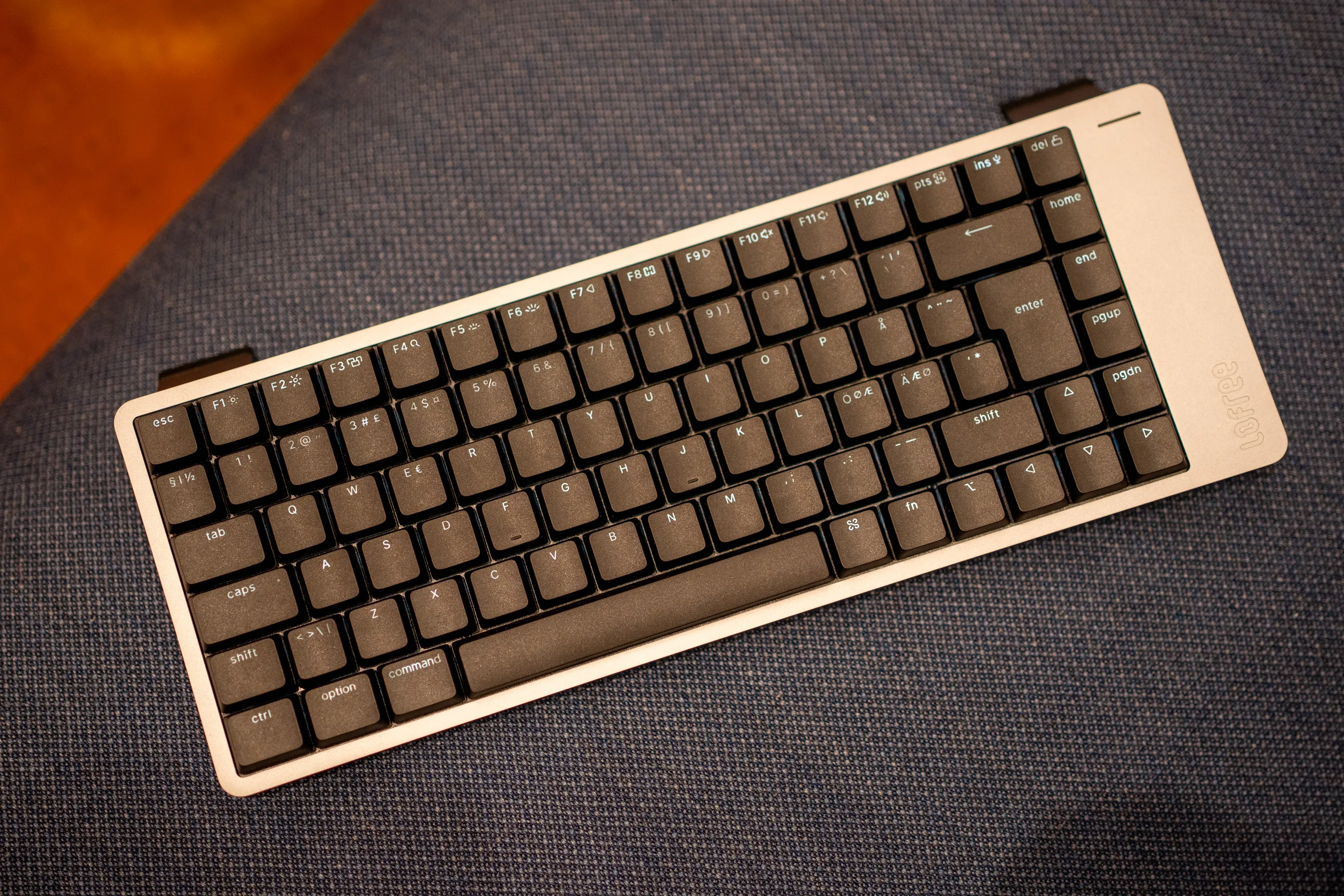 The Flow 2 from above, with the kickstand feet flipped out at the back. / Credit: kaytomas.com
Disclaimer
I tried the keyboard at the booth during Moderskeppet, an event by Geeks AB and SweClockers with 1500 geeks on a boat in international waters. Nothing came home with me, so this is a short test at the booth, with noise around me. The photos are mine, apart from the press image of the white one. Nordic ISO layout on all of them.
The spacebar is the highlight
The first one I tried was the version with linear switches, and it had an incredibly lovely sound and typing feel.
The spacebar might actually be the highlight when it comes to sound. Even with all the noise around me, I found myself lifting the keyboard closer to my ear just to hear it properly. That’s how good it sounded. There is a very high level of perceived quality here, and it immediately feels like a product of very high quality.
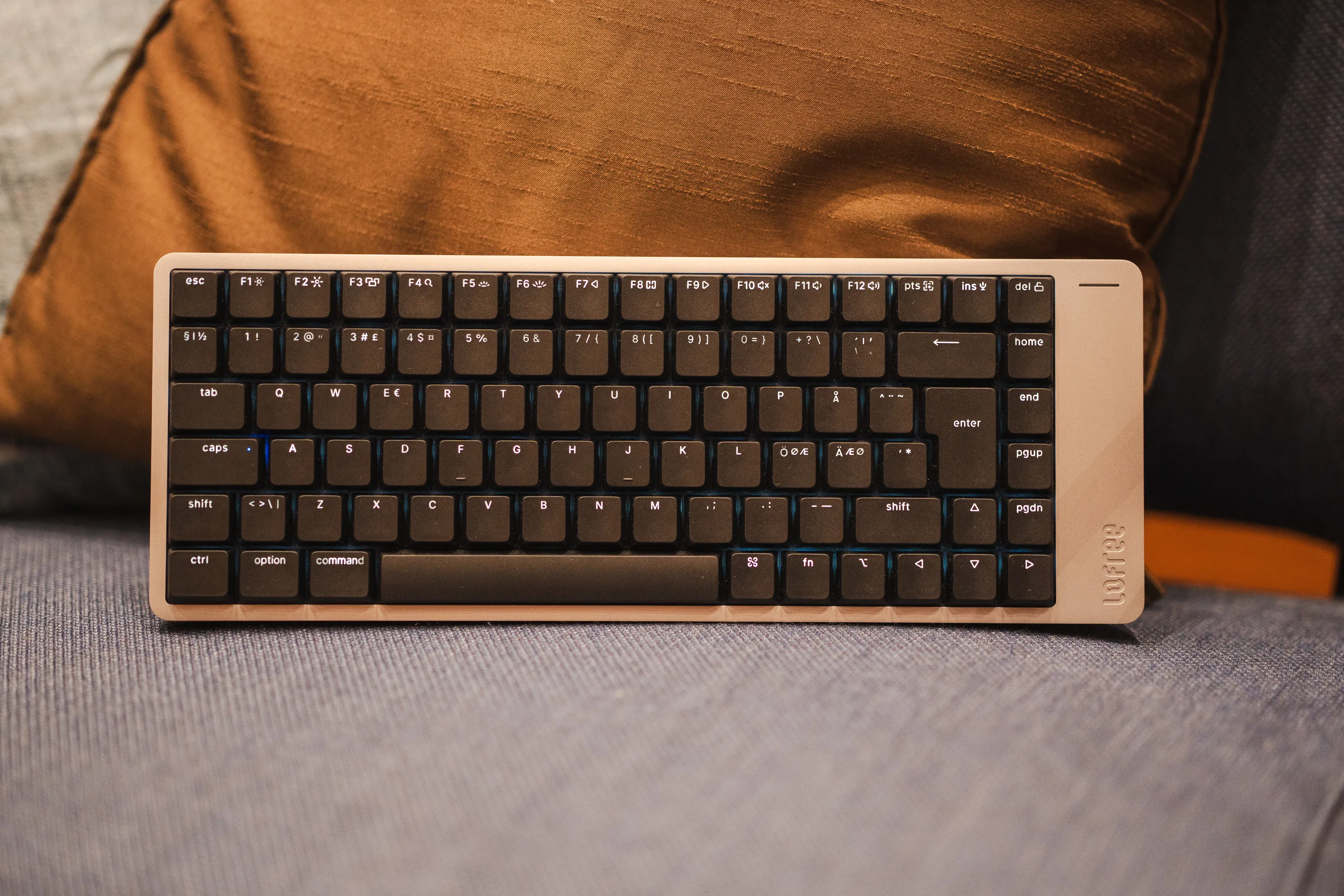 Straight from the front. The spacebar is the one that sounds best. / Credit: kaytomas.com
Silent or linear, black or white
The booth had two switch variants in, one silent and one linear, and I tried both. Both were good, though I liked the linear best.
Lofree calls them Void (silent) and Surfer (linear), and in Scandinavia you get the 84 version with Surfer and the tactile Pulse, while Void is only available on the 100 version for now.
Both colours were on display too, and both are nice. Whether you pick black or white comes down to what you like. If it were me, I would pick the one that matches my MacBook, so black and grey. But this is 100% a matter of taste.
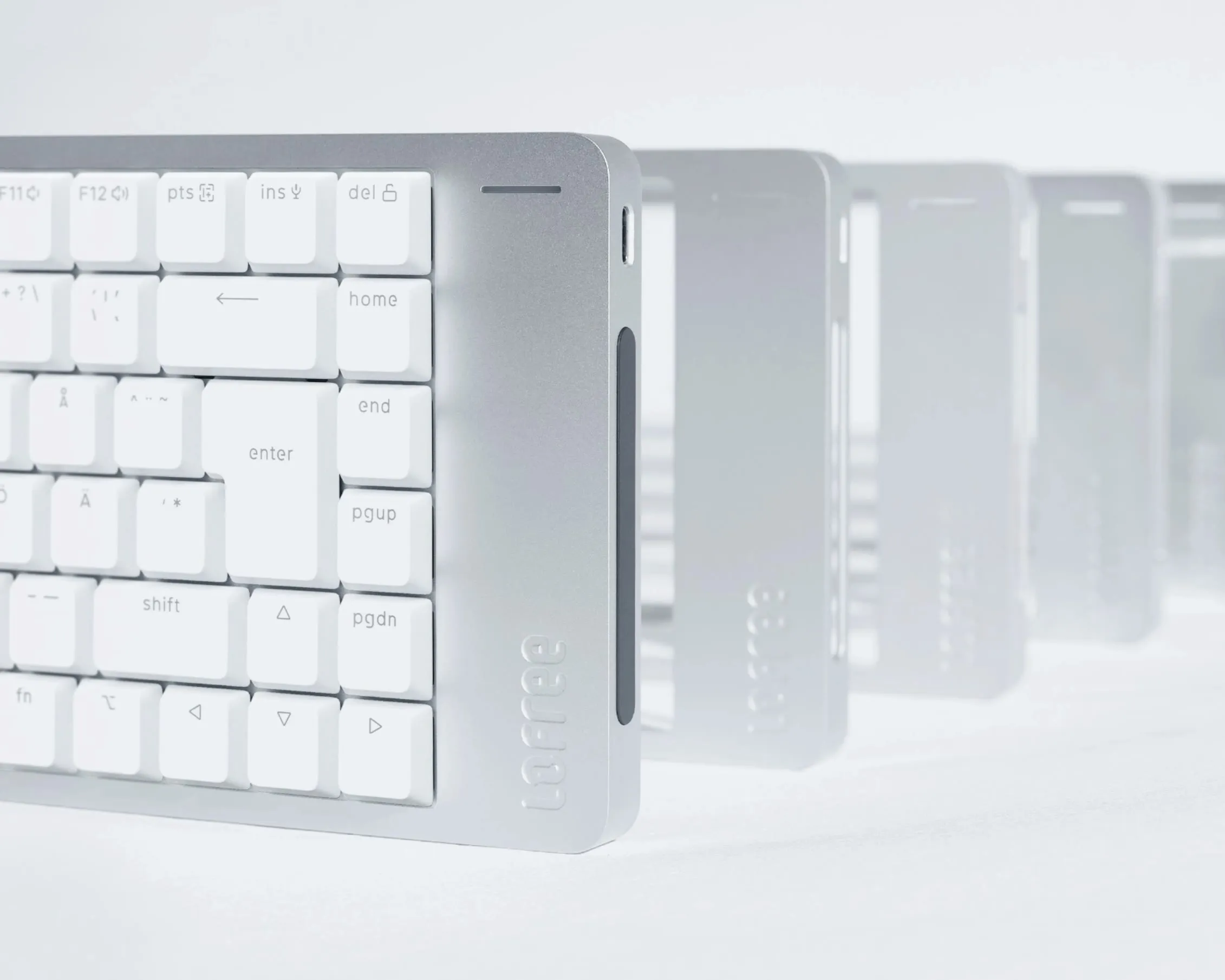 The white version, with the touch bar visible on the right short side. / Credit: Lofree
745 grams of aluminium and 1000 Hz
The switches are Lofree’s own Cloud series, made together with Kailh, with 40 grams of actuation force on all three variants. The keycaps are double-shot PBT, and the legends let the light shine through. Connectivity is tri-mode, so cable, 2.4 GHz and Bluetooth 5.3, with a 1000 Hz polling rate on cable and 2.4 GHz. The battery is 3000 mAh, and Lofree claims up to 120 hours with the lights off and 17 hours with the lights on.
The keyboard measures 341 × 126 × 21.5 mm and weighs 745 grams. That is heavy for a low-profile keyboard, and it is the aluminium you feel. It sits completely still on the desk.
Dedicated keycaps for Ø and Æ in the box
Even though the photos and the unit I tested have combined Nordic keys for Æ and Ø, you get dedicated keys in the box. I have confirmed this with the distributor. This is a detail I love. It looks much cleaner with separate legends for Ø and Æ, and we are spared the ones that cram everything onto one key. It only takes two extra keycaps from the manufacturers, but gives us customers a lot in return.
The touch bar I did not get to test
The keyboards weren’t connected, so I couldn’t test the touch bar on the right side, which controls volume and brightness. I’ve seen complaints about accidentally touching it when lifting the keyboard, and its placement might also interfere with mouse use. Neither is something I could verify at the booth, so I’d want to investigate both in a full review.
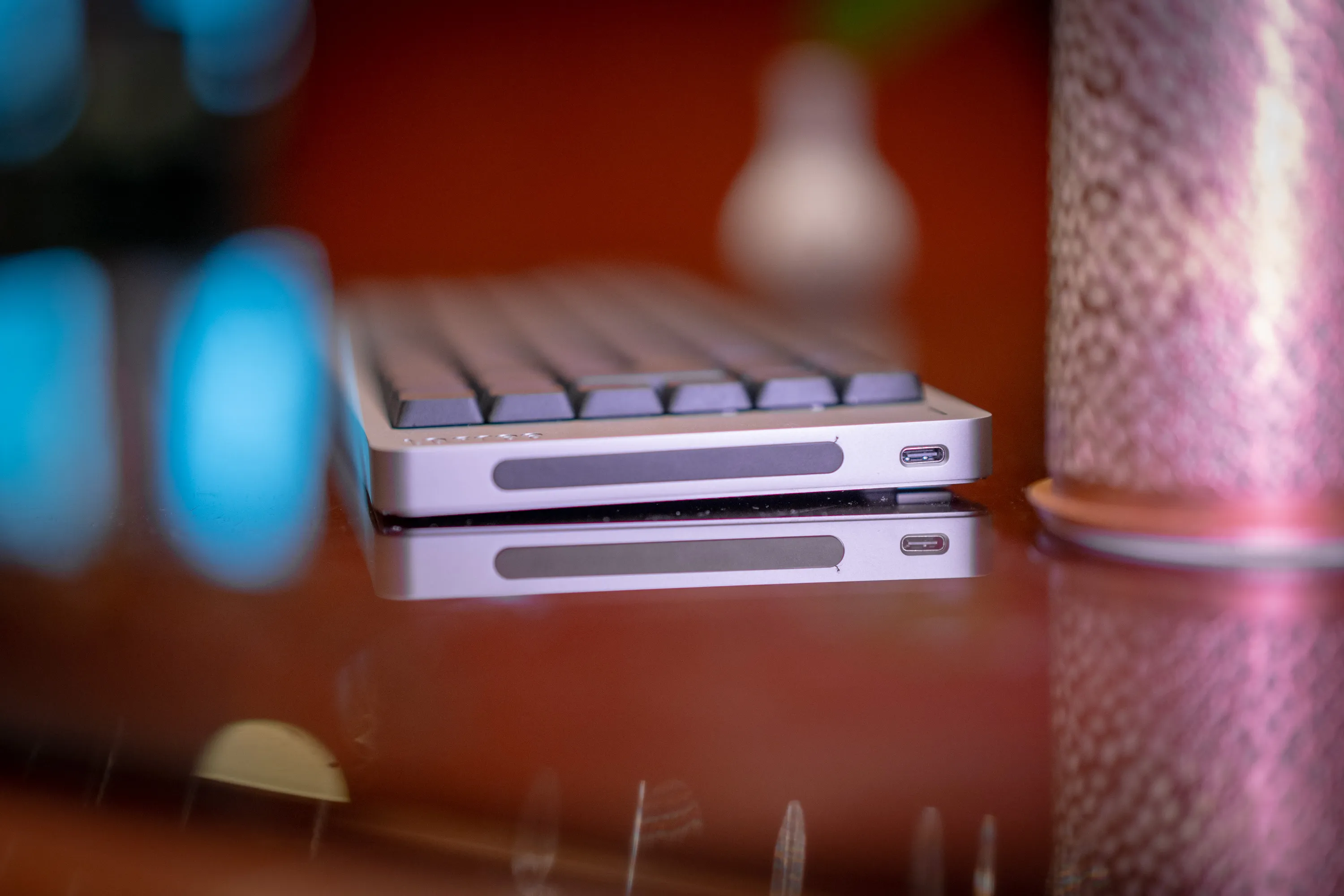 The right short side: the touch bar that controls volume and brightness, and USB-C. / Credit: kaytomas.com
But all in all the impression is very good. Fantastic to type on, lovely sound on the linear switches and incredible build quality.
This is a low-profile keyboard that feels properly premium, and something I would definitely consider if I were buying a new keyboard today.
So does it live up to 1549 NOK? After a short session at the booth: yes. You pay for aluminium, sound and typing feel, and all three are there. What I do not know is how the touch bar and the battery behave over time. At the time of writing the Flow 2 84 sells from 1549 NOK at Proshop and five other stores, and the Flow 2 100 from 1649 NOK.
