
The short version
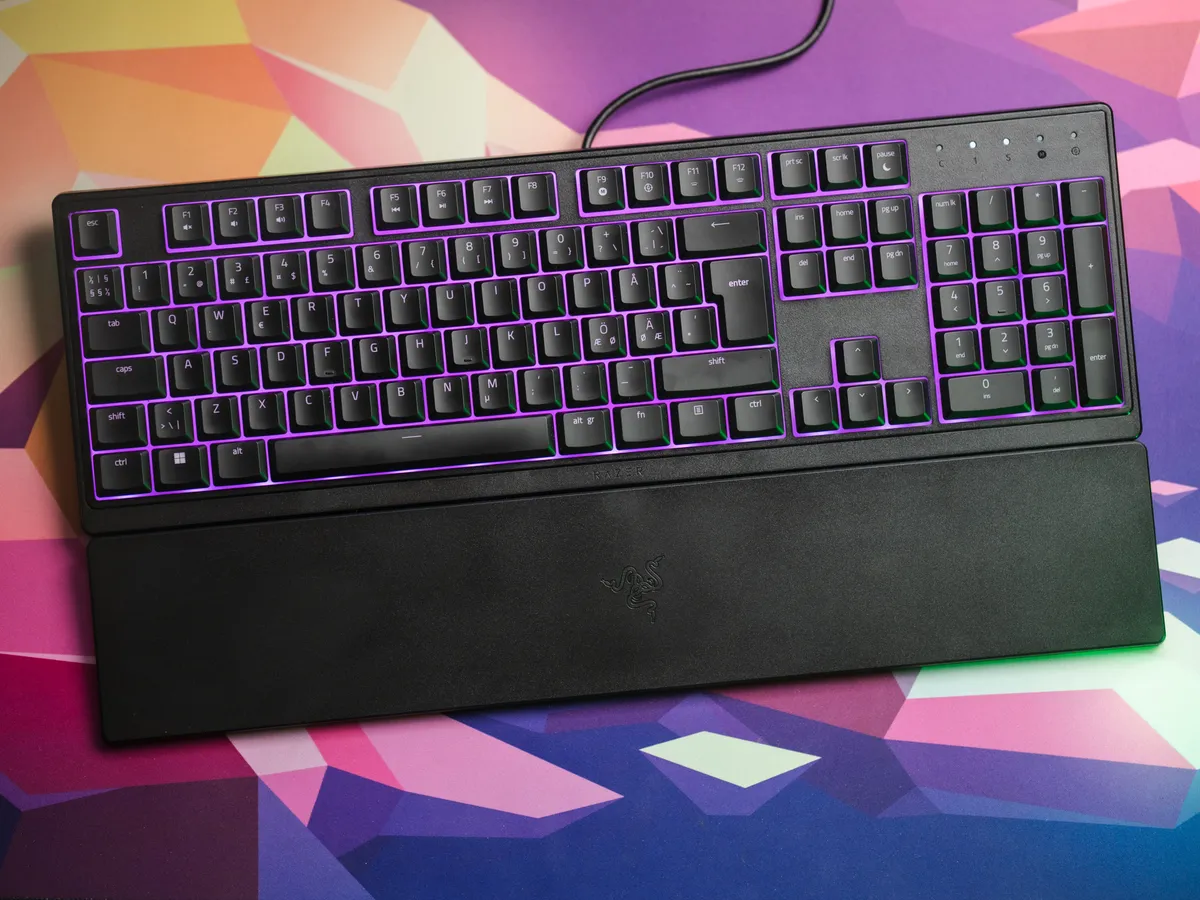
A full-sized membrane keyboard with bright Chroma RGB, a wrist rest and decent typing feel for the money.
The dealbreakers, depending on who you are, are the hardwired USB-A cable and Razer Synapse being demanding on Windows and half-broken on Mac.
Sound test
Sound is subjective, so rather than describe it any further, here is a short clip of me typing on the Ornata V3 X. Listen for the muted keys against that louder spacebar.
If you would rather just listen, here is the audio on its own.
Testing the typing feel and sound on the Ornata V3 X. / credit kaytomas.com
Typing feel
These are not mechanical switches, but the membrane ones feel decent. Slim, comfortable, easy to write fast on without typos creeping in. Not as slim as the Apple Magic Keyboard I usually have on the desk, but still very easy to adapt to, and quick to gain accuracy on.
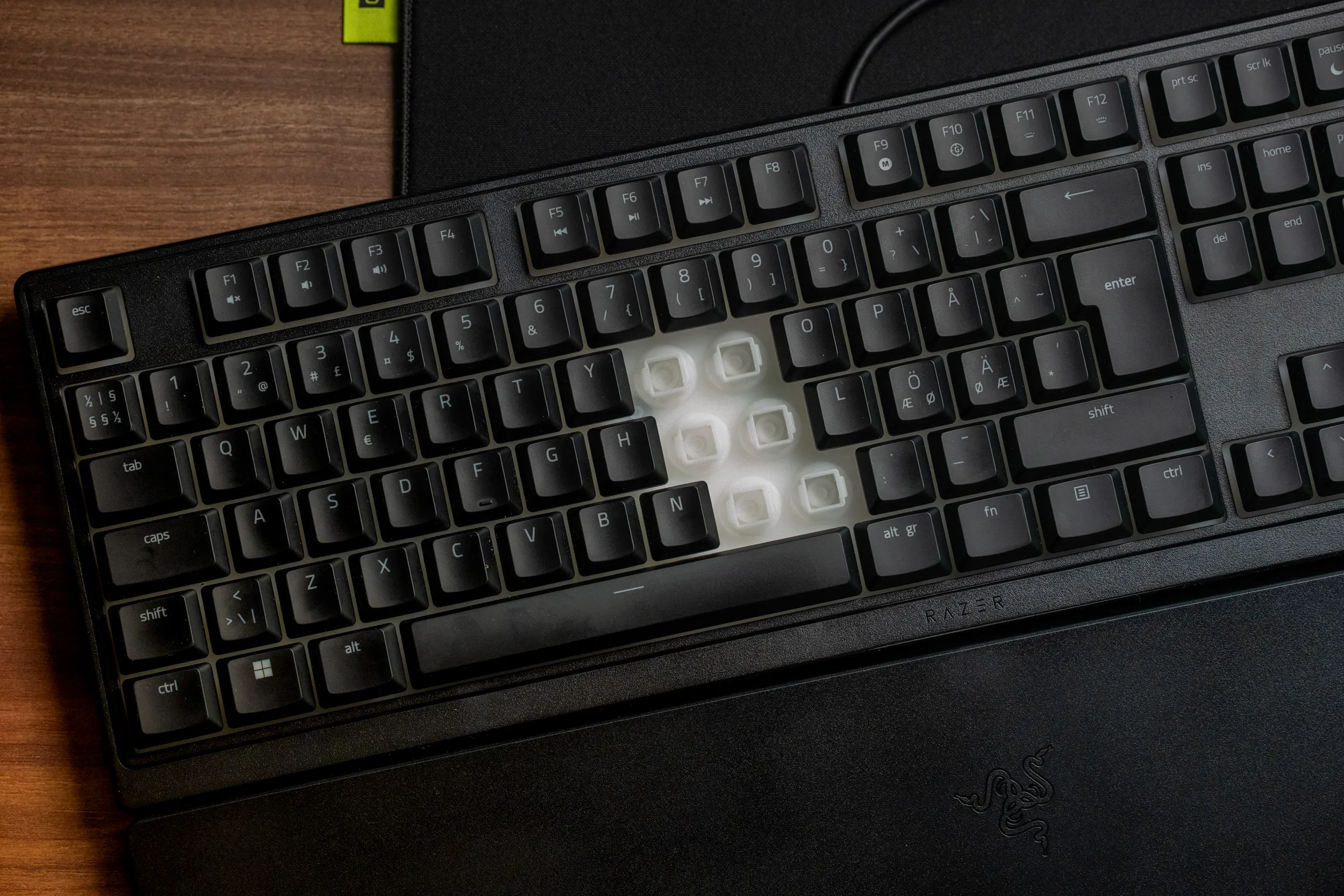 A few keycaps pulled off to show the membrane domes under the Ornata V3 X. / credit kaytomas.com
My one real complaint is the spacebar. The rest of the keys have a muted sound. The spacebar is harder and louder, and you absolutely hear it land every time you use it. Can I expect better in this price range? Probably not. But it is the thing I notice most while typing.
RGB / Lighting
The RGB is present and loud. First thing I did, even in bright Norwegian May daylight, was turn it down.
The default colour-fade animation is fine, very on-brand for Razer, and Chroma still looks good when dialled back to a sensible level. If you want the default colour fade animation, you have to do this in Synapse. Which leads me to…
Razer Synapse rant
While Synapse detects the Ornata V3 X, you only get limited lighting controls here, for the full suite of config - you need to download another proprietary Razer application, the Razer Chroma. Well, if you have read any of my other content, my fiery hate for vendor software installs comes from Synapse and my immediate reaction when realizing I have to download another app from Razer is to say to myself “noope, not happening.”
On Mac it is even worse. You can install Synapse on macOS, but you cannot configure macros or change the RGB there.
Those settings have to be set on a Windows machine. Combine this with the lack of onboard memory, and your configuration lives on whichever Windows PC you set it up on.
This will eventually get better when Razer fully moves to Synapse on the Web. Right now, on Mac, it is simply not good enough. It is 2026 and cross-OS support should be the baseline, not a roadmap item if you ask me.
USB-A only
A detachable cable is too much to ask at this price, fair enough. But a USB-C end with a USB-A adapter in the box should be the default by now, on every Razer device. The price increase would be negligible and the keyboard would be future-proof.
A green USB-A connector on a hardwired cable. In 2026.
On a positive note, we get cable routing. The cable can be routed out the left, middle or right of the keyboard, and there is a cable tie in the box. Cable management to your machine is easy.
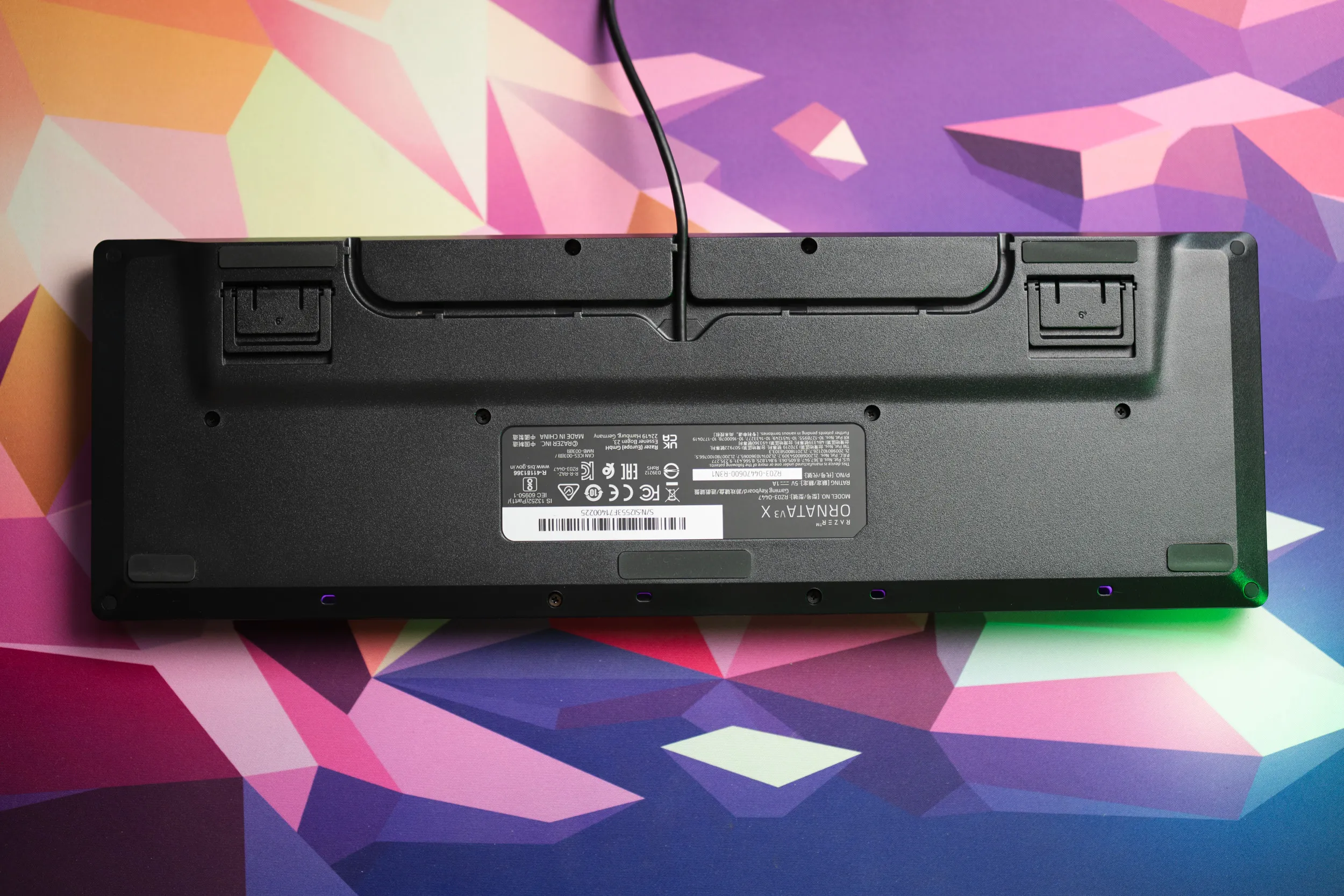 Cable routing is present, left, right or straight to the middle / credit kaytomas.com
Ornata V3 vs V3 X
The naming is a bit confusing, so here is the short version.
In Razer’s line of products, the X = budget alternatives.
If I ran Razer, the budget version would be called Lite - or I’d name the more expensive option something else (Ultimate maybe, that word is not taken yet?). Then, we consumers would know at a glance which one is the cheap and expensive one. Pro, Ultra, X, Lite, V3, V3 X — at some point the naming stops helping the buyer.
Anyway, both keyboards ship with a wrist rest. On the V3, the wrist rest snaps on magnetically. On the V3 X, it just sits in front of the keyboard, held in place by rubber feet.
The V3, with its mecha-membrane switches, is also said to have a clickier, more satisfying sound, whereas the X is mushier as you can hear for yourself in the sound test above.
Less mushy sound and feel, a USB-C cable, a magnetically attachable wrist rest. All of that is on the table, provided you dig up the extra dough for the Ornata V3. Razer is cutting costs to land at this price, and honestly that is fair.
Pricing
This is the budget option, from a well-known brand.
The list price around the world:
- $39.99 in the States
- £49.99 in the UK
- €59.99 across the EU
- 499 NOK here in Norway
What bothers me is what the price actually buys. Even down here in budget territory, you can find hall effect keyboards out of China for the same money.
So a chunk of what you pay is a Razer premium, for the branding and for access to the software suite, the (awful) Synapse and Chroma for the RGB. Whether that premium is worth it is the real question, and it comes down to how much the Razer name on your desk means to you.
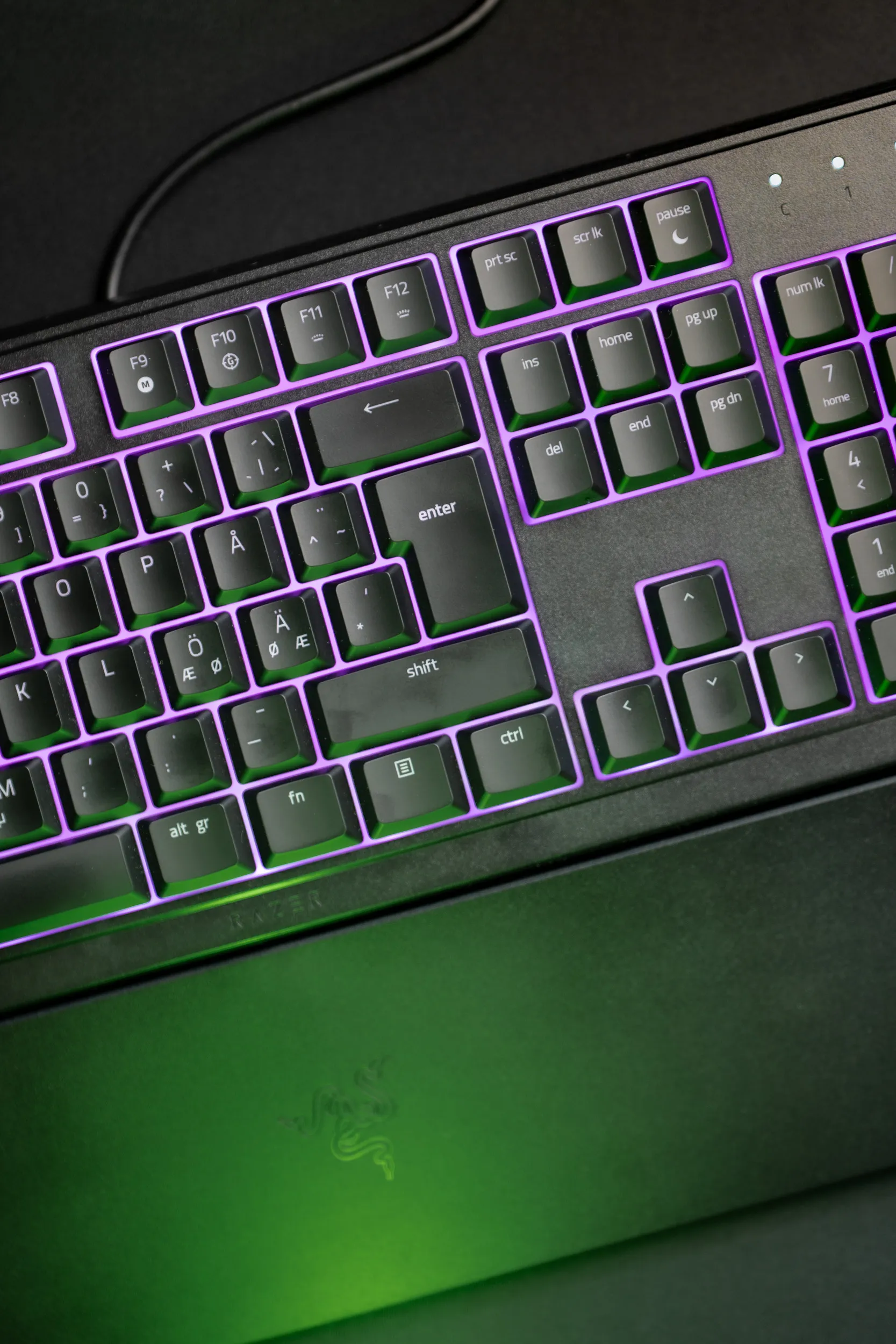 Chroma RGB on the Ornata V3 X, turned down from its eye-searing default. / credit kaytomas.com
Who is this for?
The budget-conscious gamer who likes Razer, who wants bright RGB. The sloppy gamer, who occasionally spills an energy drink on the desk. Maybe you have even killed a keyboard with liquid death (or, a brown potion of sluggishness, maybe) before and want spill resistance without spending too much.
If that person was me, I would stretch for the Ornata V3 instead. The magnetic wrist rest and the better sound are worth the difference, and the cable situation is the same on both anyway.
However, I understand that we are all different and I bet many gamers would be really happy with the V3 X for years.
Disclosure
Razer sent this keyboard for review. They do not see the article before publishing and have no say in what I write.
