
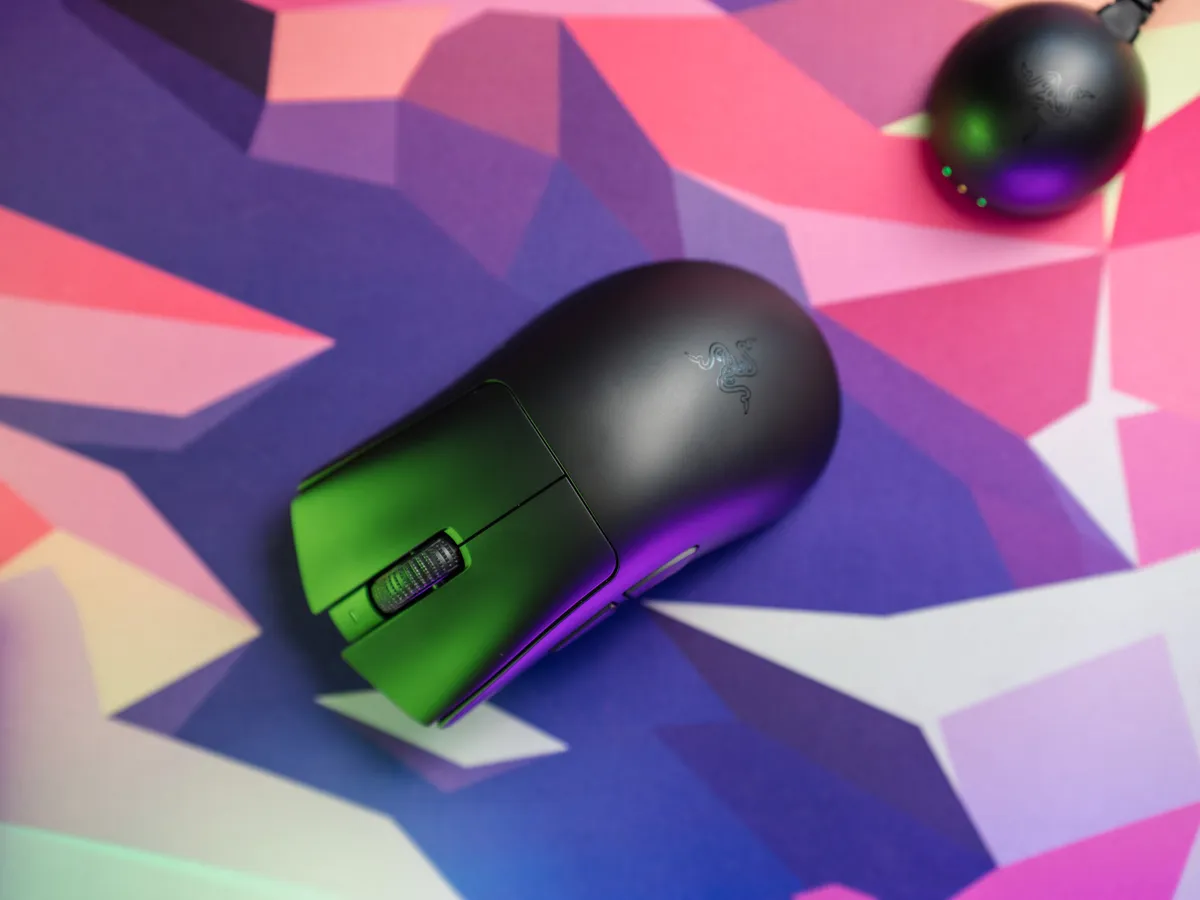
My old nemesis, Razer Synapse
I have a history with the DeathAdder. Over 10 years ago I used my first Razer mouse. Piano black finish, fingerprint magnet, came with Razer Synapse.
I liked the mouse, particularly the shape. I disliked Synapse, the desktop software you had to install to configure it.
So when Razer sent over the DeathAdder V4 Pro, I had two questions: has the mouse evolved, and has Synapse stopped being a chore?
The DeathAdder shape: still one of the best ergonomic mice
The DeathAdder V4 Pro is the same right-hand ergonomic shape it has always been. Left-shifted center hump, lightly curved sides, designed for palm and claw grip. Razer has shaved it down to 56 grams, from 63 on the V3 Pro. Almost everything else looks like the V3 Pro with small technical upgrades.
The shape works. I have medium-sized hands and a natural palm grip, and my hand just lands on it. If you’ve used a DeathAdder before and liked it, that’s basically all you need to know.
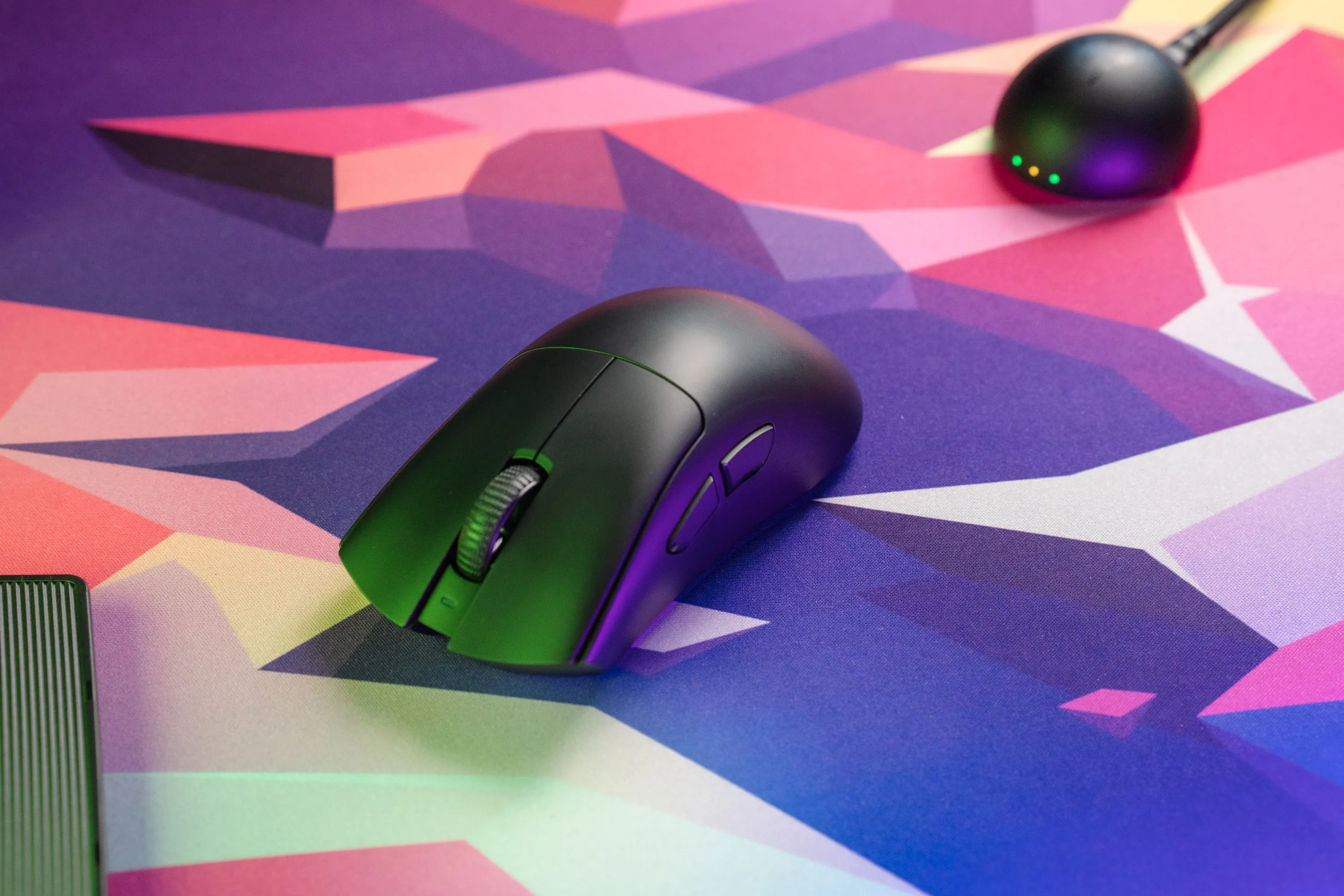 The classic DeathAdder profile: left-shifted hump, gentle side curves | Credit kaytomas.com
If you haven’t, note that this is a right-hand-only design. Lefties should look at the Viper V4 Pro for the ambidextrous grip.
Click sound test
Check out the sound of the buttons in the video.
Click sound test of the DeathAdder V4 Pro / credit kaytomas.com
Out of the box
At 56 grams it feels light without feeling cheap. The matte finish helps: no fingerprints, no plasticky flex.
The clicks are the immediate standout. Left and right sound almost identical. Similar pitch, similar sharpness. That’s surprisingly rare, even at this price.
Grip tape is included in the box, which is a nice touch.
One small frustration: the braided cable is USB-A to USB-C. If you’re on a laptop that only has USB-C (say, a MacBook), you’re out of luck or off adapter-hunting. At this price range, USB-C to USB-C should be standard.
Heavy reciever puck
The receiver puck weighs around 44 grams. That’s heavy for a wireless dongle, and it’s the point. It stays where you put it instead of sliding around the desk every time the cable tugs.
The front has LED indicators for connection status, battery level, and polling rate. No software needed!
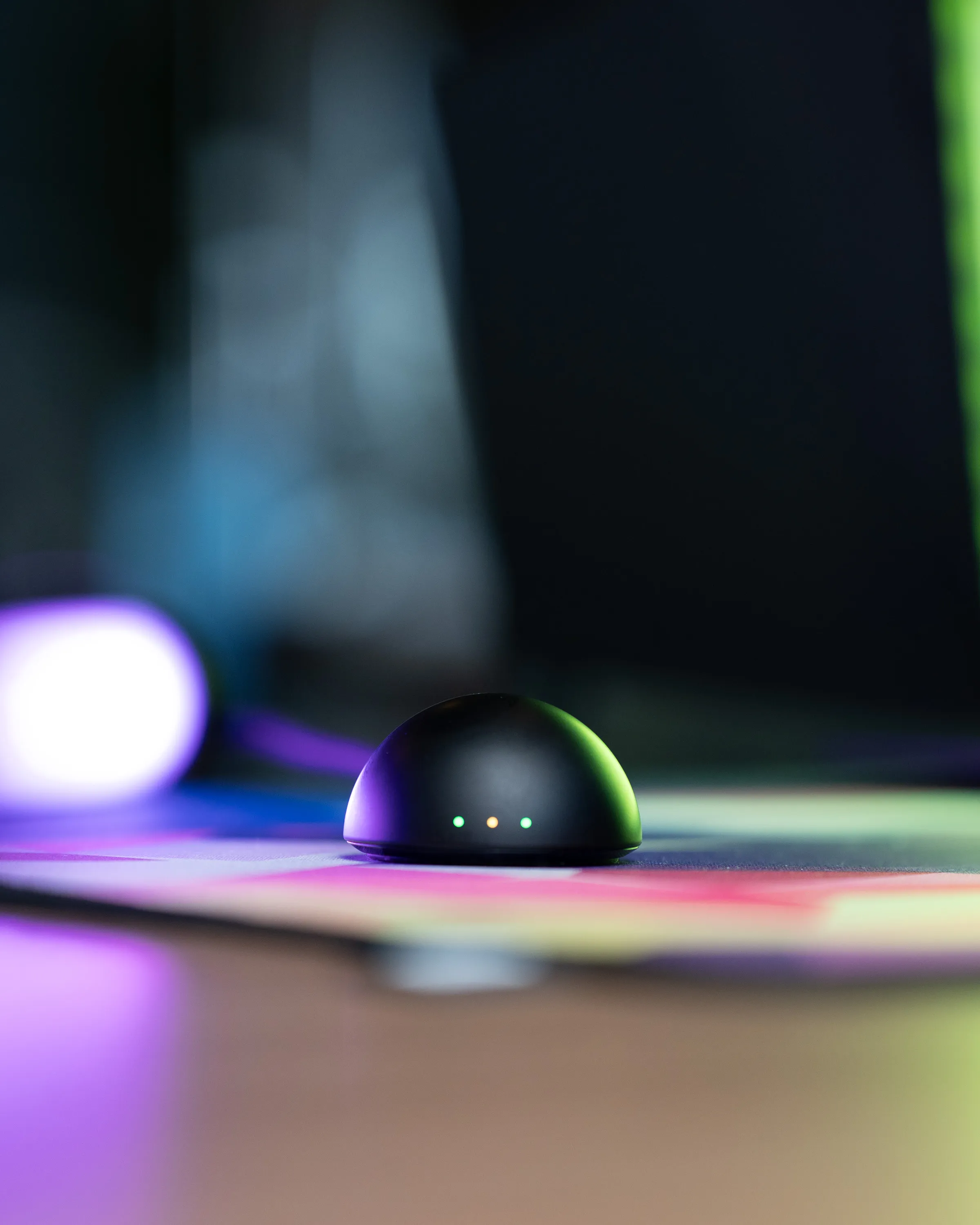 The heavy receiver puck stays put where you place it | Credit kaytomas.com
Performance: wireless and sensor
A well-made wireless mouse is, to me, indistinguishable from a wired one, and the DeathAdder V4 Pro confirms it. I can’t feel a difference between wired and 2.4 GHz.
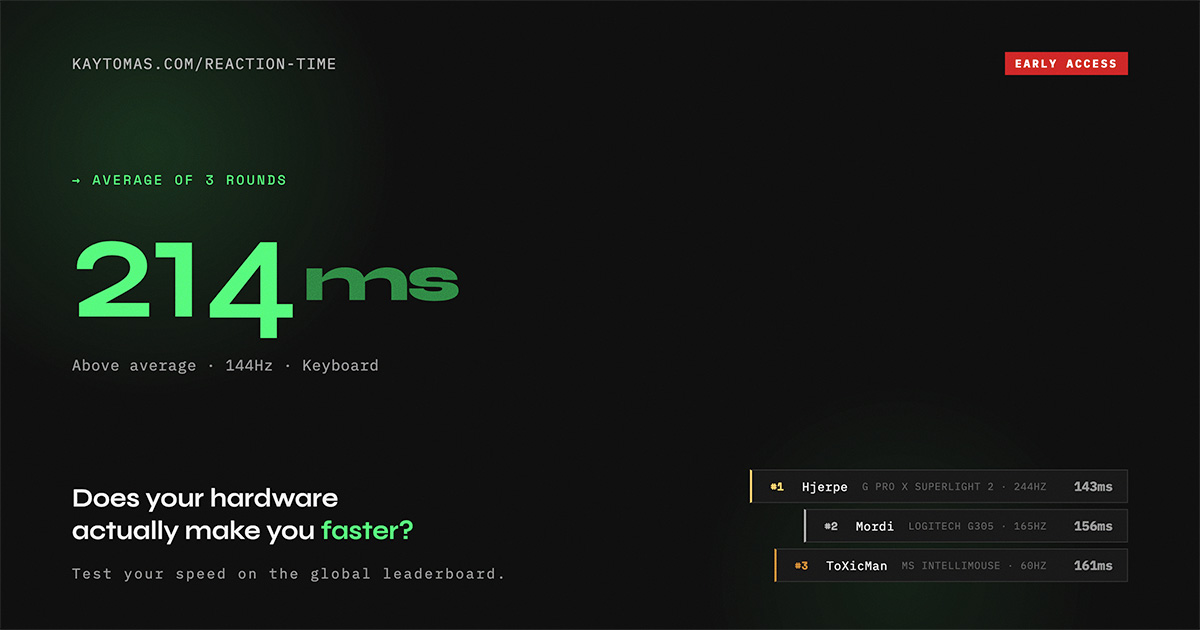
I also can’t feel the difference between 1000 Hz, 4000 Hz, and 8000 Hz polling. I know that’s a controversial thing to say. 8K is the headline number right now. But in my own unscientific reaction-time testing, I was actually faster at 125 Hz. Does that mean anything? No. It’s all within the margin of error. I’d leave it at the default 1000 Hz and not think about it again.
The DeathAdder V4 Pro was still the fastest mouse I’ve tested to date.
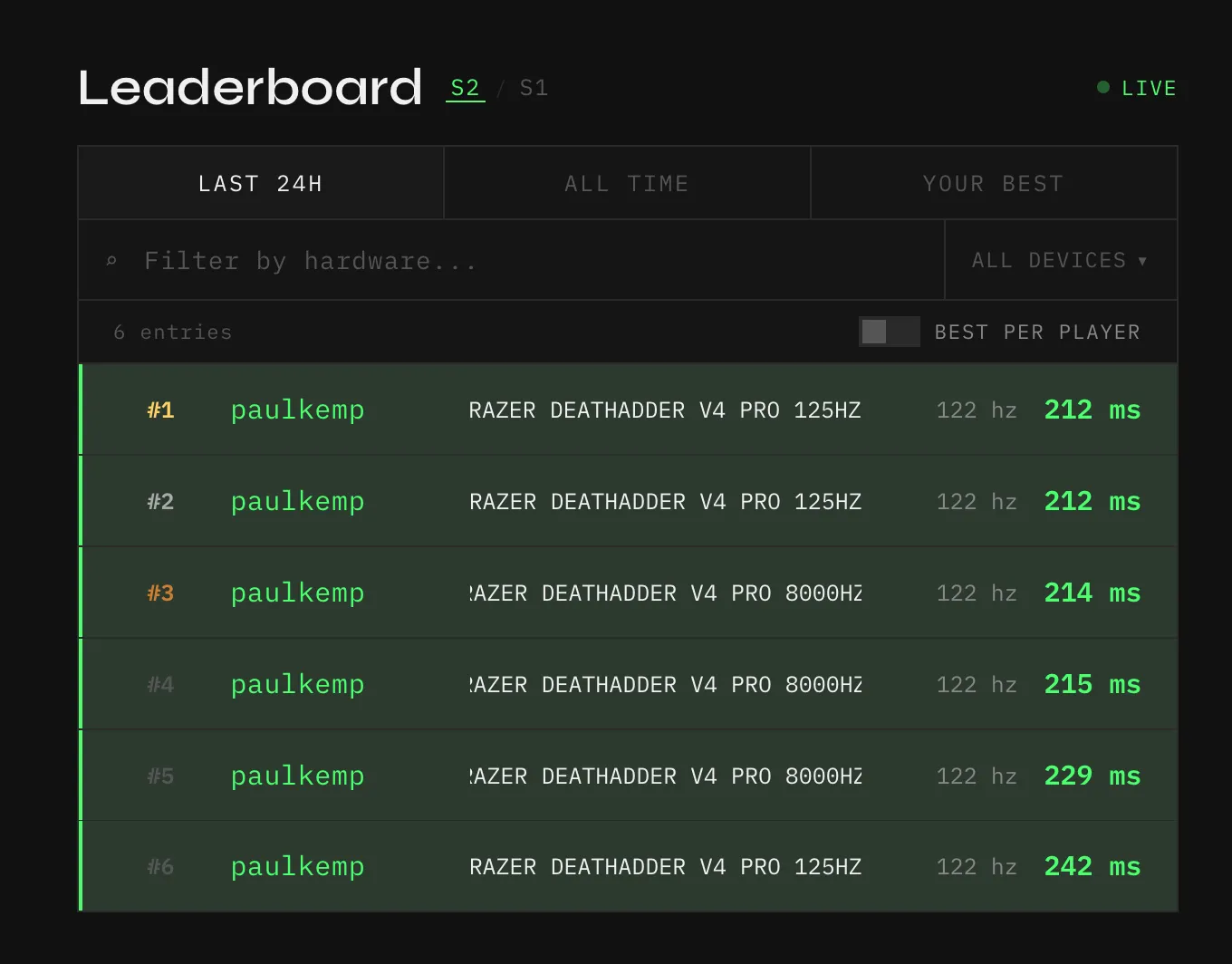 My very unscientific but fun reaction time test, 8000 Hz vs 125 Hz. | Credit kaytomas.com
Do you wonder what your reaction time is? Well friend, I’m glad you asked.
Battery life
The box says up to 120 hours at 1000 Hz. Bump that to 8000 Hz and expect roughly an eighth of that.
I didn’t measure exact hours. I didn’t need to. When the puck said I was getting low, I plugged in when I left my desk. Next day when I sat down, it was full. That’s the whole battery story.
If you’re desperate, it charges fast enough to play through. I went from 17% to 22% over 5 minutes, roughly 1% per minute, while hammering it with reaction-time testing.
Liked by the pro’s
The DeathAdder V4 Pro sits at #4 on ProSettings.net’s most-used mouse list. That’s not a reason to buy it on its own (pro gamers are often sponsored), but when a big chunk of the best-aiming players in the world land on the same mouse, it’s usually a sign the fundamentals are right.
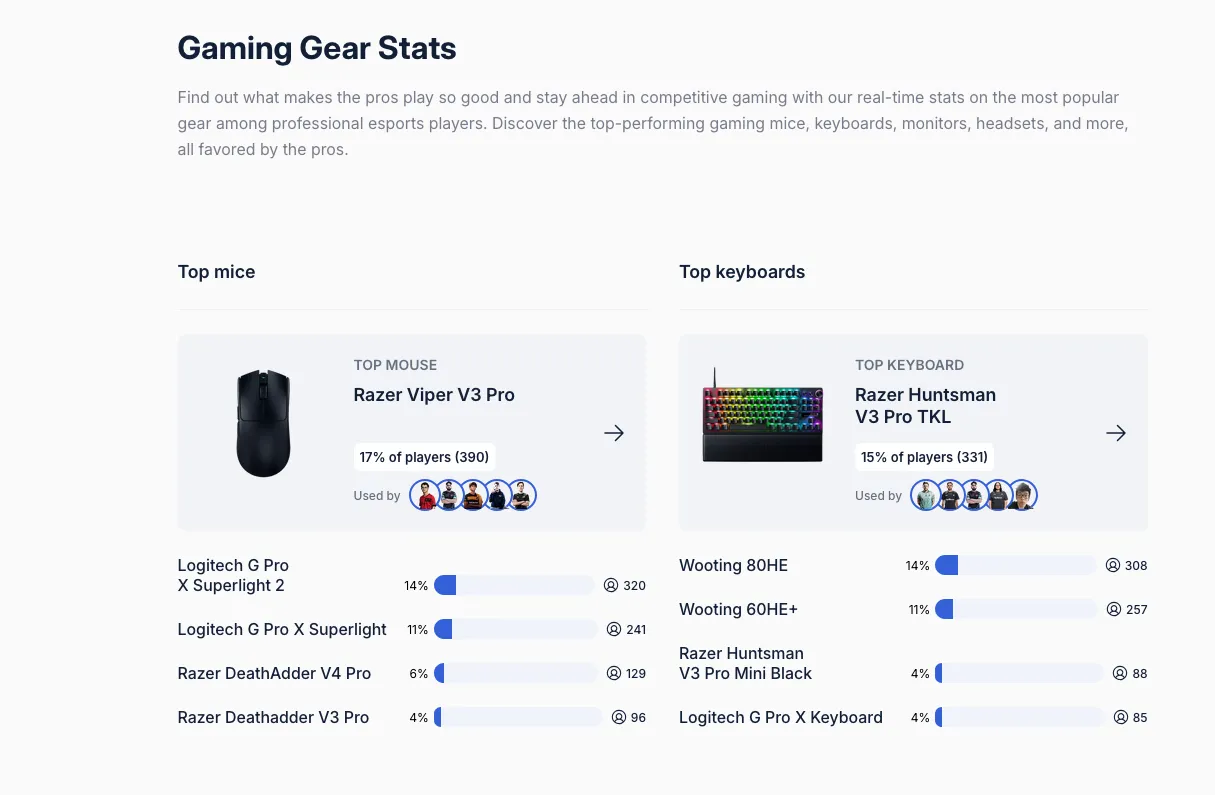 DeathAdder V4 Pro at #4 on ProSettings.net at the time of writing. | Credit ProSettings.net
Synapse: better, but not for this mouse
So: is Synapse fixed? Not yet!
Razer recently launched Synapse Web, a browser-based configuration tool that skips the desktop app entirely. The Viper V4 Pro already works with it. The DeathAdder V4 Pro does not, so you’re back on the old desktop client.

And the desktop client is… well, still the desktop client. On macOS, getting the mouse to even appear required changing system permissions and restarting the app twice.
The first thing it asks for on launch is a username and password. You can sign in as a guest, but the prompt shouldn’t be there in the first place.
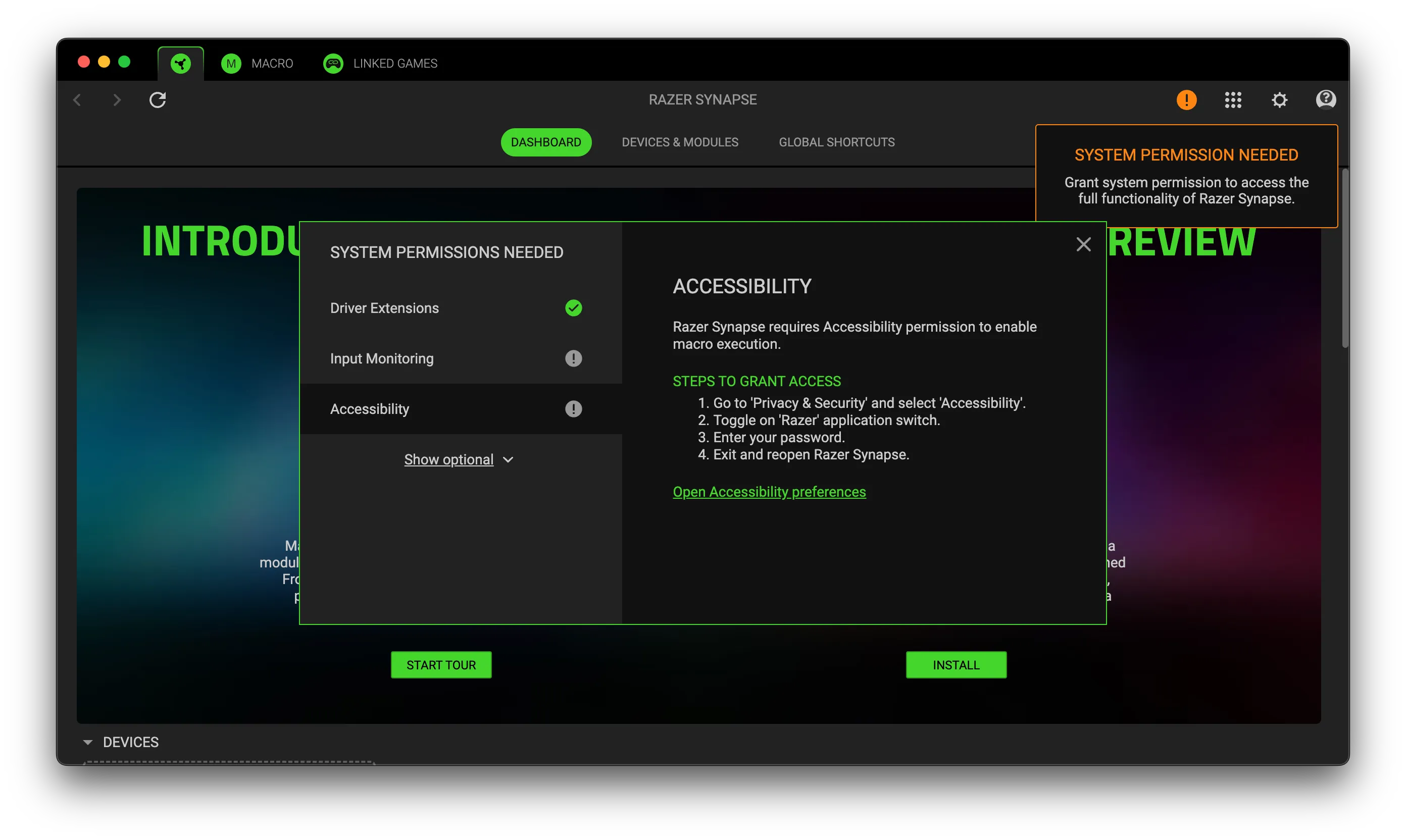 The chaos of granting permissions on macOS. | Credit kaytomas.com
Compared to the Zowie EC2-CW
The most natural comparison for me is the Zowie EC2-CW, my main office mouse for the past year. Both are right-hand ergonomic shapes in a similar size, but the Zowie is quite a bit heavier at 77 grams.
The DeathAdder wins on button feel. The clicks are sharper and more even across both buttons.
The Zowie wins on one thing though: a combined dock and 2.4 GHz receiver that makes charging extreamly easy. The DeathAdder makes you plug in a cable. Given the battery solid life though, this is a small issue. But at this price, a charging-dock would’ve been nice. For what it’s worth, the newly released Viper V4 Pro doesn’t include one either (it is using the same, heavy reciever puck).
Who is the DeathAdder V4 Pro for?
Not V3 Pro owners. The shape is identical, and there’s no compelling reason to spend $170 on an incremental upgrade if your current mouse still works.
It’s for people upgrading from something older: a wired mouse, an older wireless, or anyone who has always wanted to try the DeathAdder shape. You’re getting one of the best ergonomic shapes in gaming, wireless that feels wired, and a battery life you don’t have to think about.
It’s not cheap. In Norway it lands around 10% below the Viper V4 Pro and Logitech’s flagship tier, which is something. If you want to spend less, the Logitech G Pro X Superlight 2 DEX undercuts all of them.
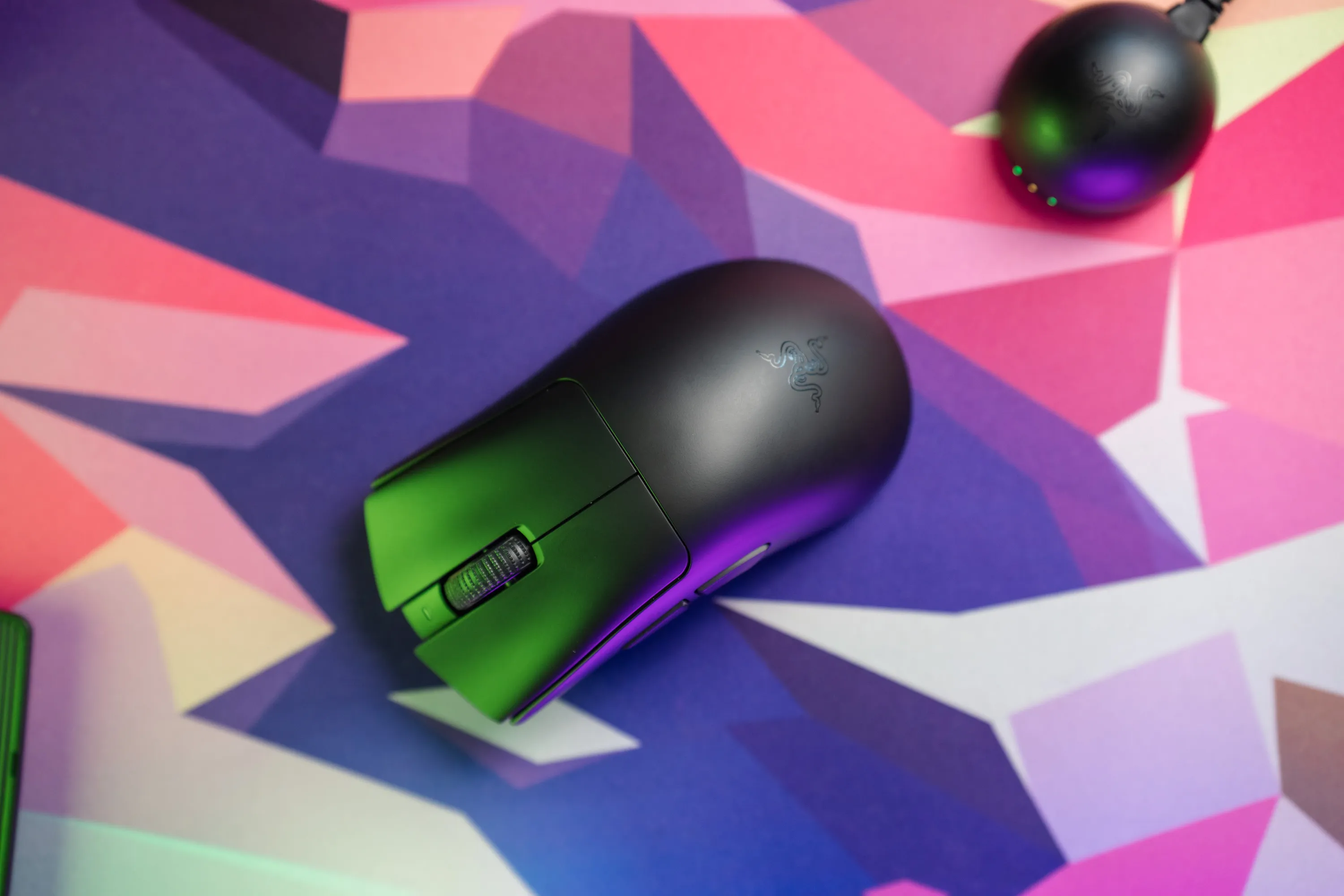 The DeathAdder V4 Pro: the iconic ergonomic shape, still going strong | Credit Razer / kaytomas.com
Alternatives
- Logitech G Pro X Superlight 2 DEX (~$160). the most-used mouse on ProSettings right now, and the cheapest option in this tier. Right-hand ergonomic, around 60 grams, no software headaches. If you don’t care about the Razer name, this is the safe pick.
- Razer Viper V4 Pro ($159) / V3 Pro (~$130). same wireless platform, but ambidextrous. The V4 Pro already has Synapse Web support, which the DeathAdder doesn’t. The V3 Pro is now discounted and still sits at #2 on the pro list.
- Logitech G Pro X2 Superstrike (~$160). the wild one. Haptic-inductive primary clicks feel different to anything else out there. Niche, but it earned the spot.
Closing thoughts
Back to my two opening questions. Has the mouse evolved? Yes. Lighter, sharper clicks, a puck that finally tells you what’s going on without opening an app. Has Synapse stopped being a chore? No. Not on this mouse, anyway.
My Synapse gripe might be an “old man yelling at clouds” situation, and I’ll own that. The USB-A cable and missing dock are minor. None of it should stop you from buying this mouse if the shape is right for you. And if the shape has ever been right for you, it still is.
If you want a right-handed ergonomic that just works, the DeathAdder V4 Pro is hard to beat.
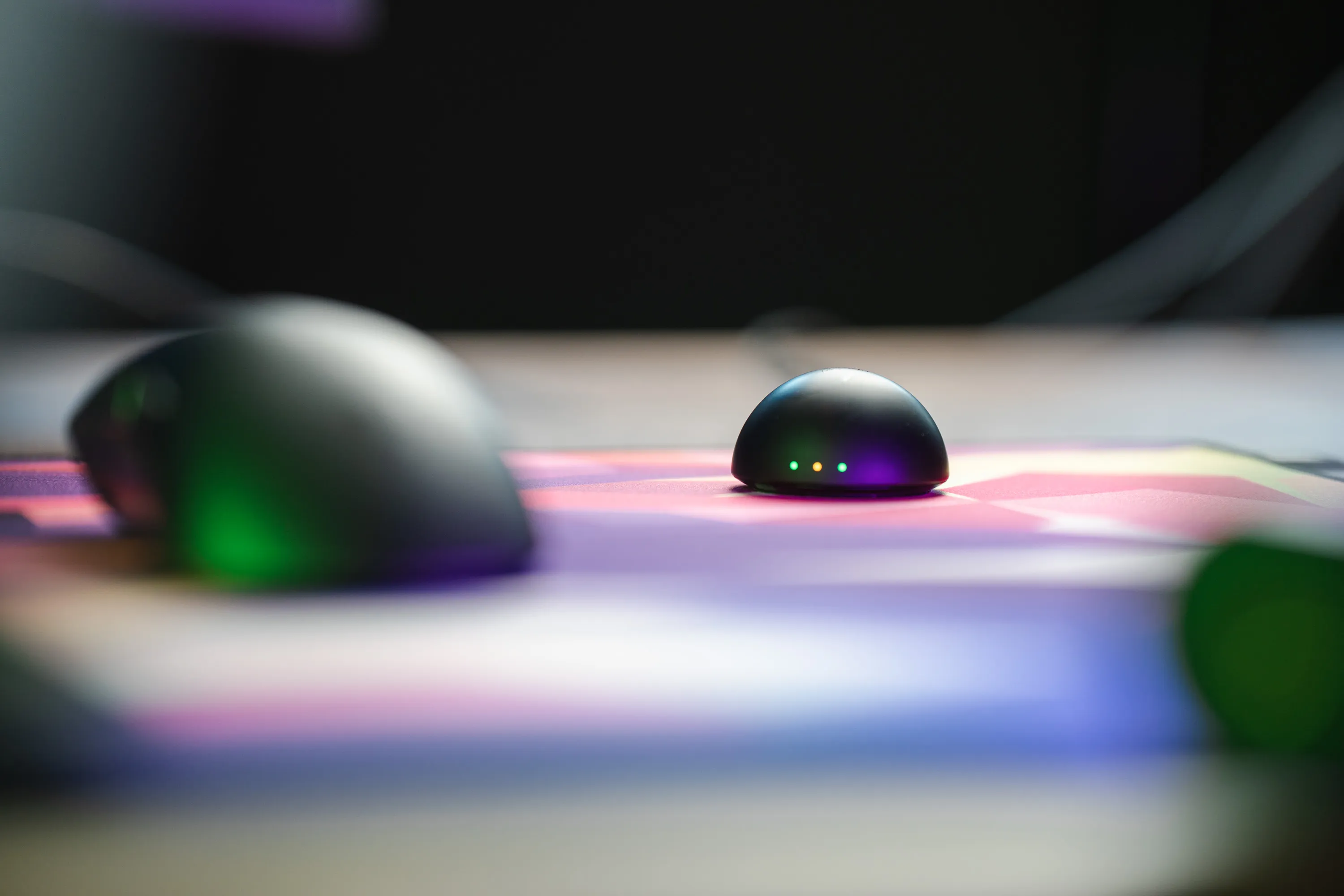 The DeathAdder V4 Pro and its receiver puck on the desk | Credit kaytomas.com
Disclaimer
Razer sent me the DeathAdder V4 Pro as a press sample for review purposes. All opinions are my own. No affiliate links, no compensation beyond the unit itself.
