
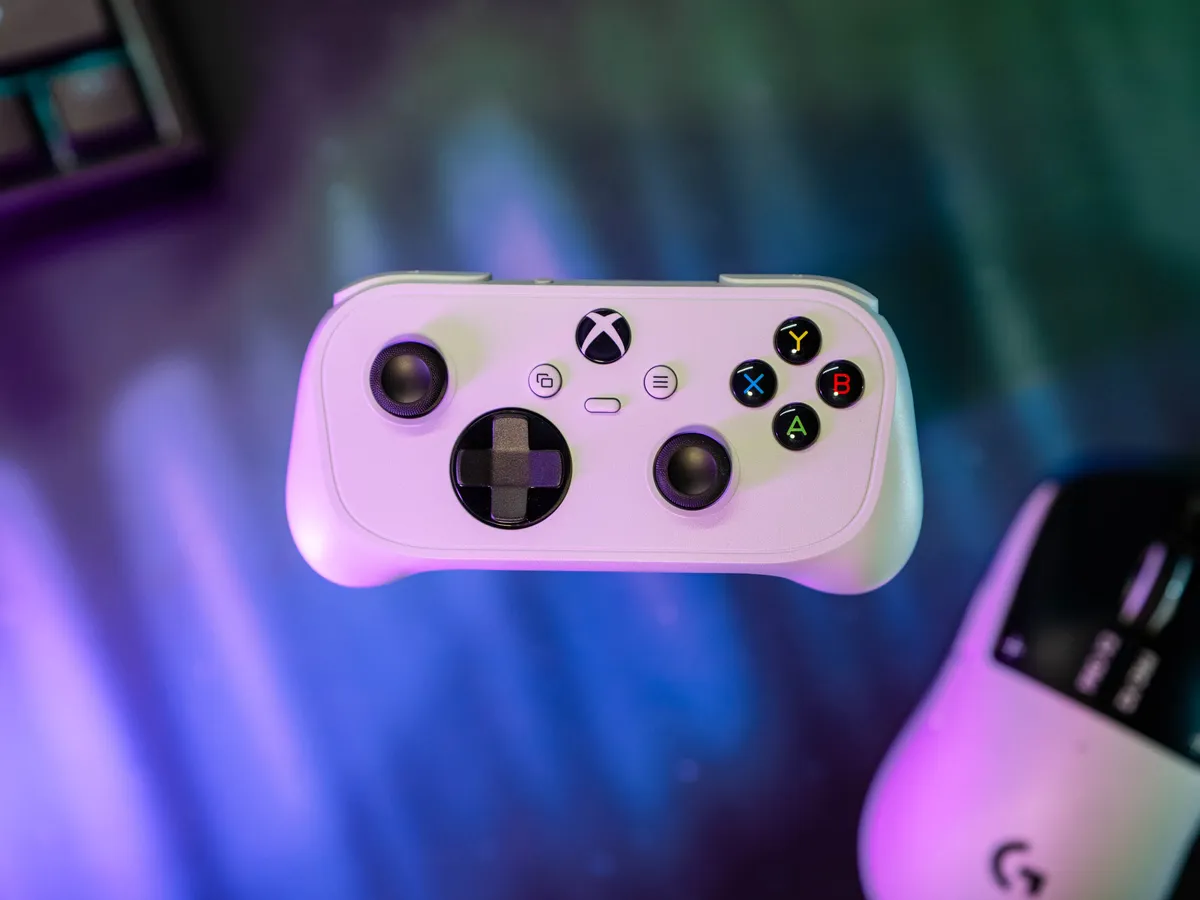
His fingers are too short
My son is five years old and has struggled to play Sonic Racing with a regular controller, simply because his index fingers are too short to reach the triggers on a regular Xbox controller.
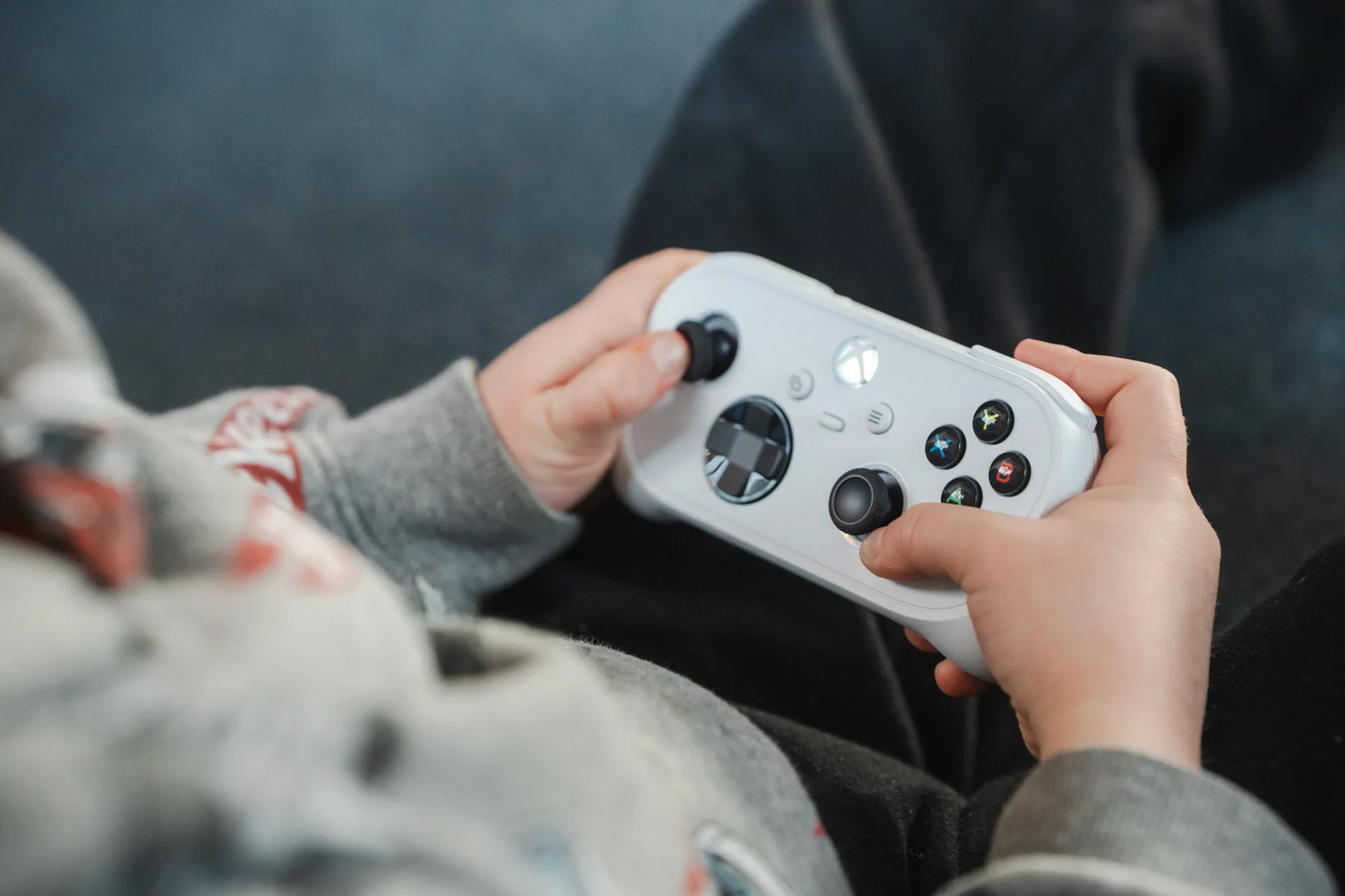 The five-year-old with the Nano. Finally a controller that fits his hands. / Credit: kaytomas.com
That’s why I was curious to test the Xbox Nano Controller. I wanted to see how it works in those tiny kid hands, and especially how my five-year-old would experience using it.
After he’d used it for a few hours of casual gaming, I asked him what he thought of it, and like most five-year-olds, he gave me no sensible answer. But from what I could observe, both from the gameplay and the lack of frustration, this was a small hit.
What is the Xbox Nano Controller?
The Nano is Microsoft’s smallest Xbox controller. It’s 13 centimetres long, weighs about 100 grams, and has all 18 buttons from a regular Xbox controller. It connects over Xbox Wireless or Bluetooth and has a built-in battery.
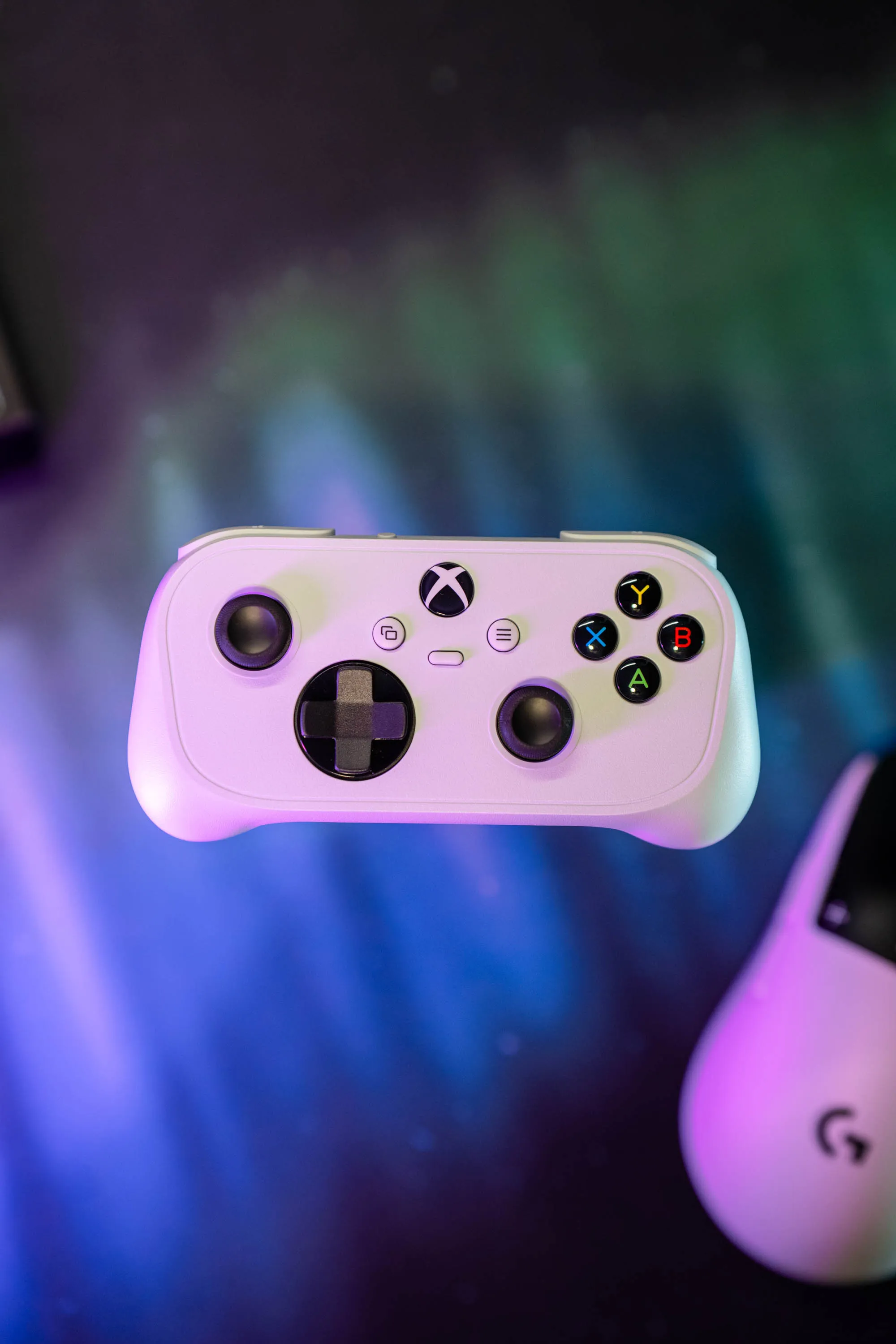 The same layout as a regular Xbox controller, just shrunk. / Credit: kaytomas.com
I bought it at Elkjøp here in Norway for 599 NOK (about €51 / £44). The official price is £44.99 in the UK and €49.99 in Europe, while a regular Xbox Wireless Controller lists at £59.99 / €64.99. That sounds like a nice saving, but the regular controller is often on sale. Right now it goes for £54.99 / €51.99 at Microsoft, so you pay almost the same for the small one as for the big, normal controller.
The first setup was painful
The first thing I did was skip right past the instructions on the box and connect it straight away to my Windows 11 PC. Plug and play, I thought. Well, I couldn’t have been more wrong.
The problems started immediately. My unit came with firmware that couldn’t hold a stable Bluetooth connection to Windows 11. From what I’ve seen on Reddit, this might also apply if you connect over Xbox Wireless.
This bootloop makes it keep disconnecting and reconnecting to the PC, which makes it really hard to update to a stable firmware. Clever as I am, I figured out what I had to do: disconnect the controller from Bluetooth, plug it in with a cable, and then run the firmware update through Xbox Accessories.
You can read my whole little guide here:
First connect it with a USB-C cable, update the firmware, and you’re good.
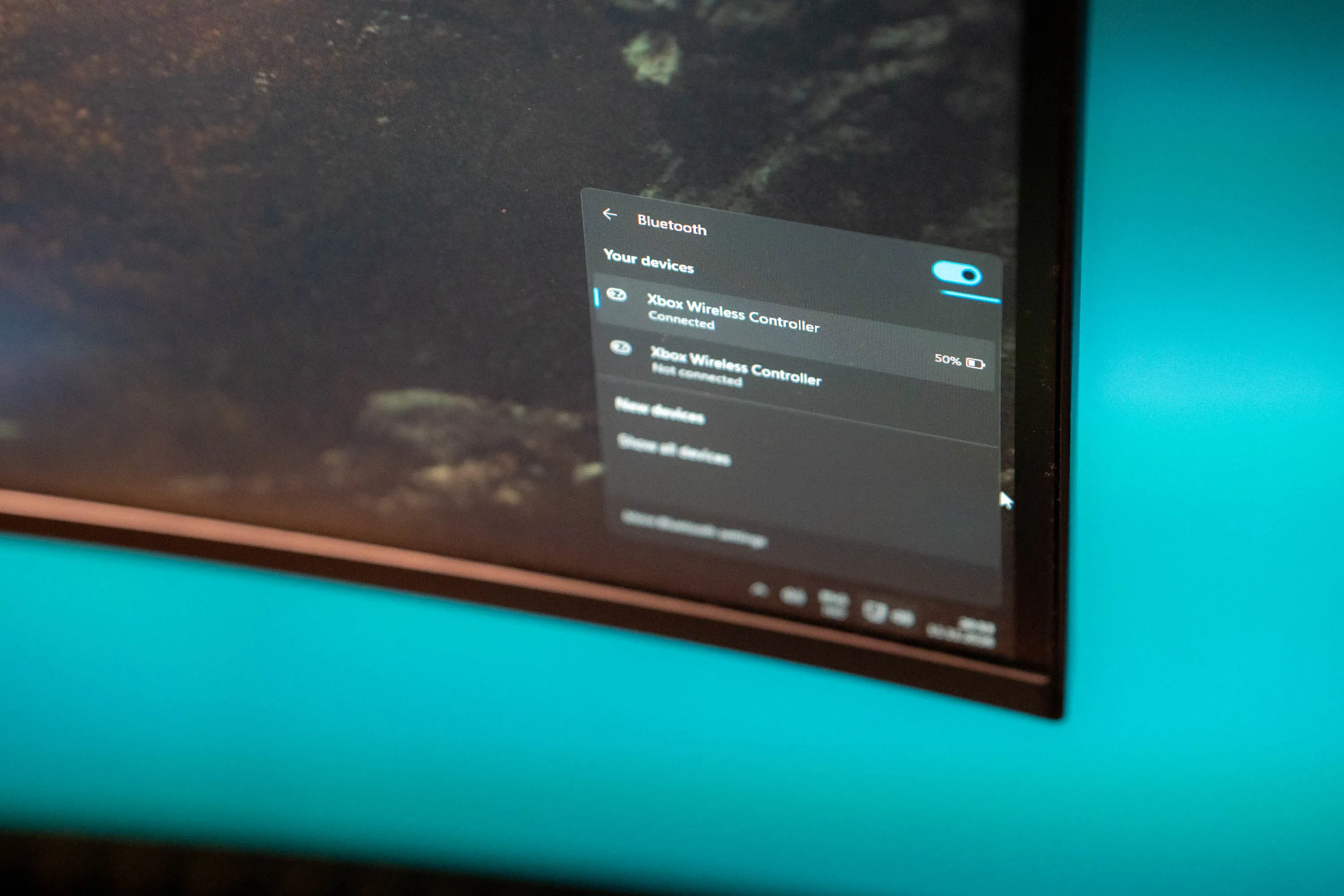 Over Bluetooth in Windows, the controller jumped between connected and disconnected until the firmware was updated. / Credit: kaytomas.com
A trigger happy five-year-old
For a five-year-old this is much better. He can finally reach the triggers.
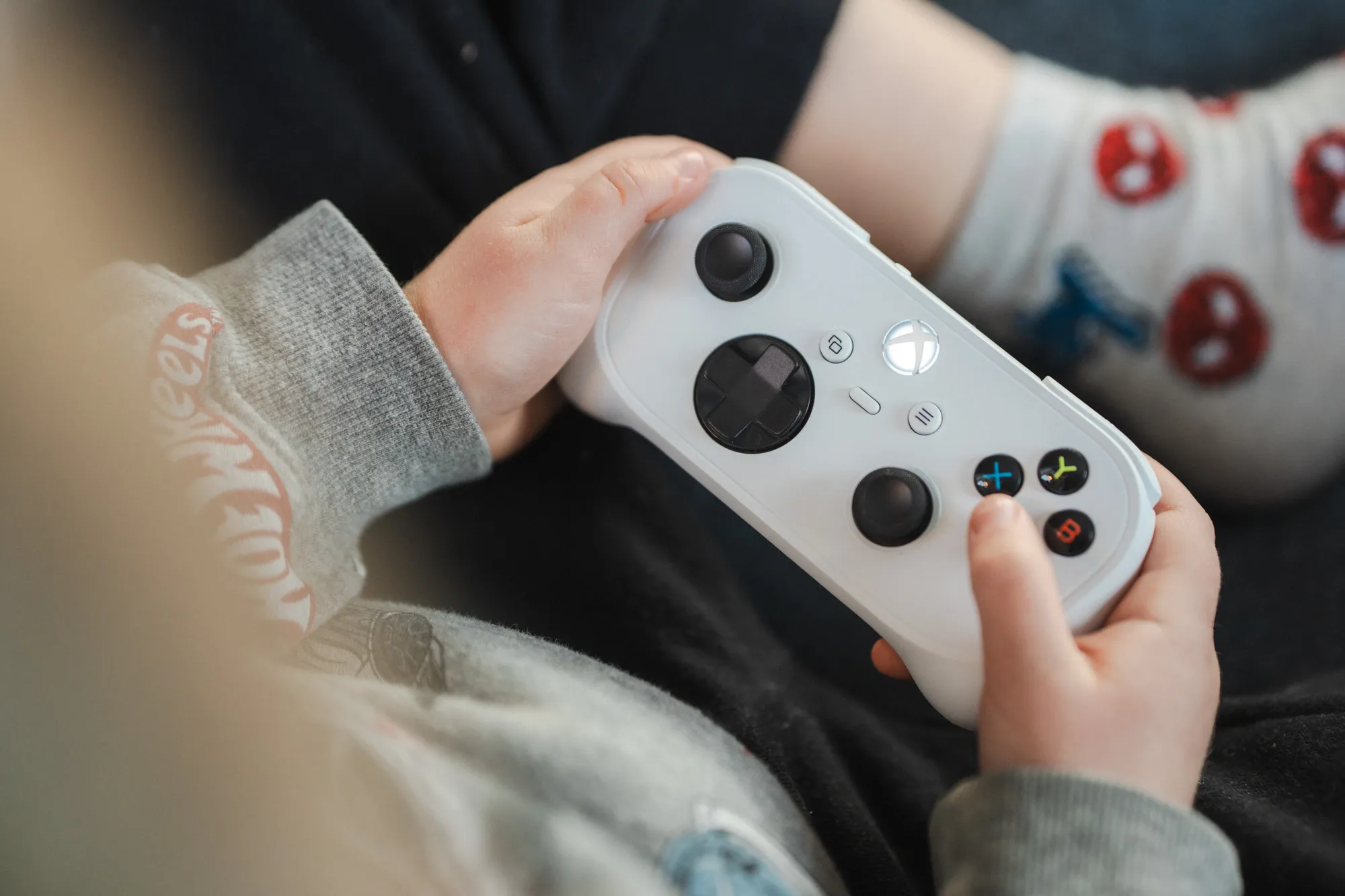 The controller fills a five-year-old’s hands about the way a regular controller fills adult hands. / Credit: kaytomas.com
Too small for adult hands
The size means it gives no support to the palm. It never reaches far enough down the hand, which makes it hard to hold comfortably.
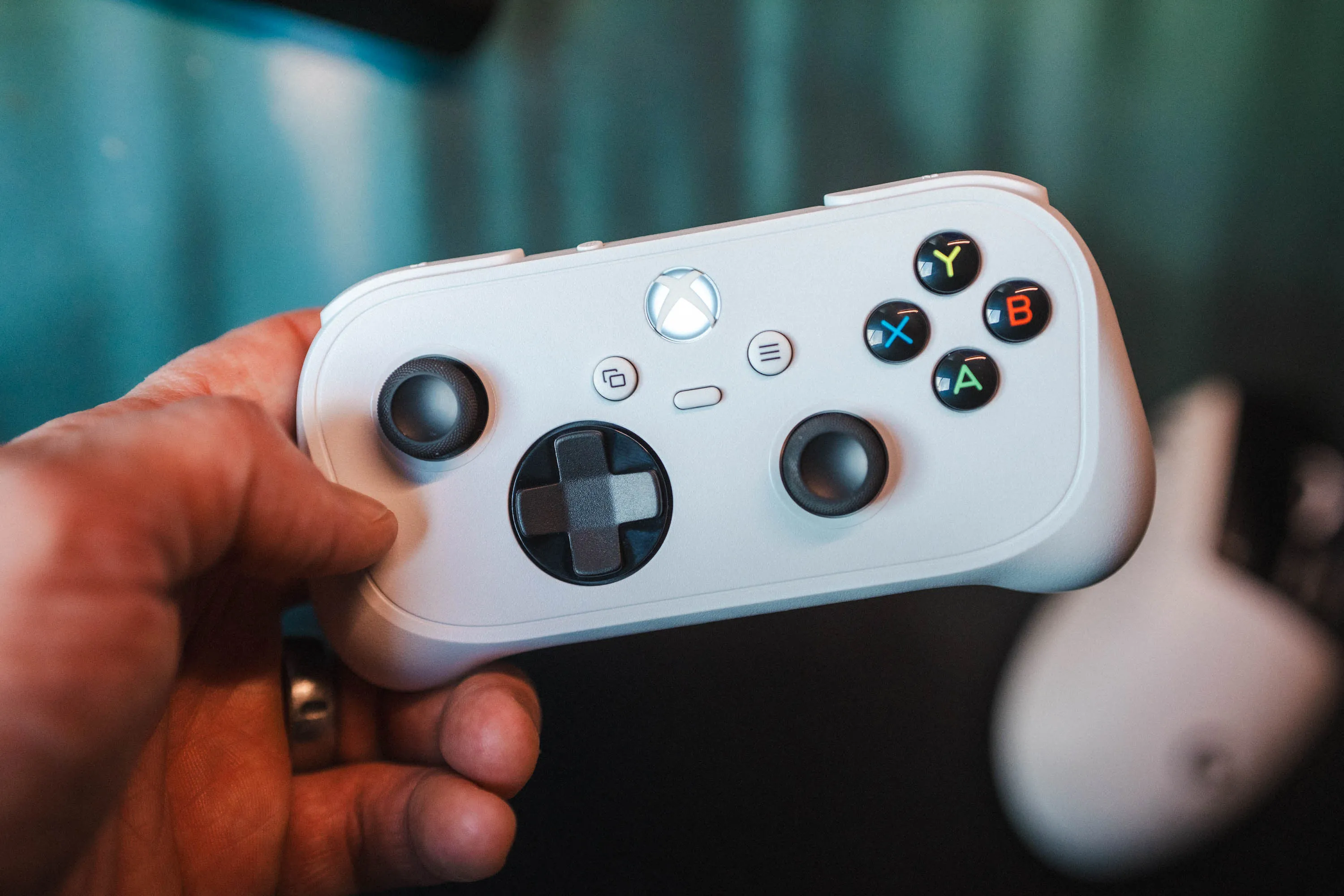 The Xbox Nano Controller in an adult hand. It never reaches down to the palm. / Credit: kaytomas.com
While I’m on the subject of triggers: they’re a lot shorter than on a regular controller. So it isn’t uncomfortable to use per se, but its overall size reminds me of the N64 controller. I can put up with it, but I clearly prefer a full-size controller when I test them side by side.
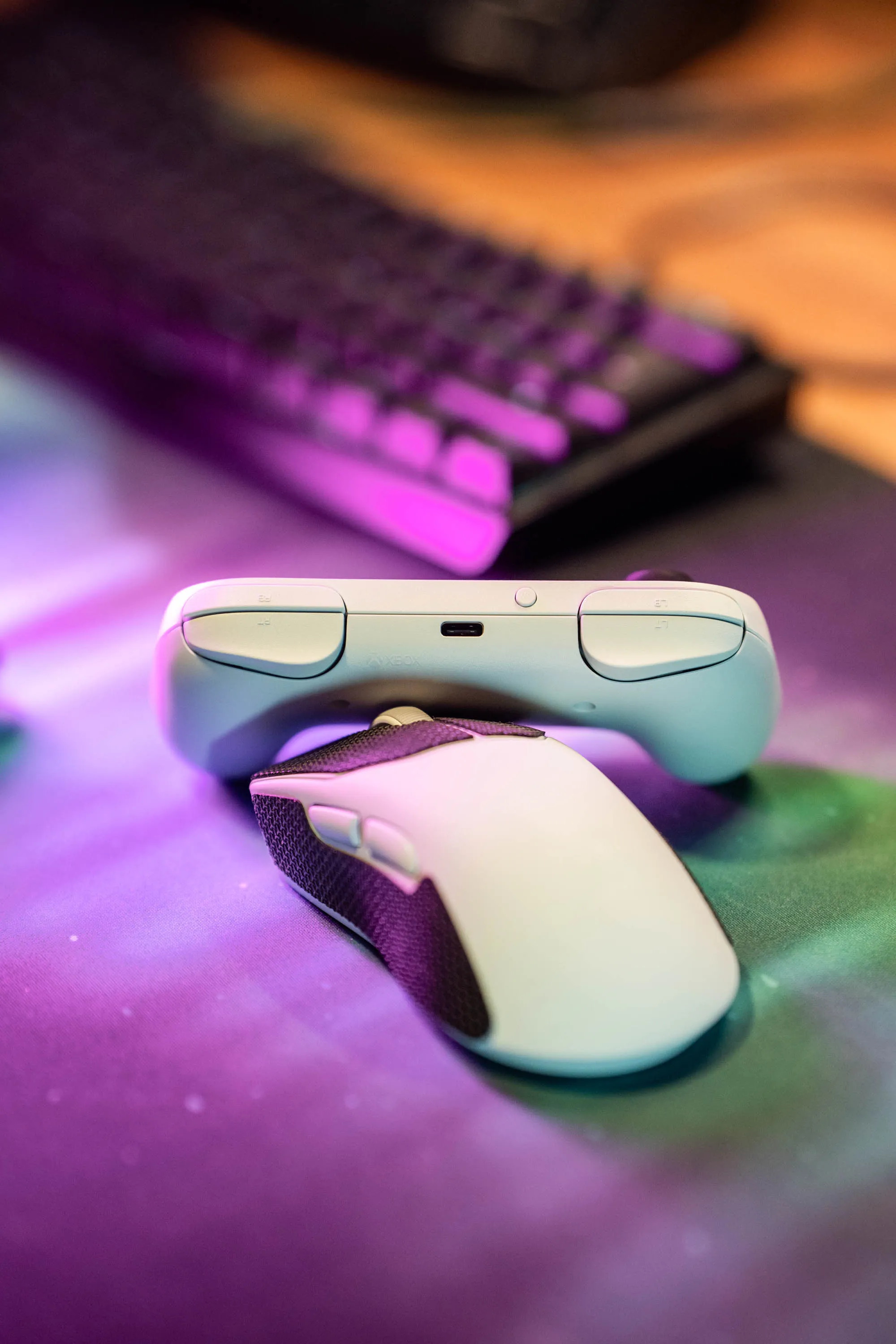 The triggers are short and have little travel. The USB-C charging port sits between them. / Credit: kaytomas.com
Windows, Bazzite and battery
Charging is easy over USB-C. Microsoft states up to five hours of battery life, which is pretty short for a modern wireless controller. In practice, that means it needs charging between every session, or every other session if you play a bit more lightly. The battery has lasted through my five-year-old’s sessions, but with battery life this short, there should have been a charging dock in the box.
We’ve tested it on Windows and on Bazzite, which runs on my home-built “Steam box” in the living room. It worked just fine there too, once the firmware was updated to the latest version. On Bazzite I use Microsoft’s official wireless adapter, so the connection runs over their proprietary protocol.
Alternatives
£44.99 / €49.99 isn’t cheap, and there are a few cheaper alternatives. I haven’t tried them myself, so this is about specs and prices, not my own experience. The prices were checked in mid-November, ahead of Black Friday, so they may be different when you read this.
The 8BitDo Ultimate Mini Wired Controller for Xbox is about as long as the Nano, but weighs around 190 grams. It has Hall effect sticks and triggers, and goes for around £35 in the UK and €44 on Amazon.ie. As the name says, it’s wired.
The PowerA Nano Enhanced Wired Controller is also about the same size. It’s harder to find in Europe, and the cheapest I found was around €49 on Amazon.ie, so it’s no real saving over the Nano here. Also wired.
Both are officially licensed by Xbox, but both are wired. The Nano is wireless.
A controller for kids in the Xbox ecosystem
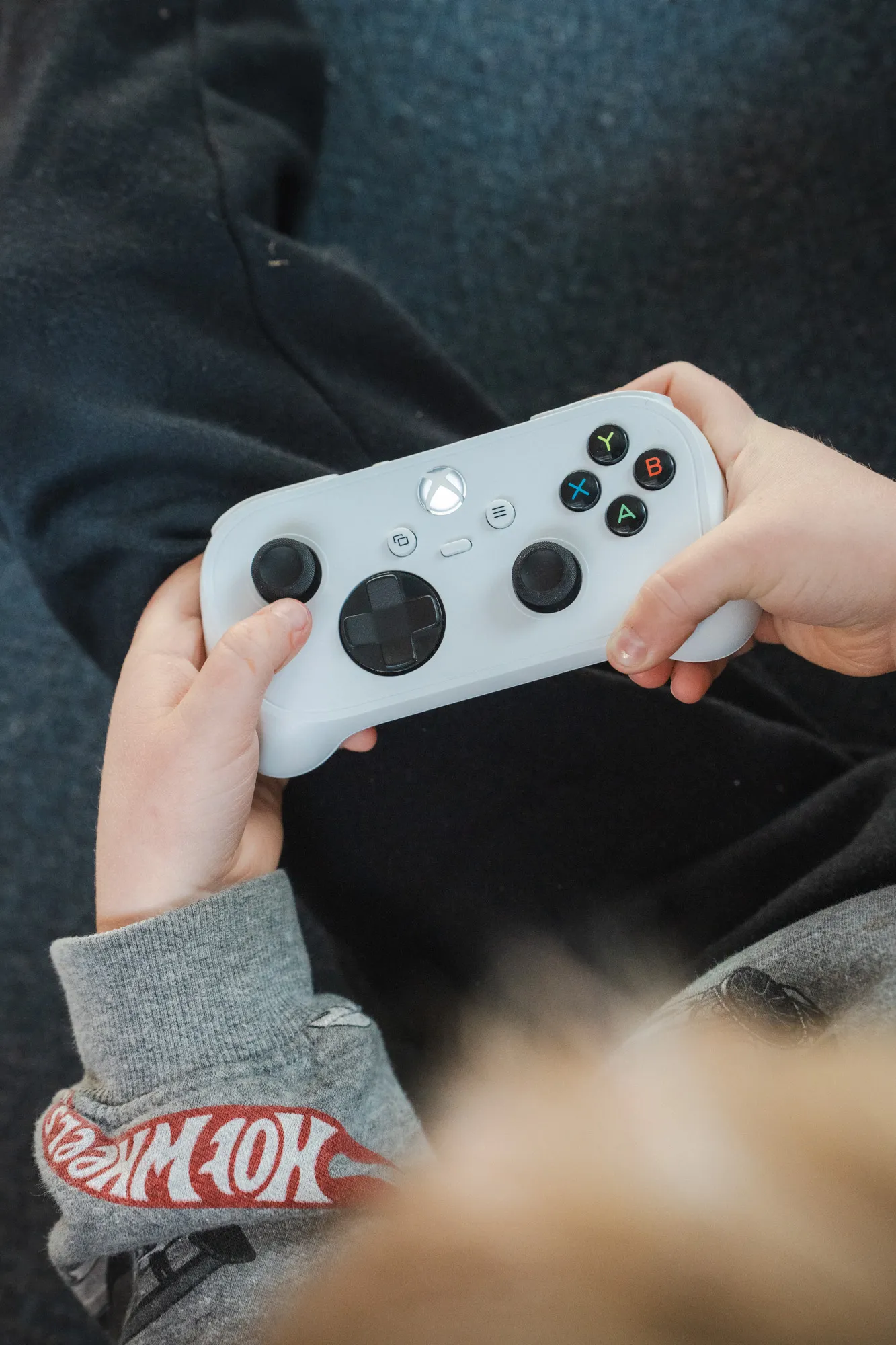 The Nano is first and foremost a controller for small hands. / Credit: kaytomas.com
I think it’s mainly for people who own an Xbox, or play on Xbox or PC. At £44.99 / €49.99, the Nano isn’t cheap compared to wired alternatives like the 8BitDo. But if you want a small, wireless controller that works with Xbox and PC, the Nano is an interesting option. For my five-year-old it has solved a very concrete problem, and that’s worth a lot.
As an adult I can put up with it, but I clearly prefer a full-size controller. If you’re going travelling and plan to game, I think you have room to bring the big, normal controllers.
Disclaimer
I bought the Xbox Nano Controller with my own money at Elkjøp, for 599 NOK (about €51 / £44), specifically to test it on my kids, write this review and take these cheeky photos of it.
