
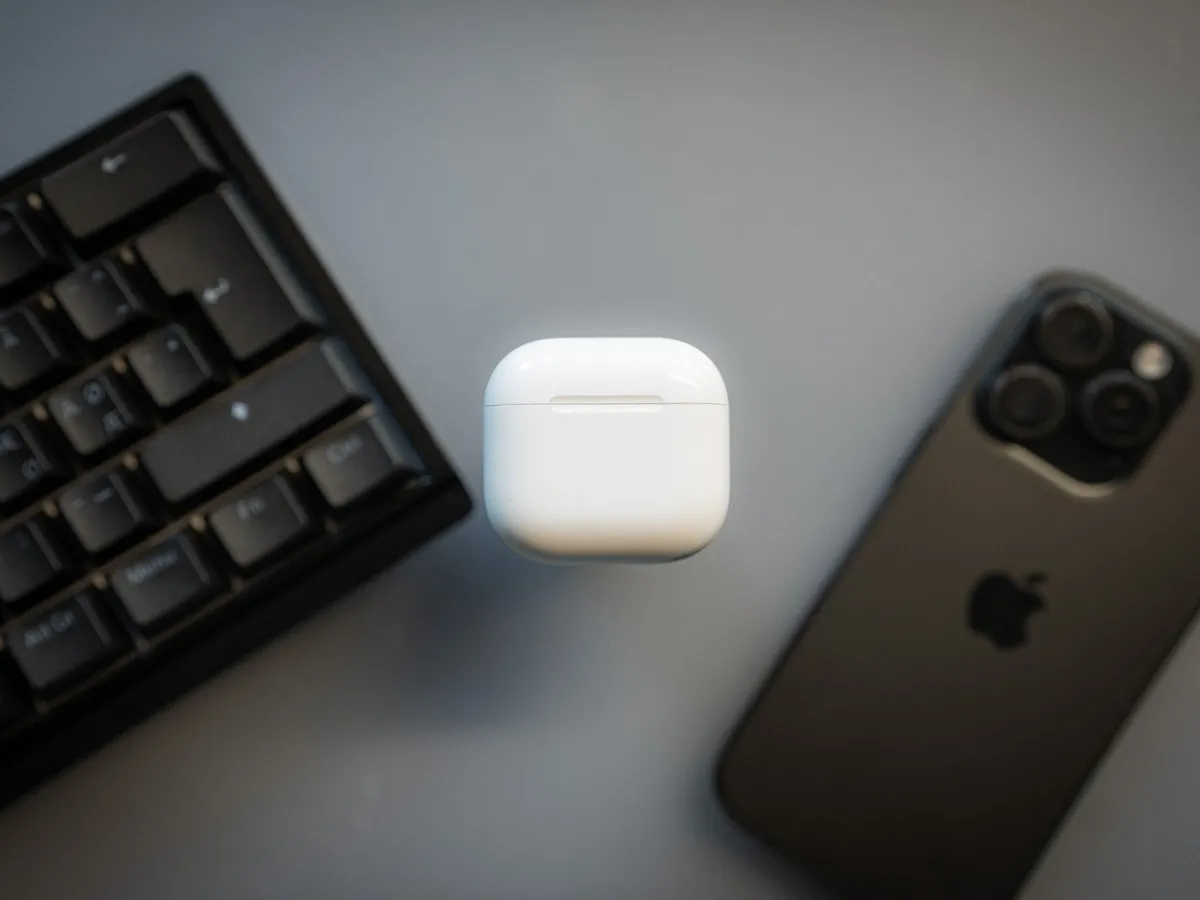
Here at last
So here they are at last, the fifth iteration of Apple’s insanely popular AirPods. I’ve used AirPods for so long it’s almost embarrassing to write the words in this article. Apart from the ones with silicone tips, I’ve tested pretty much every AirPods ever released. Today it’s about two years since I got the AirPods 4 with ANC (active noise cancellation), and I’ve used them for many hours, every single day… and night, since then.
For me (and plenty of others) it’s a built-in routine to check that the AirPods are in my pockets every time I leave the house. Whether it’s for work, training, a trip to the shop or any other activity.
Add to that the fact that I’m one of those people who like to be lulled to sleep by horror and paranormal podcasts, and I’ve used AirPods every day and night for many more years than I am comfortable writing down.
Apple has done something as rare as lowering the price of the newest version and moving the functionality, which used to cost more, down to the cheapest model. Let that sink in!
Maybe they have a guilty conscience over the prices of the newest iPhones? Nah, of course they don’t! But for the first time both models get active noise cancellation, while the entry price is lower.
So what’s new with this generation, and is it worth upgrading?
Yes, absolutely! Unless you already have AirPods 4 with active noise cancellation. If you have those, there’s simply no point and too little that’s new.
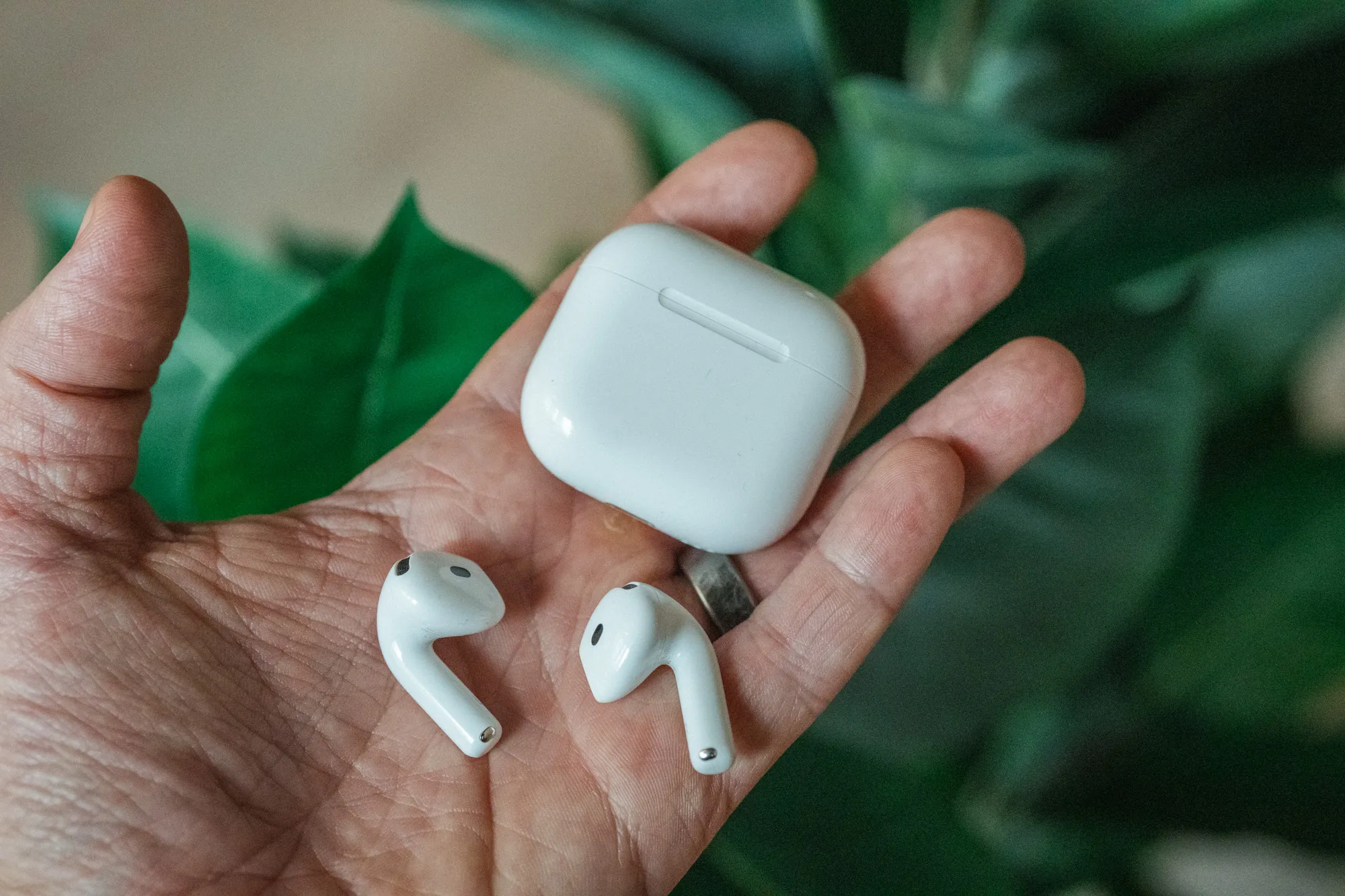 Case and buds in hand. The shape is the same as AirPods 4. / Credit: kaytomas.com
Two different versions
The real differences between “AirPods 5 with wireless charging case” and plain “AirPods 5” are the following.
The price is different. AirPods 5 with the wireless charging case cost around 30 dollars, euros or pounds more at the time of writing. In the US that’s $149 versus $129.
Charging case: The more expensive model comes with a charging case that can be charged wirelessly on a Qi charger or an Apple Watch charger. This case can also be tracked with Find My, and can play a sound to make it easier to locate.
Battery life is better. The more expensive one is rated for 5 hours on a single charge with noise cancellation on, versus 4 hours on the cheaper AirPods 5. With top-ups in the case that becomes 22 versus 20 hours.
Volume control from the stem of the earbuds. On the expensive version you can adjust the volume by rubbing the stem that sticks down from your ear.
But, they’re also alike. Both versions have active noise cancellation. They have the same physical design, the same sound and exactly the same size case.
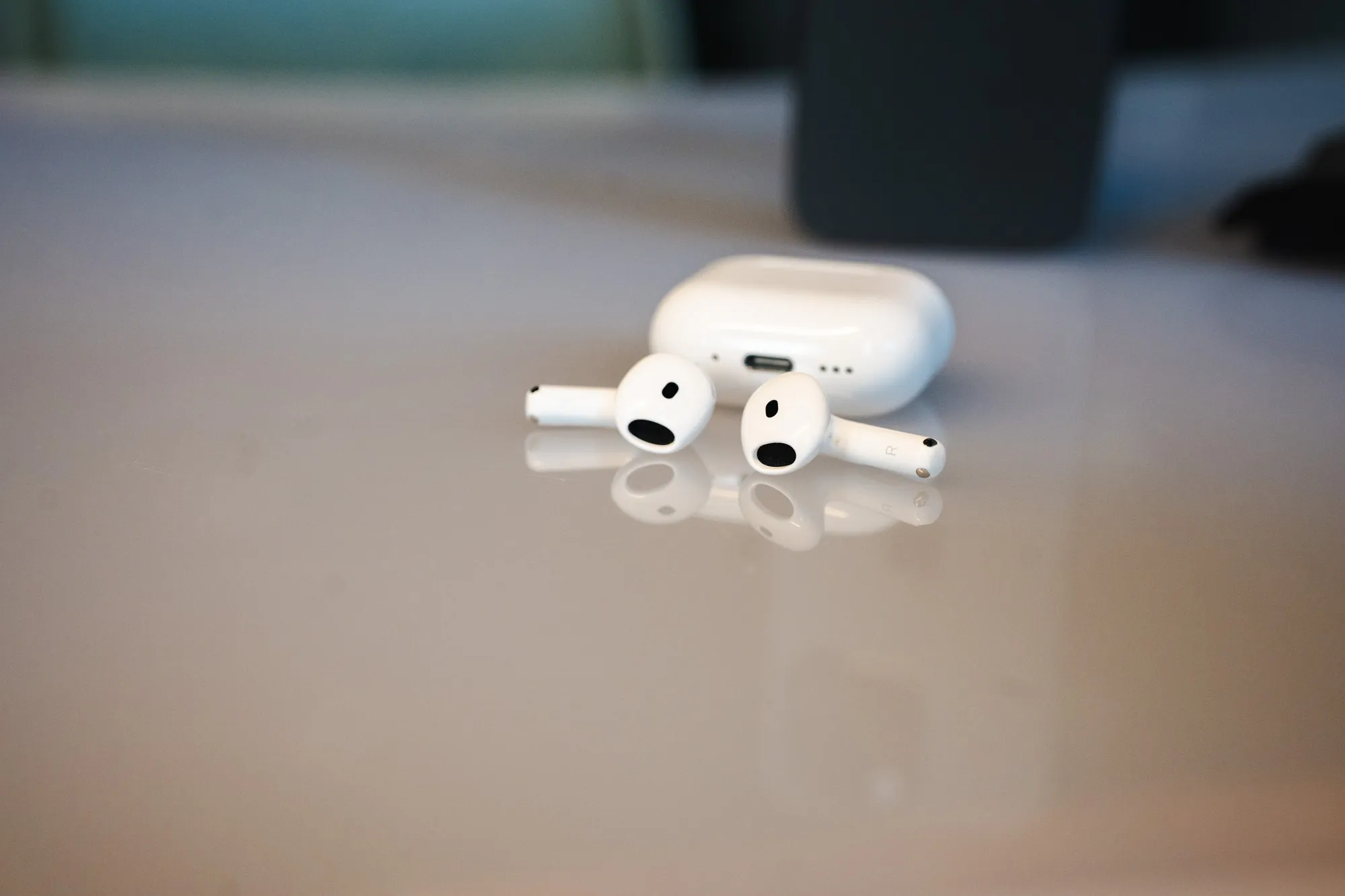 The buds and the case look the same on both versions. The difference is inside the case. / Credit: kaytomas.com
Which version to pick
The differences are small, and the price difference is relatively small too (around 15%).
So, put very simply. If you don’t own or use wireless chargers, don’t use AirPods for many hours a day, and don’t see the point of fine-tuning the volume by swiping the stem? Well, then you can safely buy the cheapest AirPods 5.
If, on the other hand, you use them a lot, many hours every day, and have several wireless Qi chargers around the house or the office? Then AirPods 5 with the wireless charging case are the right ones for you.
AirPods 5 vs AirPods 4: what’s new
With the previous generation, AirPods 4, there was a big difference between the versions. Only the expensive model had active noise cancellation. On AirPods 5, both models have it.
Compare AirPods 4 with active noise cancellation to AirPods 5 with active noise cancellation, and strictly speaking there isn’t much new.
Feature-wise they’re very similar. The volume control on the stem and the two extra hours of battery life I mentioned above are reserved for AirPods 5 with the wireless charging case.
AirPods 5 are also claimed to have 50% better noise cancellation, but that’s a number from Apple. I put on a YouTube video with white noise to test AirPods 4 against AirPods 5, and maybe I can say the 5 has slightly better noise cancellation, but this gets subjective, I feel.
Other than that, AirPods 4 and 5 are nearly identical. Same chip, same size, same features.
In the box
Very easy to describe, because the box contains nothing of value other than the case itself with the earbuds inside, plus a few uninteresting instruction leaflets from Apple. That’s it! So no USB-C to USB-C charging cable in here.
You’re also supposed to get a 3 month trial of Apple Music when buying new AirPods. I couldn’t get this to activate, which may be down to my installed beta version of iOS, or that I’ve used an Apple Music trial before.
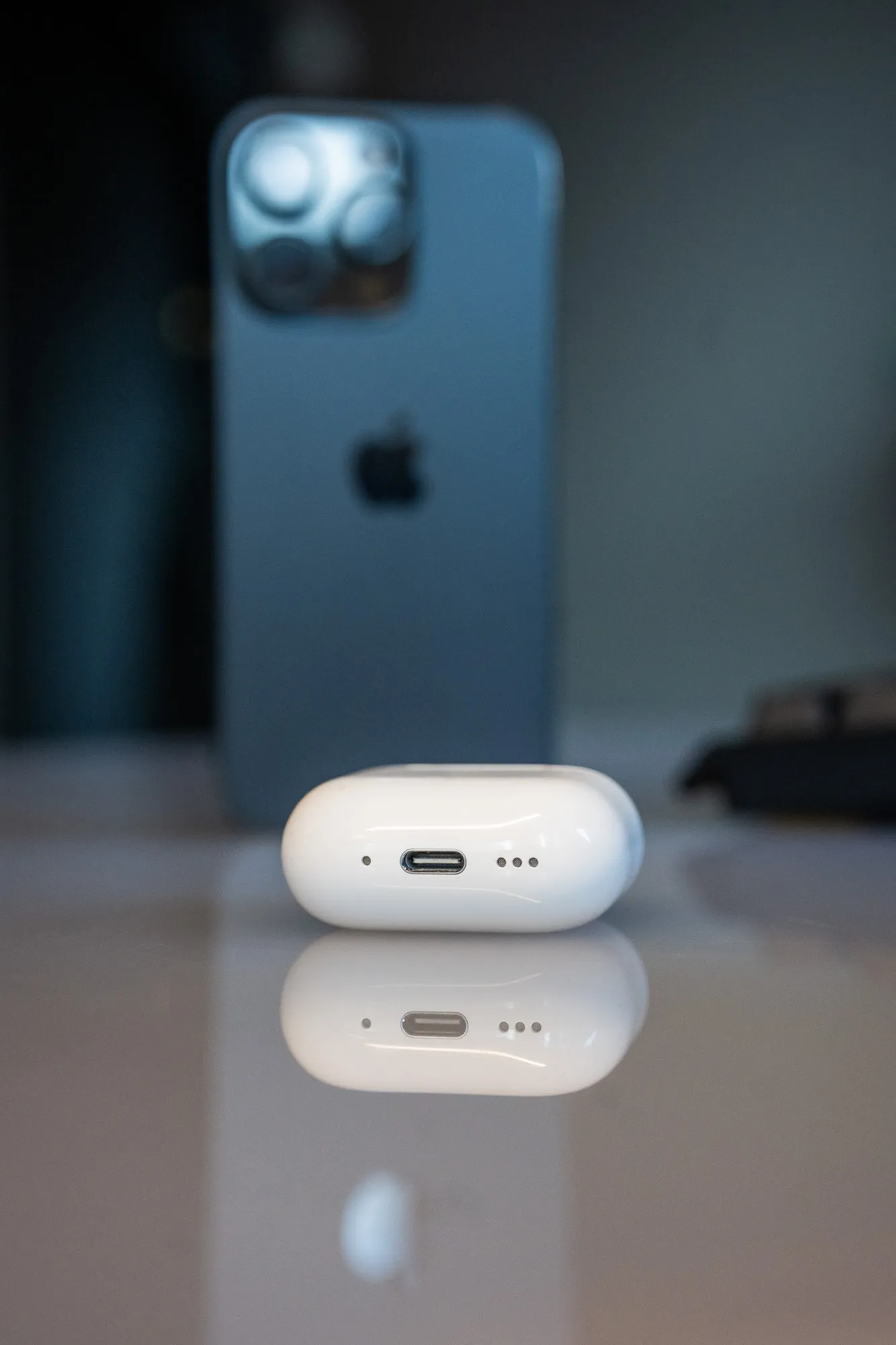 USB-C port and speaker holes in the bottom of the case. You’ll need to bring your own cable. / Credit: kaytomas.com
Active noise cancellation works great
Before I move on I want to highlight the active noise cancellation, which to me is by far the best feature of AirPods 5.
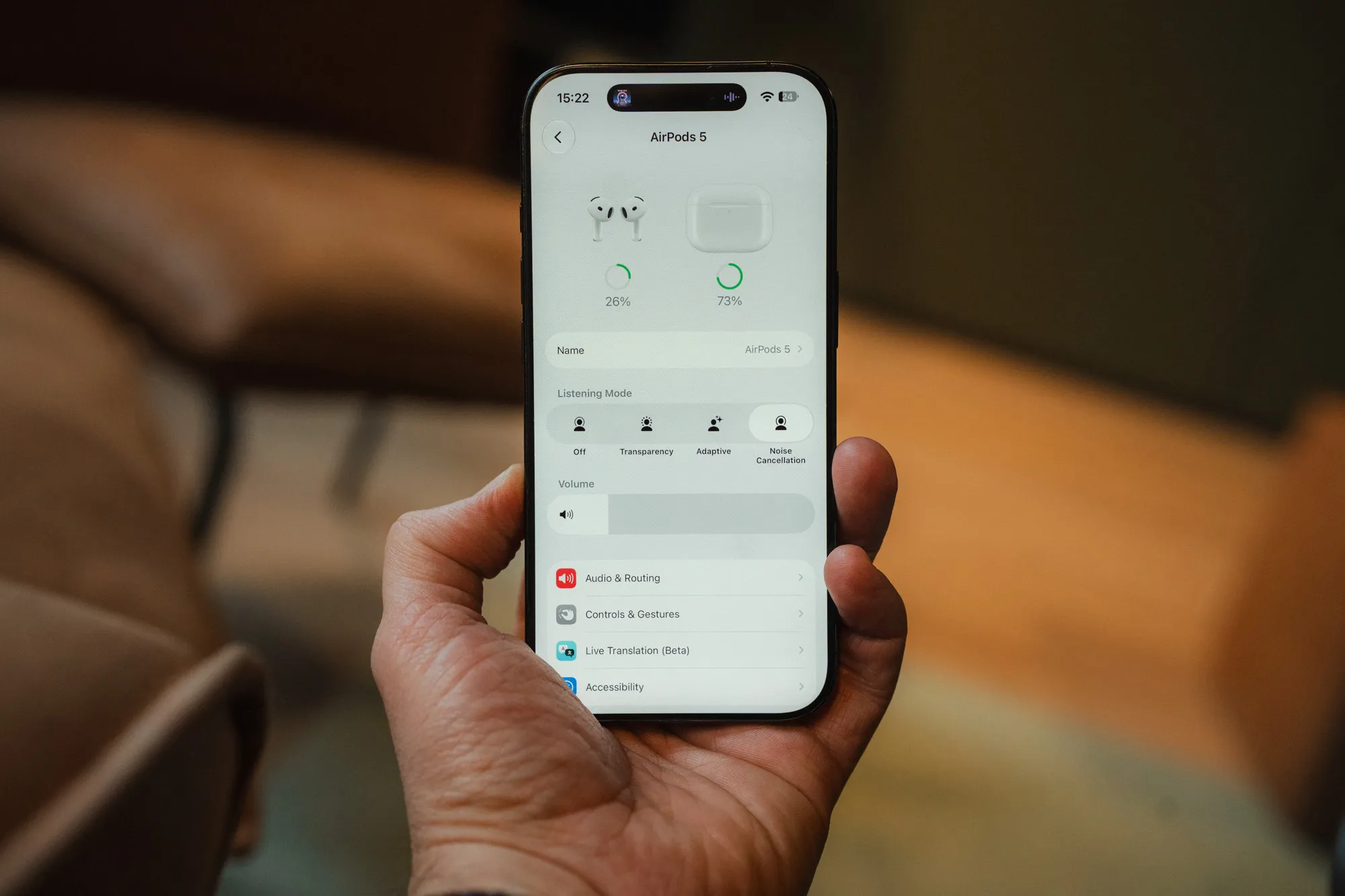 The listening modes on AirPods 5: off, transparency, adaptive and active noise cancellation. / Screenshot: iOS 27 / Credit: kaytomas.com
Active noise cancellation is when the sound from your surroundings is sampled and cancelled out. Passive noise reduction is when you physically block the sound from entering your ears, and the simplest example is covering your ears with your hands. The difference becomes relevant shortly, so stay with me.
Both versions of AirPods 5 come with active noise cancellation, and it works brilliantly. Apple’s implementation of active noise cancellation in open earbuds (meaning no silicone tip) is the best I’ve heard in open earbuds. The noise cancellation is good enough that I’ve used it on small propeller planes that hop between airports up here in Northern Norway, but of course some engine noise does get through.
AirPods Pro, the Pro version of these, come with silicone tips. The purpose of those tips is to seal the ear canal from outside noise, so they combine passive and active noise cancellation. Naturally these block more sound than AirPods with active noise cancellation only, but silicone tips in the ears are also a lot more uncomfortable to wear over long periods, for me.
At the same time, over-ear headphones, the big ones that cover your ears, also have the advantage of combining active and passive noise cancellation. So the noise cancellation will be better with those, but you can’t fit them in your pocket the way you can with AirPods 5.
Fit and comfort
Before the introduction of AirPods 4, Apple said they had used laser topography to map and analyze thousands of ear shapes, and found one shape that would fit well for even more users around the world. AirPods 5 carry on the fit that was introduced back then.
Personally I’ve never had any problems with AirPods falling out. I can run and do high intensity movements without them falling out.
In fact, this fit is so comfortable that I’ve caught myself looking for my AirPods, only to get a giggling reply from my wife that “you already have them in your ears”.
But, my ears aren’t the same as yours. Even though this shape fits many people, it obviously doesn’t fit everyone. So, if you’ve never tried a pair of AirPods, check if you can borrow a pair from a friend to see if they fit you.
Sound quality
I can’t call myself an audiophile in any way, but I like listening to different music and podcasts of varying production quality.
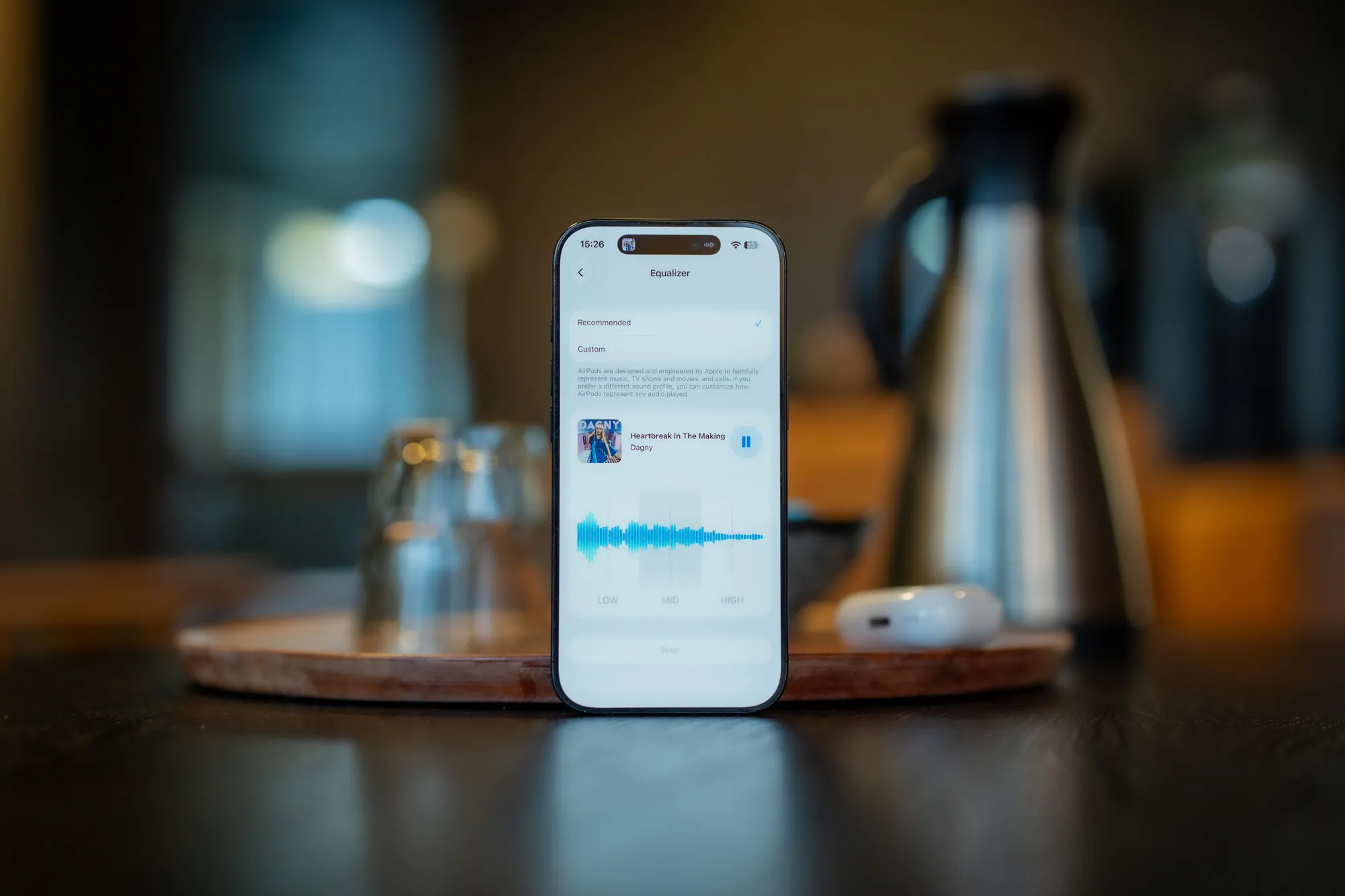 Dagny on repeat while I test the sound. / Credit: kaytomas.com
Put on “Beat Up Chanel$” by Slayyyter and the hypnotic drive and tempo come through well. The vocals here partly sound like she’s singing into a tin can, but when the chorus hits, goosebumps wash over my body in waves. Lovely!
When I put on “Brightsider” by Dagny, I hear for the first time the epic drums that come in around the one minute mark. Love it! Or have I just never listened to the song properly before? I’m not sure, but I love those drums I discovered, anyway.
Are these the best earbuds you can get in pure sound quality? Hardly, but I think they’re good enough.
Equalizer
New in iOS 27, which arrived in September 2026, is that you get equalizer settings, if somewhat simple ones, that you can adjust on AirPods. This applies to all Apple headphones with the H2 chip, so AirPods 4 and 5, AirPods Pro 2 and 3, and AirPods Max 2. The equalizer is admittedly very basic, with only three bands to adjust.
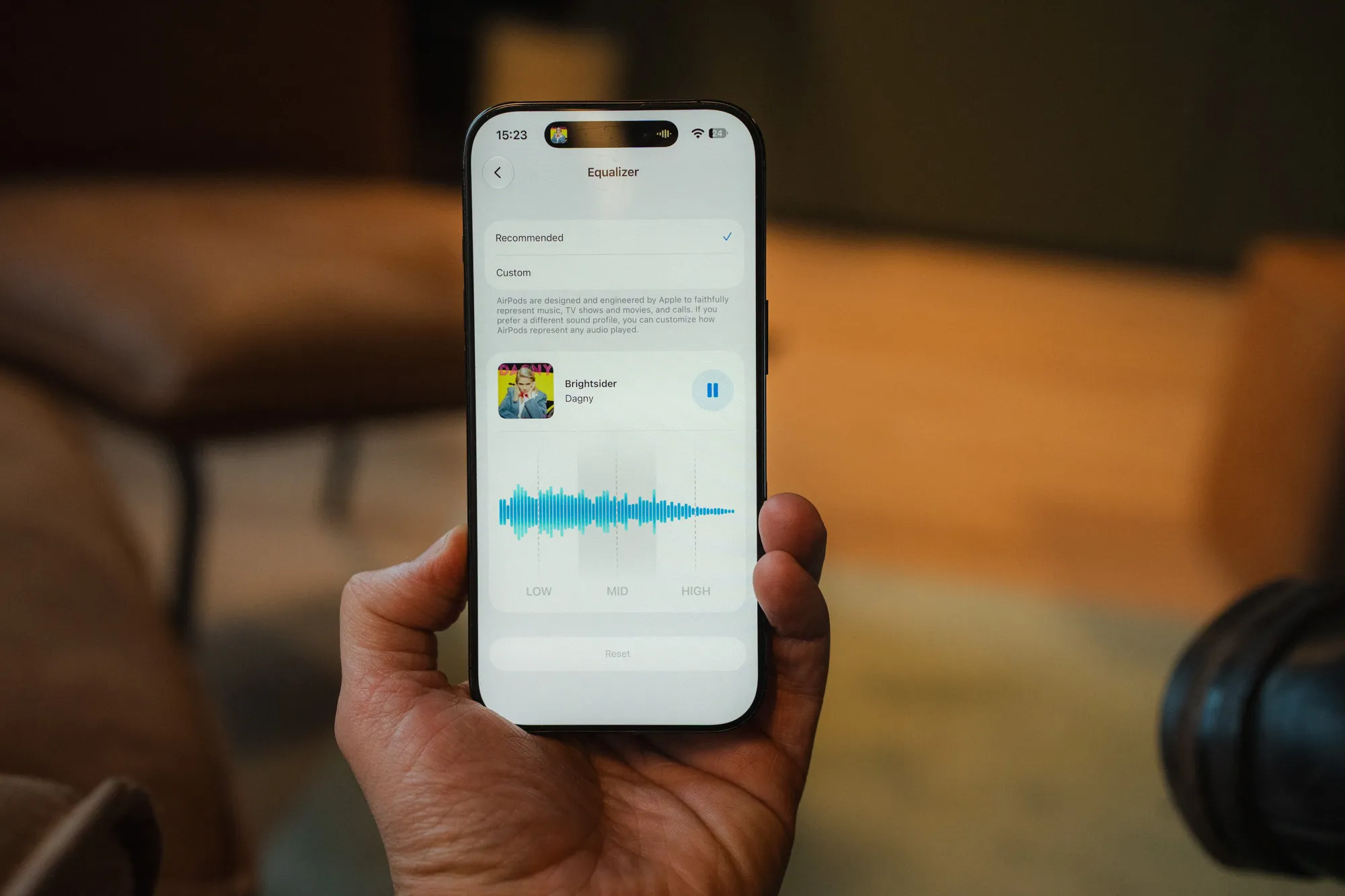 The equalizer in iOS 27. Three bands, no more. / Screenshot: iOS 27 / Credit: kaytomas.com
On iOS you did have app specific equalizer settings before. New from iOS 27 is system wide EQ adjustments.
Microphone quality
Obviously I can’t hear the microphone quality myself when I’m talking to someone on the phone, but what I can do is make a short recording on my phone through the microphone on the AirPods.
You can hear the recording below. It’s me reading a short piece from At the Mountains of Madness by H.P. Lovecraft, in my normal reading voice, no dramatizing and some normal struggles with Lovecraft’s strange names (looking at you, mad Arab Abdul Alhazred). It’s recorded with Voice Memos on the iPhone, and the recording is not enhanced in any way, and not normalized.
And in my little test the sound quality is okay, it’s fine, even though it’s nowhere near the dedicated microphones typically used for streaming, voiceover or content production. Listening back, it’s quite hard on the s sounds.
In another recording, I also noticed a short hint of robot voice, which can happen with Bluetooth. Not present in this clip, however.
All in all I’d say the microphone is good enough for phone calls and voice memos for your own notes, but maybe not good enough for producing content that’s going out on social media.
Feature rich, not everything is useful to me
AirPods 5 come with a whole bunch of features that are useful in some cases. As mentioned I’ve used AirPods 4 for several years, but there are many of these features I don’t use. Simply because I don’t find them useful.
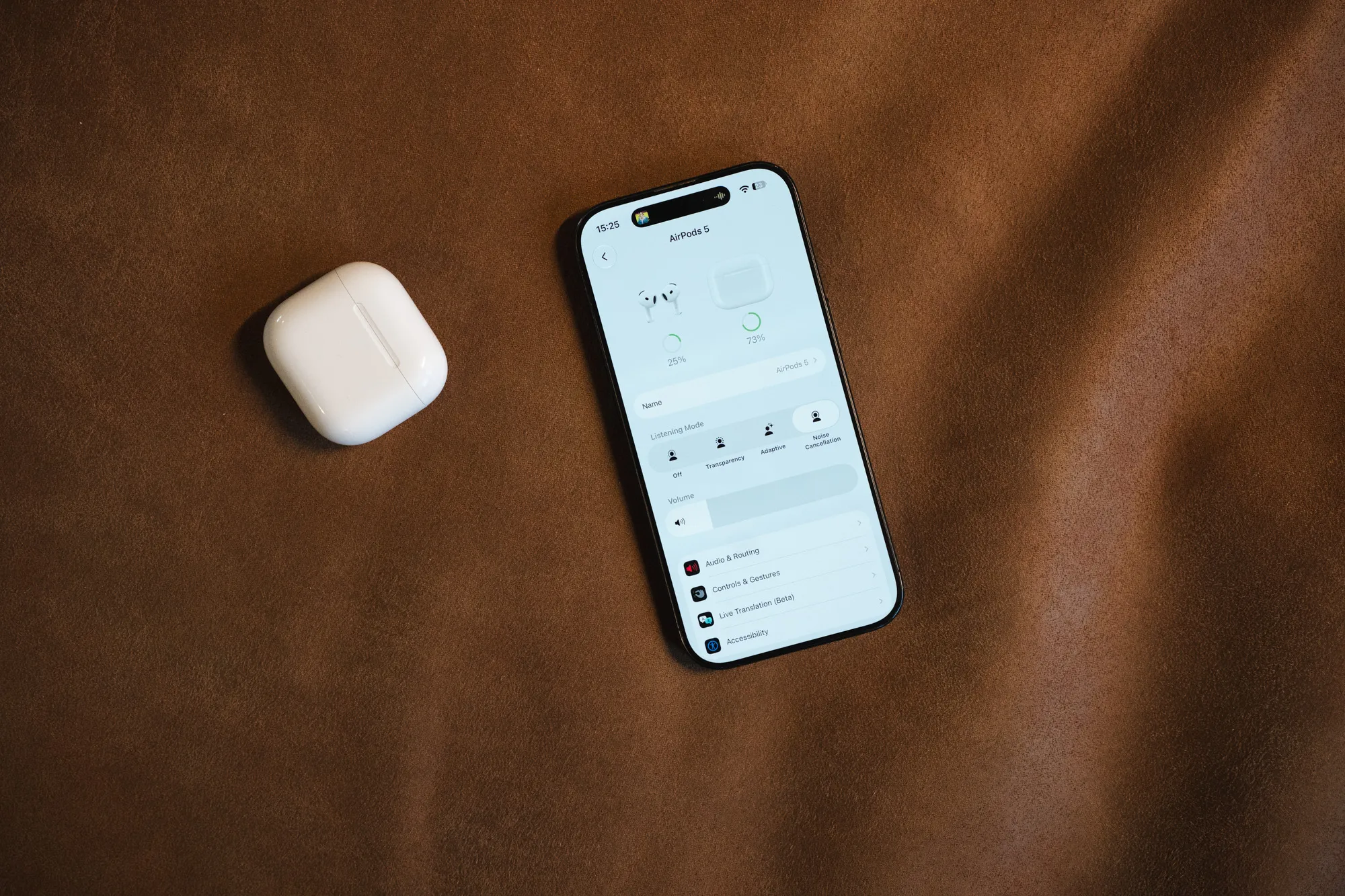 Everything is controlled from the settings on the iPhone. / Credit: kaytomas.com
Transparency mode I’ve tested on runs near or in traffic. It’s useful because it brings out important sounds from the environment around you, like cars passing or other important things. A clever feature when it matters to hear what’s going on around you.
Apple’s proprietary spatial audio with head tracking almost scared me when I tested it, because it works incredibly well! The sound gets an insanely good surround experience. I don’t quite know what kind of magic sauce they put in here, other than that they track head movements and the sound adapts to the rotation of your head, but it works! This doesn’t work from every app, but it does from Apple Music and Apple’s TV app, among others, with iPhone, iPad and Mac as the source.
Adaptive audio, on the other hand, I can’t get comfortable with, simply because I don’t like the volume going up or down on its own. The feature adjusts the volume based on the sound in your surroundings, typically turning it up if you’re standing in the kitchen and switch on a blender. Personally I’d rather turn the volume up and down as a deliberate action. But, I can understand that people who spend time in environments with varying noise levels could benefit from this.
Conversation awareness I’ve also tested. It lowers and pauses the audio if you start talking to someone, but the problem I’ve found is that if you don’t say anything for a while, you risk the music starting back up while the other person is still talking. I’d rather pause the audio deliberately with a squeeze on the stem. Or better still, take the earbuds out when I’m talking to someone.
They’re also IP57 rated, which means they should handle dust, sweat and water for “non water based activities”. So jogging in drizzle is fine, but they can’t be used for swimming.
A clever sleep feature
A feature I, as someone who sleeps with AirPods, really like is that they pause after you’ve fallen asleep. I suspected this was tied to the Apple Watch, until I stopped sleeping with the Apple Watch and it kept working.
Turns out AirPods analyze your movement pattern, and when they assume you’re asleep, the audiobook, music or podcast you’re listening to gets paused. This is a feature I really appreciate, because it makes it very easy to find your way back to where you were when you dozed off.
AirPods 5 with the wireless charging case, which let you control the volume with a finger on the stem, are also very useful for sleeping. Because you can easily dial in the perfect volume to float off into dreamland.
Who they’re for
Well, should you upgrade to these? That depends entirely on your needs, but I’ll try to put myself in the different situations here.
Do you have an early version of AirPods Pro that’s either on its last legs, or you dislike the silicone tip? Then you’re right in the target group.
Do you have AirPods 4 with active noise cancellation and you’re still happy with the battery life? Then you’re not in the target group at all. You don’t need AirPods 5, you (almost) already have them!
Do you have another pair of headphones you’re happy with? Then you don’t need AirPods 5 either. Enjoy what you have!
If, on the other hand, you have a wired headset, or an earlier generation of AirPods? Maybe version 3 or older? Well, then an upgrade is worth considering.
For my own part, I’ve used my AirPods 4 so much that I need a new pair with a fresh battery. My old AirPods 4 stick around as backup for the times they’re needed.
If you have Android or a Windows PC, you lose some of the functionality AirPods 5 offer. The sound, the microphone and the noise cancellation work, but most of the “smart” features only work with Apple products. AirPods 5 are regular Bluetooth earbuds, so they connect to Android and Windows without a problem. What disappears is the stuff that’s controlled from the iPhone and iCloud.
Alternatives for you on Android
Of course there are cheaper and good alternatives for those on Android phones. The most natural one to mention is the Galaxy Buds 4 (not Pro), without silicone tips and with active noise cancellation. These sell for a few hundred kroner less than AirPods 5 with the wireless charging case, and reportedly have better sound.
Another alternative is the JBL Tune Flex, with active noise cancellation and a full 32 hours of playtime. They come with both open and sealed tips, so you can choose whether they sit in the ear like AirPods or seal the ear canal with silicone tips like the Pro.
I haven’t tested either of the examples above.
Wrapping up and the dice roll
I’ve now used AirPods 5 for a little over a week, but the assessment also builds on two years of near constant use of AirPods 4 with active noise cancellation.
For someone with an iPhone and no wireless earbuds with active noise cancellation, AirPods 5 with the wireless charging case are an easy recommendation.
You could argue there isn’t enough new in AirPods 5 measured against the previous generation, but they’re both better and cheaper, and have a bit of new functionality.
On their own, AirPods 5 are an obvious buy, except if you’re coming from AirPods 4 with active noise cancellation.
These are earbuds I’m going to use every single day for the foreseeable future. This is an object I’ll always make sure is in my pocket when I leave the house, and might even turn around and go home to fetch if I’ve forgotten them.
A product I’ll sleep with in my ears, probably every single day for the next two years. That I’ll use to talk with friends and family, listen to podcasts and music when travelling, and that will be lying in my drawer the day the calendar says 2035.
AirPods 5 are a product I love, and always have with me. A product I use for many hours every single day and night. Still, they have a few weaknesses: little new since the previous generation, no cable in the box, a microphone that’s only fine, and an equalizer in iOS with just three bands.
I roll a 5 on the dice, even though they’re an obvious choice for anyone with an iPhone and I’m a big fan of them.
Disclaimer
AirPods 5 with the wireless charging case were bought with my own money. All opinions are my own. No affiliate links, no involvement from Apple.
